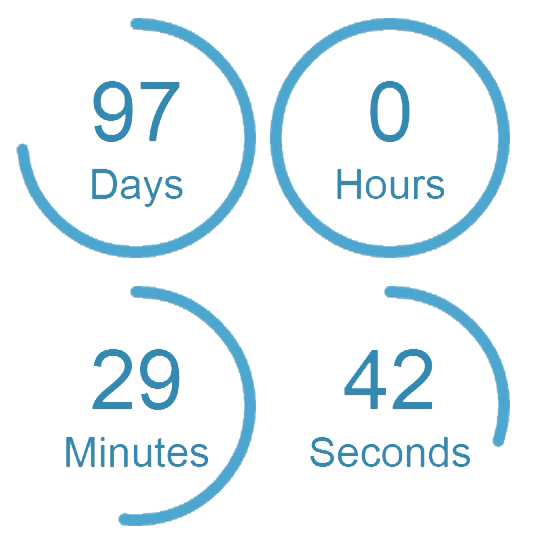
內容簡介
倒數計時插件
參考網站:http://www.flexostudio.com/
使用說明
1.進入管理員設置,需要輸入相應資料才能開始計時。生成代碼,並復制並粘貼到所需的位置即可完成。
或者
2.將以下代碼粘貼到您網頁代碼中,以顯示倒數計時器:
範例:
$con='[flexocounter endDate=”30.09.2011 10:30″ url=”http://google.com” header=”text” footer=”text”]’;
flexoCounter::the_content($con);
$con 可在管理員設置中生成
外掛標籤
開發者團隊
原文外掛簡介
Countdown Clock
see: http://www.flexostudio.com/
How to use
1.Going by the settings in the administration and data entry required to start the clock. Generate code and copy it and put the desired location and you’re done.
or
2. paste the following code to the desired location in the code of your page:
example:
$con='[flexocounter endDate=”30.09.2011 10:30″ url=”http://google.com” header=”text” footer=”text”]’;
flexoCounter::the_content($con);
$con generate in the administration too