
內容簡介
註:由 1.x 升級到 2.x 會自動停用此外掛,請前往您的「外掛」頁面並重新啟用。
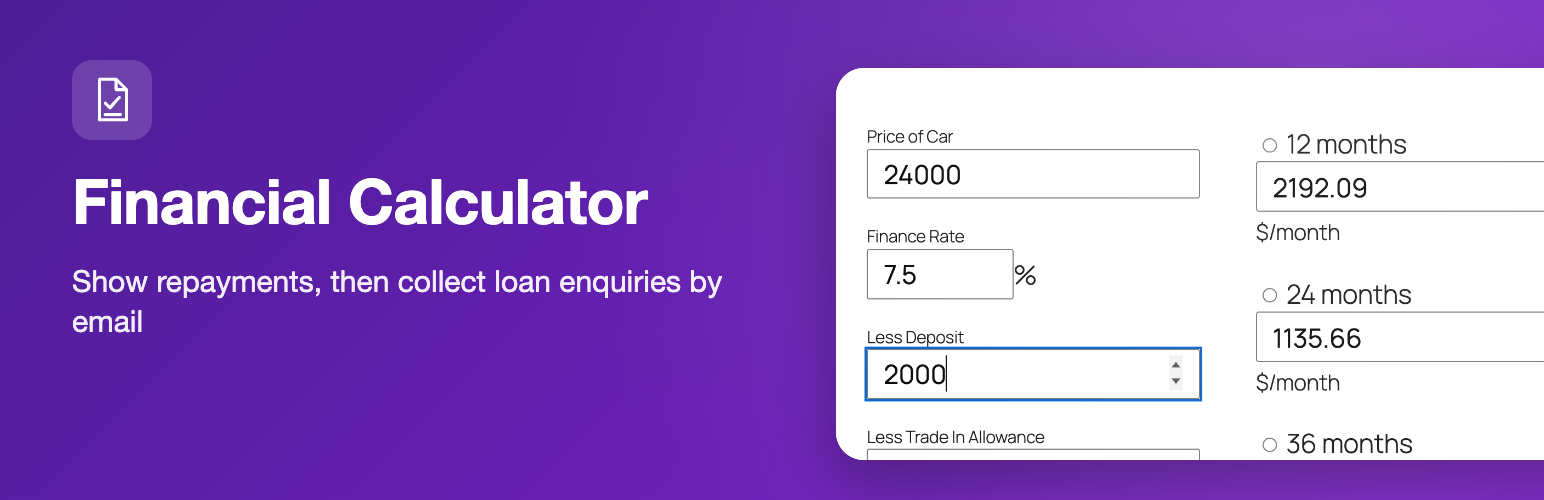
Finance Calculator 是一個嵌入式表單,用戶可以計算指示性的應還款項。它可以實現在頁面或文章中。它包含了一個即時的 AJAX 計算選項,在舊版瀏覽器上能優雅地降級並使用按鈕來計算應還款項。
此外掛還包括一份申請表,可以發送消息到指定的電郵地址。
這個計算器有支付保護功能,可以計算 12 到 60 個月的償還方式。
此外掛可用於汽車購買或支付、房地產和大型貸款的計算。
請查閱官方網站以獲得回饋和支援。
外掛標籤
開發者團隊
原文外掛簡介
The Financial Calculator plugin gives your visitors a loan calculator and a finance calculator that show indicative repayments instantly, without a page reload. Add an optional application form and they can send a finance enquiry to you straight from the same page. It suits car dealers, brokers, lenders and any site that offers loans or finance.
There are two calculators. Add them with the Financial Calculator block in the block editor (choose finance or loan in the block sidebar), or with a shortcode for each: a finance calculator for vehicle-style finance (price, deposit, trade-in, rate) and a loan calculator that offers a list of loan types and rates that you define.
Loan calculator features
Finance calculator: price, finance rate, deposit and trade-in allowance, with monthly payments shown for 12, 24, 36, 48, 60 and 72 months and the total cost of the credit
Loan calculator: choose a loan type, enter the loan amount and the repayment period in years, and see weekly, fortnightly and monthly payments, total repayment and total interest
Optional finance application form that is sent by email to the address you set
Settings page for the default finance rate, application email address, currency code and symbol, and the list of loan types and rates
Show or hide the application button
Shortcode attributes to override the rate or fix the price
Gutenberg block with a live preview, plus the [finance_calculator] and [loan_calculator] shortcodes
Calculates in the browser, so results appear immediately
How to add the loan calculator
In the block editor click the “+” button, search for “Financial Calculator” and add the block. In the block sidebar choose the finance calculator or the loan calculator and, if you like, set a rate and a fixed price. Or add one of the shortcodes to a page or post:
[finance_calculator]
[loan_calculator]
Override the default rate for one calculator, or fix the price:
[finance_calculator rate="9.9" price="16000"]
Use digits only in the price (16000, not 16,000). Then open the Finance Calculator settings page in the admin area to set the default rate, application email, currency and, for the loan calculator, the loan options in the format name|percentage,name|percentage, for example Motor Loan|7.9,Standard Loan|9.
Use cases
Car finance and dealership websites
Loan brokers, lenders and credit unions
Personal, motor and other loan enquiry pages
Blogs and comparison sites that want an indicative repayment calculator
Please note
The figures are indicative only and are not a loan offer.


