內容簡介
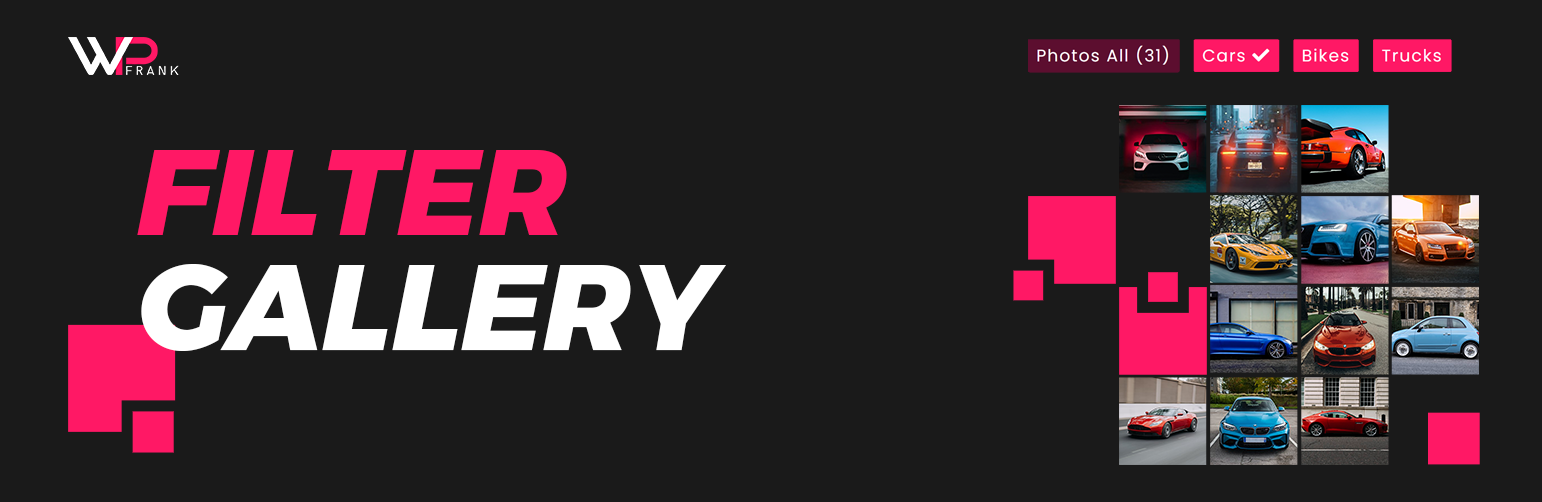
Filter Gallery 外掛讓您輕鬆在 WordPress 網站上創建美觀且有組織的圖片展示。無論是專業作品集、產品目錄或創意攝影相簿,此工具均可動態排序內容,無需重新載入頁面。
【主要功能】
• 無限制的畫廊與短碼
• 響應式欄位與磚石佈局
• 簡易拖放管理
• 標準燈箱覆蓋
• 類別過濾與控制
• 媒體樣式與自訂器
外掛標籤
開發者團隊
📦 歷史版本下載
原文外掛簡介
The Filter Gallery plugin makes it simple to create beautiful, organized image displays on your WordPress site. Whether you need a professional portfolio showcase, a product catalog, or a creative photography album, this tool lets you sort content dynamically without page reloads.
Check Free Version Demo: Filter Gallery
Check Pro Version Demo: Filter Gallery Pro
More About Pro: Filter Gallery Pro Features
Where To Buy: Buy Filter Gallery Pro
Video Tutorials
We designed this plugin to be intuitive and lightweight. You can upload images, assign them to categories (filters), and let your visitors browse your work seamlessly. The gallery automatically adapts to desktops, tablets, and mobile screens, ensuring a perfect viewing experience everywhere.
Key Features
Unlimited Galleries & Shortcodes: Create as many galleries as needed, using [filter-gallery] or [ufg] shortcodes.
Responsive Columns & Masonry Layouts: Adapts grid and display columns automatically to device viewports with Masonry support.
Easy Drag-and-Drop Management: Simple interface for ordering images (ID and manual sorting).
Standard Lightbox Overlay: Includes a built-in lightbox with title overlays.
Category Filtering & Controls: Set default loaded category, configure “All” button visibility, customize label, or assign custom icons.
Media Styling & Customizer: Adjust grid padding, border spacing, customize image titles and descriptions (with length limits) inside settings.
Speed Optimized: No frontend bloat, enqueued scripts without Bootstrap or FontAwesome.
Import/Export Dashboard: Migrate gallery layout configurations to other setups effortlessly.
Pro Version Features
Unlock the full potential of your portfolios with the Pro Version:
Deep Hierarchical Nested Filters: Create multi-level filter nesting categories (up to 5 levels).
Custom Redirect Links: Link gallery images directly to external or internal URLs with “Read More” button customizer.
Searchable Icons Picker: Assign FontAwesome icons easily to filter tags using a searchable selection picker.
Dynamic AJAX Loading: Speed up large portfolios with AJAX Asynchronous Pagination, AJAX Load More, and CSS preloaders.
Advanced Columns & Layouts: Fully customize grid columns (1 to 6) and enable Justified Grid layout options.
Category Styling & Colors: Dedicated level-by-level color pickers for category text, background, hovers, and active states.
Advanced Image Sorting: Sort images by Random shuffle, Title, ID, or manual drag-and-drop.
Customizable Lightbox: Show full media descriptions and slide index numbering in the modal.
15+ Hover Animations: Select from a premium list of hover transitions and zoom overlays.
Premium Utility Tools: Duplicate filters, bulk delete media, and priority customer support desk assistance.