
內容簡介
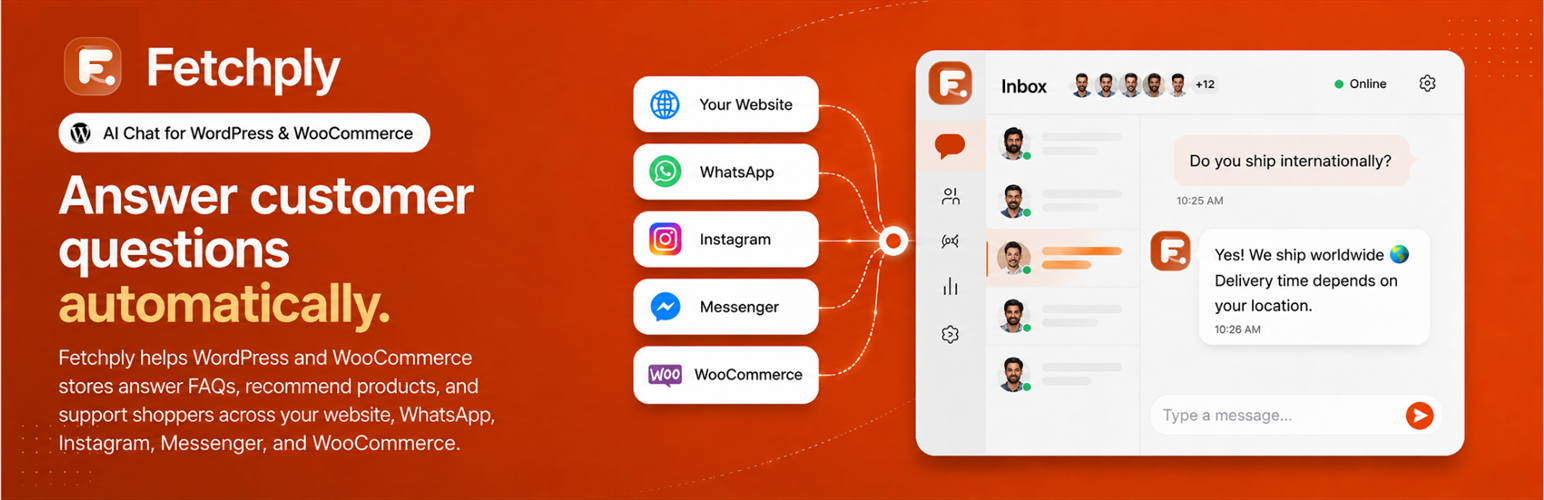
Fetchply 是一款 AI 聊天機器人和即時聊天外掛,能根據您的網站內容、頁面、檔案及問答自動回答訪客問題,提供全天候的客戶服務。
【主要功能】
• 在網站上放置聊天小工具
• 一鍵連接 Fetchply 帳號
• 可選擇連接 WooCommerce
• 訓練聊天機器人以回答問題
• 自訂小工具顏色及行為
• 查看對話並回覆訪客
外掛標籤
開發者團隊
② 後台搜尋「Fetchply – AI Chatbot and Live Chat」→ 直接安裝(推薦)
原文外掛簡介
Fetchply builds an AI chat agent from your own content, your pages, your files, and your Q&A, so it answers visitor questions in your words, around the clock.
This plugin is the WordPress half of that. It stays deliberately small and does three things:
Puts the chat widget on your site. Connect an agent and the widget appears for visitors. No theme edits, no script tags to paste.
Connects your site in one click. Sign in at fetchply.com, pick your agent, done. No API keys to copy between screens.
Connects WooCommerce, optionally. Approve read-only access on WooCommerce’s own screen and your agent can answer product and order questions.
Managed from your Fetchply dashboard
Everything beyond the widget lives in your dashboard, and the plugin links straight to each page:
Train your agent on pages, files, and Q&A pairs.
Customize the widget colors, greeting, and chat behavior.
Inbox to read conversations and reply as your team.
Analytics for top questions and trends.
What you save there applies to your site automatically.
What the plugin stores on your site
Very little, on purpose: which agent is connected, its name, whether the widget is showing, and the date you approved WooCommerce access. The plugin stores no API keys or passwords. Deleting it removes all four values.
Requirements
A Fetchply account. A free plan is available, and you can create the account during the connect step.
WordPress 6.3 or newer, and PHP 7.4 or newer.
WooCommerce is optional, and only needed for product and order answers.
External services
This plugin relies on Fetchply (fetchply.com), the service that runs your chat agent. It cannot work without it.
Chat widget. Once your site is connected and the widget is on, public pages load the widget script from fetchply.com, and a visitor’s messages are sent to Fetchply to generate replies. While the widget is off, or before you connect, the script is not loaded at all.
Connecting your site. Clicking Connect to Fetchply takes you to fetchply.com to sign in and choose an agent. Your site address, the admin page to return to, and a one-time verification code are included so the connection can be matched back to your site. Nothing is sent before you click Connect.
WooCommerce (optional). If you approve the request on WooCommerce’s own screen, WooCommerce sends read-only API keys to Fetchply so your agent can look up products and orders. You can revoke that access at any time.
Terms and privacy: terms of service, privacy policy.














