外掛標籤
開發者團隊
原文外掛簡介
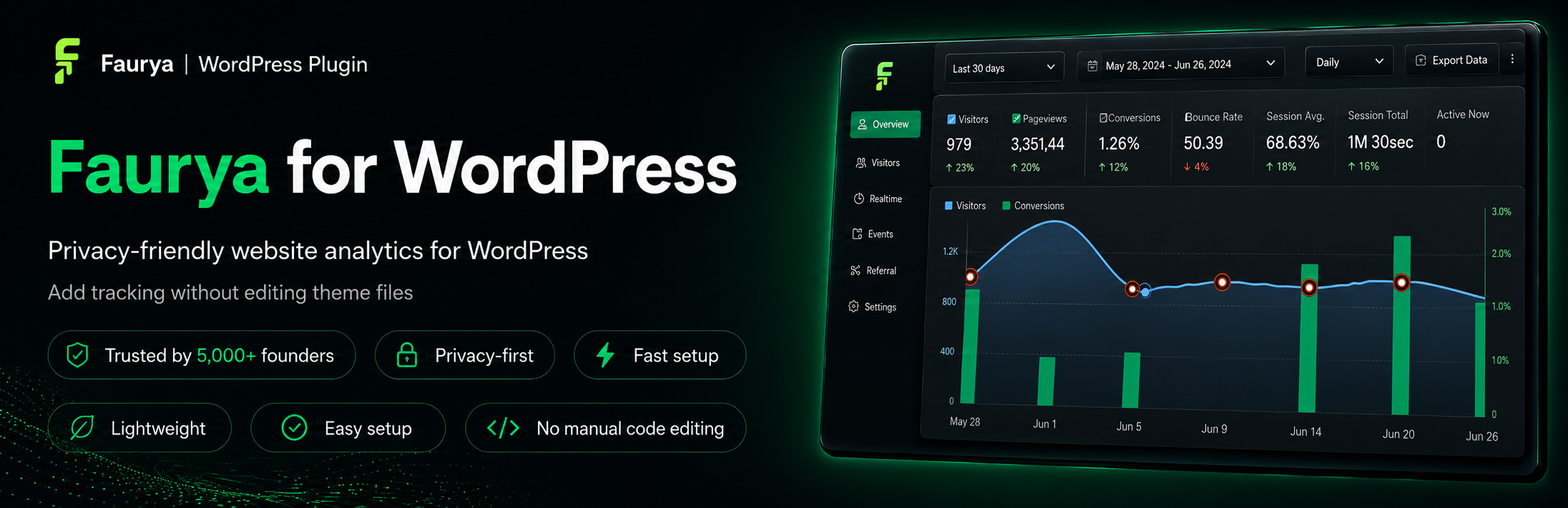
Faurya is a lightweight, privacy-friendly website analytics plugin for WordPress. It helps site owners add Faurya analytics to their WordPress site without manually editing theme files, so setup stays simple and tracking can be managed from one place.
To use the plugin, connect your WordPress site with your Faurya API key. The API key is available inside your Faurya dashboard under the Site Settings tab. Once connected, the plugin adds the Faurya tracking script to your public WordPress pages using WordPress’ standard script loading system.
This plugin acts as a connector for the Faurya analytics service. A Faurya account and site are required to use the tracking features.
Learn more about the WordPress integration at https://www.faurya.com/integrations/wordpress.
Features
Lightweight WordPress integration for Faurya analytics.
Adds the Faurya tracking script without manual theme editing.
Easy setup using your Faurya API key.
API key available from the Faurya Site Settings tab.
Connection status shown directly in WordPress admin.
Refresh and disconnect actions from the plugin settings screen.
Remote disconnect support from Faurya when available.
Keeps visitor analytics out of the WordPress database.
Clean uninstall removes stored Faurya connection settings.
How it works
Create or open your site in Faurya.
Open the Site Settings tab in Faurya.
Copy your Faurya API key.
Open Settings -> Faurya in WordPress.
Paste the API key and connect the site.
Faurya tracking is added to your public WordPress pages.
Useful links
WordPress integration: https://www.faurya.com/integrations/wordpress
Privacy Policy: https://www.faurya.com/privacy-policy
Terms of Service: https://www.faurya.com/terms-of-services
Data Processing Agreement: https://www.faurya.com/data-processing-agreement
Privacy
This plugin connects your WordPress site to the external Faurya analytics service at https://www.faurya.com. No connection request is made until a site administrator enters the Faurya API key and submits the settings form.
During setup and status checks, the plugin may send your WordPress site URL, Faurya API key, and plugin version to Faurya. After connection, the Faurya tracking script may collect website analytics according to your Faurya account configuration and Faurya service terms.
Please review the Faurya Privacy Policy, Terms of Service, and Data Processing Agreement for details about how Faurya handles data.
Support
For plugin support, use the WordPress.org support forum for Faurya. For questions about your Faurya account, site setup, or analytics data, contact Faurya directly.