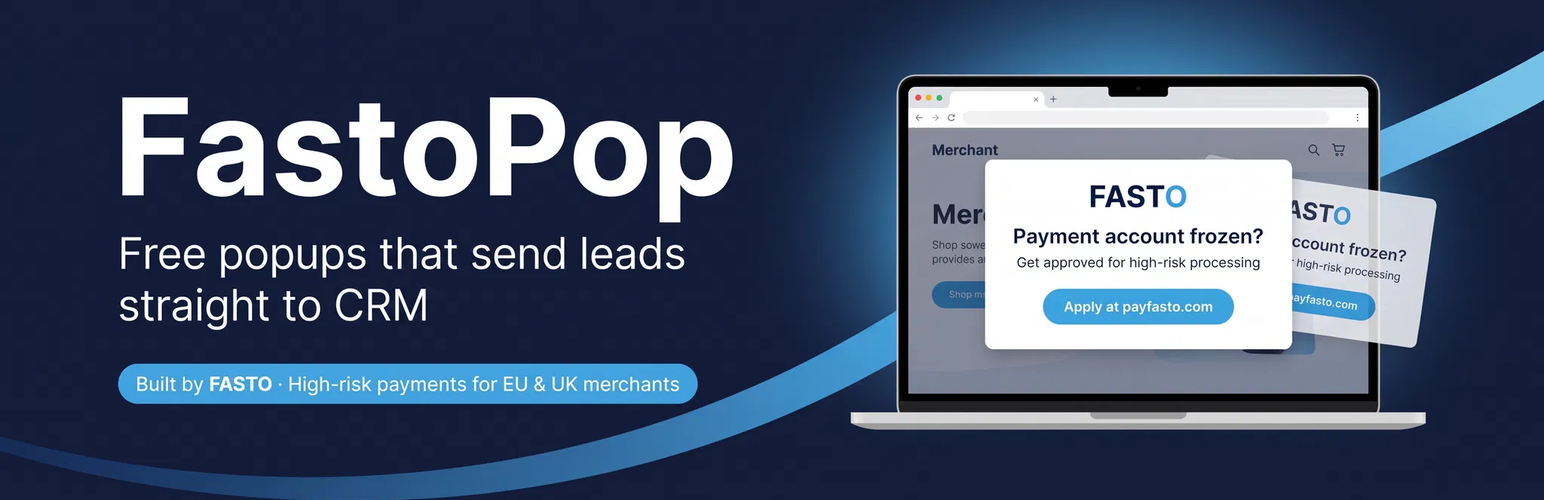
內容簡介
FastoPop 是一款免費的彈出視窗及網站工具包,專為高風險商家(如成人、賭博、CBD、電子煙、營養補充品、加密貨幣)設計。它提供多種觸發類型的彈出視窗引擎、固定的頂部和底部條、流量來源目標設定、A/B 測試、年齡驗證門檻及模板庫,並支援潛在客戶捕捉及 HubSpot 轉發。
【主要功能】
• 多種彈出視窗觸發類型
• 固定頂部和底部條
• 流量來源目標設定
• A/B 測試功能
• 年齡驗證門檻
• 模板庫包含防止退款模板
外掛標籤
開發者團隊
原文外掛簡介
FastoPop is a free popup and site toolkit purpose-built for high-risk merchants (adult, gambling, CBD, vape, nutra, crypto). It includes a popup engine with multiple trigger types, sticky top and bottom bars, traffic source targeting, A/B testing, an age verification gate, a template library (including a chargeback prevention template), and lead capture with optional HubSpot forwarding.
Sticky bars
Any standard popup can be shown as a modal, a top bar or a bottom bar. Bars are full-width strips that stay put while visitors scroll, with no backdrop and no scroll lock. They sit below the WordPress admin bar for logged-in users, can push page content aside or overlay it, wrap cleanly on phones, and always have a keyboard-accessible close button (Escape closes them too). Once a visitor closes a bar, it stays closed according to the popup’s frequency setting, and no other bar takes its place on that edge for the rest of the session. At most one top bar and one bottom bar show per page, picked by priority; a bar and a modal can show together.
The template gallery has a Bars category with an announcement bar, a call-to-action bar and an email capture bar (with GDPR consent, working through the normal lead capture and HubSpot flow). Custom HTML bars get a short guide and a ready-made AI prompt.
Traffic source targeting
Show any standard popup or bar only to visitors from particular sources: referrer domain (subdomains included, e.g. reddit.com covers old.reddit.com), UTM parameters, any query parameter (e.g. ref=partner123) or direct traffic. Rules can include or exclude, match any or all, and presets add the usual domains for Reddit, LinkedIn, X, Facebook and Google in one click.
The source is recorded when the visitor arrives and kept while they browse, so rules keep matching on later pages. Arriving again with new UTM tags or from another website replaces it, the way analytics tools start a new campaign session. Rules are evaluated in the browser, so full-page caching keeps working. Each lead stores the referrer domain and UTM tags it came with; they appear in the Leads list and CSV export and, when your HubSpot form has hidden fields named utm_source, utm_medium, utm_campaign, utm_content and utm_term, they are passed to HubSpot as well.
Note that some apps and browsers do not send a referrer (for example many in-app browsers), so such visits look like direct traffic. UTM tags on your links are the most reliable signal.
Cookies, consent and browser storage
fastopop_source (sessionStorage, this browser tab’s session only): the traffic source of the current visit — referrer domain, utm_ tags and any query parameters your rules ask about. Nothing else from the URL is stored.
fastopop_src (first-party cookie, up to the number of days you set per popup): the last non-direct traffic source, used only by popups set to “Remember the traffic source for N days”. When the WP Consent API is active (for example with Complianz or CookieYes), this cookie is written only after the visitor consents to marketing or statistics cookies, is written as soon as they do, and is removed if they withdraw consent. Without consent, FastoPop uses sessionStorage only. The cookie is registered with the WP Consent API so consent plugins can list it. If no consent plugin is active, it is written as configured.
fastopop_bar_{id} and fastopop_bar_edge_{position} (first-party cookies, or browser storage if you choose localStorage for a bar): remember that a visitor closed a bar.
External services
FastoPop connects to third party services in two cases. Both are optional. Neither runs unless you turn it on or submit a form.
HubSpot
FastoPop can forward captured leads to HubSpot. This happens only if you enable the HubSpot integration and enter a Portal ID and Form GUID on the FastoPop Integrations screen.
When a visitor submits a popup form, FastoPop sends that lead to the HubSpot Forms Submissions API. The data sent is the visitor’s email address, their name if the form collects one, the page URL, the page title, the HubSpot tracking cookie (hutk) if it is present in the browser, the visitor’s IP address, and the UTM tags (utm_source, utm_medium, utm_campaign, utm_content, utm_term) the visitor arrived with. UTM tags are sent only to forms that have matching hidden fields: if HubSpot reports a field is not on the form, FastoPop resends the lead without it and skips that field for that form for the next 7 days. When you use the “Send test submission” button on the Integrations screen, a single test lead with the address [email protected] is sent in the same way.
The IP address is sent to HubSpot so their form analytics and regional reporting work; HubSpot warns on submissions that arrive without one. Note that FastoPop does not store raw IP addresses in your own database — locally it keeps only a salted, irreversible hash used for rate limiting. The raw IP is transmitted to HubSpot only, and only when the HubSpot integration is enabled.
If you turn on “Send GDPR consent with submissions” on the Integrations screen, FastoPop additionally sends the visitor’s consent as a legal basis: a consent-to-process flag, the consent text you configure, the HubSpot subscription type ID you configure, and a marketing communications opt-in with its text. This is sent only when the popup form presented an explicit consent checkbox and the visitor ticked it. If a popup uses custom HTML with no consent checkbox, no consent is transmitted for that submission — FastoPop never reports consent that a visitor did not actively give.
Requests are sent to HubSpot at https://api.hsforms.com. For EU portals, FastoPop falls back to https://api-eu1.hubapi.com. Nothing is sent to HubSpot until you enable and configure the integration.
HubSpot is provided by HubSpot, Inc. Please review their policies before you enable this integration:
HubSpot Terms of Service: https://legal.hubspot.com/terms-of-service
HubSpot Privacy Policy: https://legal.hubspot.com/privacy-policy
Integration request email
The Integrations screen has a “Request an integration” form. It is optional. When you submit it, FastoPop emails your request to the plugin author at [email protected].
The email contains the software name and description you type, your site URL, your admin email address, and the date and time of the request. It is sent through your own site’s email system. Nothing is sent unless you submit the form.