內容簡介
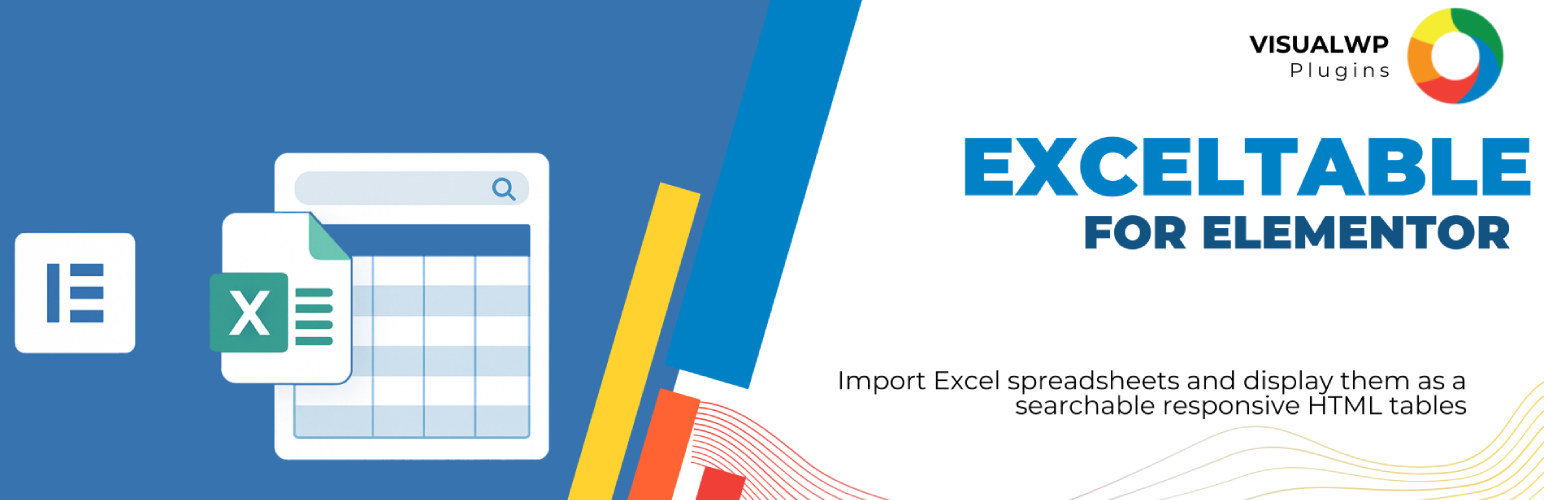
總結:這個WordPress外掛可輕鬆將Excel試算表匯入並直接在Elementor頁面中以響應式HTML表格展示。使用這個Elementor小工具,您可以上傳.xlsx檔案、預覽資料,並插入整潔、樣式化的表格,完全無需編碼。非常適合製作產品清單、時間表、報告等。
問題與答案:
1. 如何使用這個外掛?
- 可以直接上傳並導入.xlsx Excel檔案到Elementor。
2. 這個外掛如何將試算表資料轉換為HTML表格?
- 它可以立即將試算表資料轉換為響應式HTML表格。
3. 可以如何自訂表格樣式?
- 您可以使用Elementor的原生設計控制來自訂表格樣式。
4. 這個外掛支援大型數據集嗎?
- 是的,它支援大數據集,並具有關鍵字搜索功能。
5. 是否需要編碼才能使用這個外掛?
- 不需要編碼,完全支援拖放操作,並且使用起來非常用戶友好。
外掛標籤
開發者團隊
原文外掛簡介
Easily import Excel spreadsheets and display them as responsive HTML tables directly in your Elementor pages. This Elementor widget lets you upload .xlsx files, preview the data, and insert clean, styled tables without any coding. Perfect for product lists, schedules, reports, and more.
Features:
Upload and import .xlsx Excel files directly into Elementor.
Instantly convert spreadsheet data into responsive HTML tables.
Customize table styles using Elementor’s native design controls.
Supports large datasets with keyword search.
No coding required – fully drag-and-drop and user-friendly.
Third-Party Resources
This plugin bundles and utilizes the following open-source library:
PhpOffice/PhpSpreadsheet
Description: A pure PHP library for reading and writing spreadsheet files.
Homepage: https://phpspreadsheet.readthedocs.io/en/latest/
License: MIT License
License URI: https://github.com/PHPOffice/PhpSpreadsheet/blob/master/LICENSE
Copyright: Copyright (c) PhpOffice
Support
For support and feature requests, please visit https://sightfactory.com