
[WordPress] 外掛分享: Erident Custom Login and Dashboard

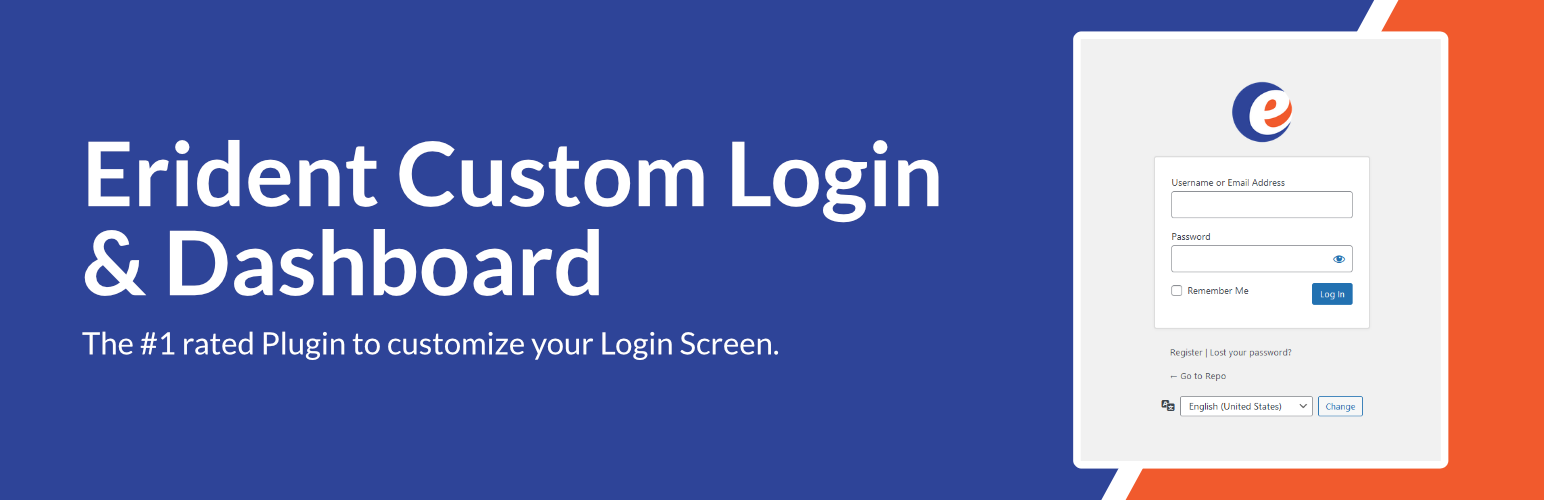
WordPress 外掛 Erident Custom Login and Dashboard 的封面圖片。

前言介紹

  • 這款 WordPress 外掛「Erident Custom Login and Dashboard」是 2012-07-26 上架。
  • 目前有 10000 個安裝啟用數。
  • 上一次更新是 2023-11-30,距離現在已有 519 天。超過一年沒更新,安裝要確認版本是否可用。以及後續維護問題!
  • 外掛最低要求 WordPress 3.0.0 以上版本才可以安裝。
  • 外掛要求網站主機運作至少需要 PHP 版本 5.6 以上。
  • 有 150 人給過評分。
  • 還沒有人在論壇上發問,可能目前使用數不多,還沒有什麼大問題。

外掛協作開發者

libinvbabu | davidvongries |

外掛標籤

admin | login | customise | dashboard | customisation |

內容簡介

注意:Erident自訂登入與儀表板現已更名為Ultimate Dashboard。請安裝Ultimate Dashboard。

如果您是Erident外掛的現有使用者,您可以透過WordPress管理儀表板中的1次點擊遷移功能安全地從Erident轉移至Ultimate Dashboard。

重要!請確保您已安裝最新版本的Erident外掛(版本4.2)再進行1次點擊遷移。最新版本修正了早期問題,非管理員使用者也能啟動遷移程序的問題,而這可能無法成功安裝Ultimate Dashboard。如果您已經有這個問題,請手動安裝Ultimate Dashboard。您的資料已經成功遷移。

Erident自訂登入與儀表板是定制WordPress登入畫面評價#1的外掛。這是一種絕佳且簡約的方式,可讓您完全自訂WordPress登入頁面的幾乎所有方面。

只需點擊幾下即可建立自訂的WordPress登入頁面!所有定制WordPress登入的設定都位於「設定」>「自訂登入與儀表板」下。

功能

以下是Erident自訂登入與儀表板提供的部分功能清單:

新增自訂標誌和標誌URL
變更登入頁面背景色彩
新增登入畫面背景影像
完全自訂WordPress登入表單
從WordPress登入頁面移除頁尾連結
更改WordPress頁尾文字
更改WordPress版本文字
匯入/匯出功能
等等!

接下來呢?

如果您喜歡Erident自訂登入與儀表板,請務必查看我們的其他產品:

Ultimate Dashboard-定制您的WordPress儀表板和管理區域的#1 WordPress外掛。
Page Builder Framework-針對新的WordPress時代設計的快速簡約主題。
Better Admin Bar-可取代預設的管理員工具列,提供編輯和導覽網站時最佳的使用者體驗的外掛。

原文外掛簡介

Caution: Erident Custom Login and Dashboard is now Ultimate Dashboard. Please install Ultimate Dashboard instead.
If you are an existing user of the Erident plugin you will be greeted with a 1-click migration to safely migrate from Erident to Ultimate Dashboard from your WordPress admin dashboard.
IMPORTANT! Please make sure you have the latest version of the Erident plugin (4.2 or above) installed before running the 1-click migration. The latest version fixes an earlier issue where non-admins were able to trigger the migration process which failed to install Ultimate Dashboard. If that’s been the case for you, please install Ultimate Dashboard manually. Your data was already migrated successfully.
Erident Custom Login and Dashboard is the rated Plugin to customize the WordPress Login Screen. It’s a clean & minimalist way for you to fully customize almost all aspects of the WordPress Login Page.
Create a custom WordPress login page with just a few clicks! All the settings to customize the WordPress login are located under Settings > Custom Login & Dashboard.
Features
Here is a list of some of the features available in Erident Custom Login & Dashboard:

Add a custom Logo & Logo URL
Change the Login Page Background Color
Add a Background Image to your Login Screen
Completely customize the WordPress Login Form
Remove Footer links from the WordPress Login Page
Change the WordPress Footer Text
Change the WordPress Version Text
Import/Export Feature
& much more!

What’s next?
If you like Erident Custom Login and Dashboard, make sure to check out our other products:

Ultimate Dashboard – The WordPress plugin to customize your WordPress dashboard and admin area.
Page Builder Framework – A fast & minimalistic WordPress theme designed for the new WordPress era.
Better Admin Bar – The plugin to make your clients enjoy WordPress. It replaces the default admin bar to provide the best possible user experience when editing & navigating a website.

各版本下載點

  • 方法一:點下方版本號的連結下載 ZIP 檔案後,登入網站後台左側選單「外掛」的「安裝外掛」,然後選擇上方的「上傳外掛」,把下載回去的 ZIP 外掛打包檔案上傳上去安裝與啟用。
  • 方法二:透過「安裝外掛」的畫面右方搜尋功能,搜尋外掛名稱「Erident Custom Login and Dashboard」來進行安裝。

(建議使用方法二,確保安裝的版本符合當前運作的 WordPress 環境。


1.0 | 1.1 | 1.2 | 1.3 | 1.5 | 3.0 | 3.1 | 3.2 | 3.3 | 3.4 | 3.5 | 4.0 | 4.1 | 4.2 | 4.3 | 1.5.1 | 2.0.0 | 2.0.1 | 2.1.0 | 2.1.1 | 2.2.0 | 2.2.1 | 2.3.0 | 2.3.1 | 3.3.1 | 3.4.1 | 3.5.1 | 3.5.2 | 3.5.3 | 3.5.4 | 3.5.5 | 3.5.6 | 3.5.7 | 3.5.8 | 3.5.9 | 4.0.1 | 4.1.1 | trunk |

延伸相關外掛(你可能也想知道)

  • WPS Hide Login 》中文, WPS Hide Login 是一個非常輕量的外掛,讓您輕鬆且安全地更改登入表單頁面的網址。它不會真正地重命名或更改核心檔案,也不會添加重寫規則。它只是攔截...。
  • Security Optimizer – The All-In-One Protection Plugin 》透過精心挑選且易於配置的功能,SiteGround Security 外掛提供了您所需的一切來保護您的網站並預防多種威脅,例如暴力破解攻擊、登錄錯誤、資料外洩等等。, ...。
  • Loginizer 》Loginizer 是一個 WordPress 外掛,可幫助您對抗暴力攻擊,當 IP 地址達到最大重試次數時,該外掛會阻止其登錄。您可以使用 Loginizer 將 IP 地址列入黑名單...。
  • Limit Login Attempts 》此外掛可限制正常登入及使用驗證 cookies 登入的次數。, WordPress 預設允許使用者無限次數嘗試登入,無論是透過登入頁面或是傳送特殊 cookies 皆可。這讓密...。
  • LoginPress | wp-login Custom Login Page Customizer 》LoginPress 外掛提供了很多自訂欄位,可以更改 WordPress 登入頁面的版面配置。您可以完全修改登入頁面的外觀和感覺,即使是登入錯誤訊息、忘記密碼錯誤訊息...。
  • WPS Limit Login 》繁體中文, 限制通過登錄頁面和使用權限Cookie可能的登錄嘗試次數。, WordPress 默認情況下允許通過登錄頁面或發送特殊 Cookie 的方式進行無限制的登錄嘗試。...。
  • Login Lockdown & Protection 》Login LockDown 記錄每次失敗的登入嘗試的 IP 位址和時間戳記。如果在短時間內來自相同 IP 範圍的嘗試次數超過一定數量,那麼該 IP 位址的所有登入請求都會被...。
  • WP Ghost (Hide My WP Ghost) – Security & Firewall 》Hide My WP Ghost 是一個 WordPress 安全外掛,透過強大且易於使用的功能,提供最佳的安全解決方案。它可以在不改變任何目錄或檔案的情況下,將網站的安全性...。
  • Custom Login Page Customizer 》Custom Login Page Customizer 外掛可讓您輕鬆地從 WordPress Customizer 自訂您的登入頁面!在儲存之前,您可以預覽自訂的登入頁面變更!太棒了,對吧?, , ...。
  • All In One Login — WordPress Login Security Plugin to Protect and Customize WP Admin 》Change wp-admin login 是一個輕量級的外掛程式,可讓您輕鬆且安全地更改 wp-admin,讓它變成您想要的東西。它不會重新命名或更改核心檔案,只是攔截頁面請求...。
  • WP fail2ban – Advanced Security 》Fail2ban是您可以實施來保護 WordPress 網站的最簡單和最有效的安全措施之一。, WP fail2ban 提供 WordPress 與 fail2ban 之間的連接:, Oct 17 20:59:54 foo...。
  • Theme My Login 》曾經希望您的 WordPress 登入頁面與網站的其餘部分相匹配嗎?現在您的願望成真了!「Theme My Login」讓您可以繞過預設的 WordPress 標誌登入頁面,該頁面與...。
  • Login No Captcha reCAPTCHA 》此外掛新增了 Google 無人類驗證功能的勾選框,可應用於您的 WordPress 和 Woocommerce 登錄、忘記密碼及使用者註冊頁面,讓人類使用者輕鬆透過勾選框登入,...。
  • WP-Members Membership Plugin 》8211; allows you to restrict file downloads to registered users only, with customizable download links., MailChimp Integration – integrates W...。
  • WP Hide & Security Enhancer 》WP-Hide 推出了最簡單的方法,完全隱藏 WordPress 核心文件、登錄頁面、佈景主題和外掛程式的路徑,使其不會顯示在前端,這是 Site Security 的一個巨大改進...。

文章
Filter
Apply Filters
Mastodon









