外掛標籤
開發者團隊
原文外掛簡介
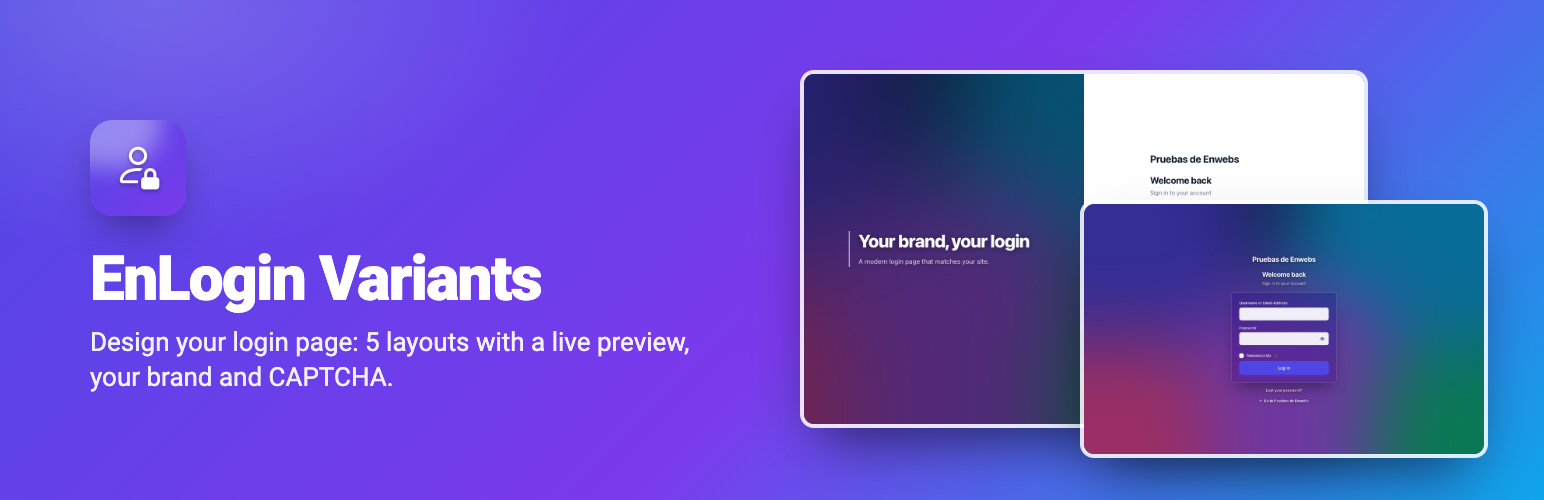
EnLogin Variants is a visual designer for the WordPress login page. Pick a layout, add your brand and see every change on your real login page while you edit. It restyles the standard page instead of replacing it, so registration, lost password and two-factor plugins keep working.
5 login designs
Card – centered form on a soft background or your image.
Split screen – brand panel with title and text, form on the side.
Glass – frosted-glass form over a full-screen image.
Sidebar – full-height form column next to a large image.
Dark – dark interface with your accent color.
Customize colors, background image (with darkening), logo and its size, font, rounded corners, title, subtitle, panel texts and footer. Every change is shown instantly in a live preview of your real login page. The same design is used for registration, lost password and reset password pages. One switch turns the design on or off.
CAPTCHA
Protect the login, registration and lost password forms with Cloudflare Turnstile, Google reCAPTCHA v2 (checkbox) or Google reCAPTCHA v3 (invisible). Tokens are verified on your server. Nothing is enforced until both keys are saved, and one line in wp-config.php disables it in an emergency.
Optional: custom login URL
If you want, move the login page to an address only you know (for example /my-access/). Visitors who are not logged in get a 404 page (or the home page) at wp-login.php and wp-admin. All login, logout, lost password and email links are updated automatically. If you forget the address, one line in wp-config.php disables the feature.
Works with WordPress, not against it
The standard login page is restyled, not replaced: registration, lost password, error messages, the language selector and two-factor authentication plugins keep working.
No fonts or styles loaded from external servers.
Translation ready: translate it on translate.wordpress.org or with Loco Translate.
External services
This plugin only connects to the services below, and only when you enable them in its settings.
Cloudflare Turnstile (when selected as CAPTCHA)
Used to tell humans and bots apart on the login, registration and lost password forms. The login page loads Cloudflare’s script, which collects browser signals in the visitor’s browser; when the form is sent, your server sends the resulting token, your secret key and the visitor’s IP address to Cloudflare to verify it.
Terms: https://www.cloudflare.com/website-terms/ – Privacy: https://www.cloudflare.com/privacypolicy/
Google reCAPTCHA (when reCAPTCHA v2 or v3 is selected as CAPTCHA)
Same purpose and flow as above, with Google’s script and verification service.
Terms: https://policies.google.com/terms – Privacy: https://policies.google.com/privacy