內容簡介
EngagePop 是一款在 WordPress 中運行的彈出式建構器,能夠創建各種彈出窗口,並直接收集電子郵件地址到您的資料庫中。無需註冊帳戶,且無限制建構彈出窗口,完全免費且本地運行。
【主要功能】
• 三種佈局選擇:中心彈窗、角落滑入、全寬公告條
• 多種觸發條件:頁面加載、延遲後、滾動百分比或退出意圖
• 精確目標設定:整個網站、特定文章類型或網址片段
• 電子郵件捕捉:地址儲存於 WordPress 資料庫,隨時可匯出
• 設計控制:顏色、圓角、寬度、圖像及圖示選項
• 內建統計:每個彈出窗口的瀏覽、點擊及註冊數據
外掛標籤
開發者團隊
原文外掛簡介
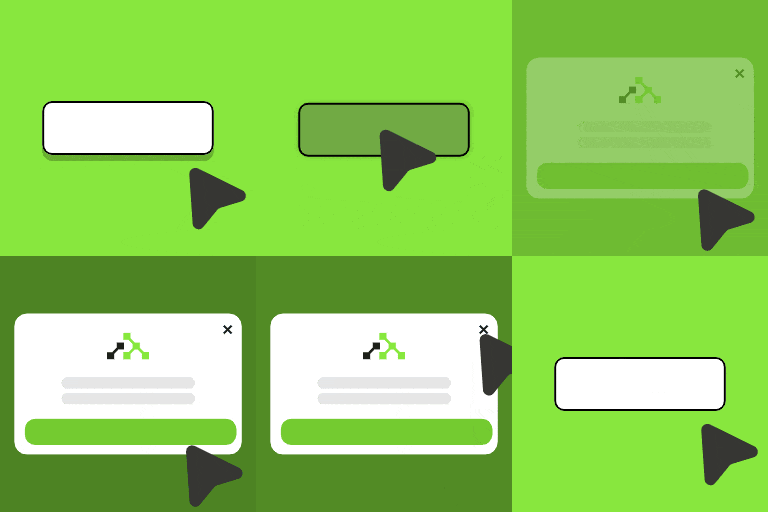
EngagePop is a popup builder that runs inside WordPress. Create a modal, a corner slide-in or a full-width announcement bar, choose when and where it appears, and collect email addresses straight into your own database.
No account is needed for any of that, and there is no limit on how many popups you build.
Free, and entirely local
Three layouts — centre modal, corner slide-in, top or bottom bar.
Triggers — on page load, after a delay, after scrolling a set percentage, or on exit intent.
Targeting — the whole site, the front page, chosen post types, specific post IDs, or any URL fragment. Plus an exclude list, logged-in/logged-out audiences, desktop/mobile, and an optional start and end date.
Email capture — addresses are stored in your WordPress database and exported as CSV whenever you want. Nothing is transmitted anywhere.
Design controls — colours, corner rounding, width, image, icon, and an optional consent checkbox for GDPR.
Built-in stats — views, clicks and signups per popup, counted on your own site.
Live preview — the builder previews your popup with the exact stylesheet visitors get.
This half of the plugin makes no external requests at all. Deactivate your internet connection and it still works.
Guides: Building popups inside WordPress · When and where your popup appears · Collecting subscribers
Optional: connect an EngagePop account
Some things a single WordPress site genuinely cannot do on its own. Those live on EngagePop and need an account:
Web push notifications — reach people after they have left your site.
Social-proof toasts and live-visitor counters — “Riya from Mumbai just purchased…”.
On-site notification feed with a bell icon.
A/B testing, audience segments and campaigns shared across several sites.
Connecting is one click from the plugin’s Settings tab: you log in on engagepop.com, approve, and land back in wp-admin. The plugin stores only your site’s public key — no API keys to copy, no WordPress credentials ever leave your site. If you never connect, nothing in the free half changes.
External services
The free popup builder makes no external requests. Popup settings, rendering and captured email addresses stay entirely within your WordPress installation.
The optional account connection uses EngagePop (https://engagepop.com), and only after you explicitly click “Connect to EngagePop”:
api.engagepop.com — during connection, your WordPress server exchanges a one-time code for your site’s public key. It is also used when you publish an announcement or a push notification from the Broadcast screen; the title, message and link you type are sent so EngagePop can deliver them.
cdn.engagepop.com — once connected, your public pages load the EngagePop widget script, which delivers web push prompts, social proof and dashboard campaigns.
Visitor interactions with those EngagePop features (impressions, form submissions, push subscriptions) are processed by EngagePop.
Terms of service: https://engagepop.com/terms
Privacy policy: https://engagepop.com/privacy
Disconnecting on the Settings tab stops all of the above immediately. Your local popups and stored subscribers are unaffected.