內容簡介
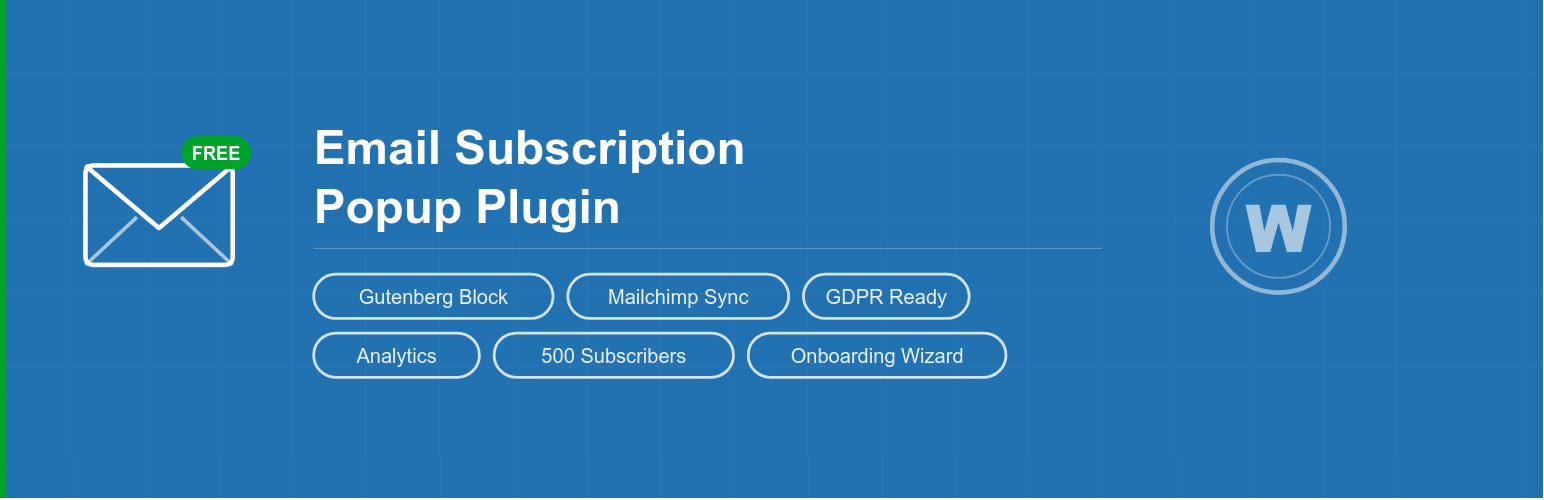
Email Subscription Popup 是一款簡單易用的 WordPress 外掛,幫助用戶快速增長電子郵件訂閱名單。它提供美觀的彈出式訂閱表單,並可與 Mailchimp 自動同步新訂閱者,讓用戶輕鬆管理電子報訂閱。
【主要功能】
• 美觀的彈出式訂閱表單
• Gutenberg 區塊支援,輕鬆嵌入
• Mailchimp 自動同步新訂閱者
• GDPR 合規的同意選項
• 基本分析功能,追蹤訂閱者增長
• 訂閱者管理與匯出功能
外掛標籤
開發者團隊
② 後台搜尋「Email Subscription Popup — Newsletter & GDPR Consent」→ 直接安裝(推薦)
📦 歷史版本下載
原文外掛簡介
Email Subscription Popup is the easiest way to grow your email list in WordPress. Show a beautiful newsletter signup popup, embed a subscription form anywhere with the Gutenberg block or widget, and automatically sync new subscribers to Mailchimp — all for free.
Want more? Email Subscribe PRO adds 6 stunning popup styles, ESP integrations (Mailchimp, Brevo, Kit, Klaviyo), full analytics dashboard, exit-intent trigger, unlimited subscribers and more.
Why use Email Subscription Popup?
Zero setup — install, activate, done. Popup works immediately.
Gutenberg block — drag and drop the subscription form anywhere in your pages, posts or templates.
Mailchimp sync — automatically sync new subscribers to your Mailchimp audience (free: 100 syncs/month).
GDPR ready — optional consent checkbox with customizable text and links.
Fully translatable — all labels and messages are customizable.
Lightweight — no bloat, fast loading.
Free Features
📧 Newsletter popup modal with customizable heading, subheading and button text
🧩 Gutenberg block — add subscription form to any page or post
🔌 Mailchimp integration — sync new subscribers automatically (100/month free)
🔒 GDPR compliance — optional agreement checkbox with custom text
📊 Basic analytics — subscriber count and growth overview
👥 Manage subscribers — view, search, delete, export
📨 Send mass email to all subscribers
🔇 Unsubscriber list management
🎨 Show/hide name field
⚙️ Flexible display — show on homepage only or all pages
🍪 Cookie control — set how long to wait before showing popup again
📱 Responsive design — works on all screen sizes
🌍 Translation ready (WPML compatible)
🔗 Custom link trigger — open popup on any button/link click
📦 WordPress widget support
🔐 WordPress user capabilities and roles support
PRO Version Features
Upgrade to Email Subscribe PRO for:
🎨 9 popup styles — Dark/Night, Minimal, Bold/Vibrant, Split Layout with image, Coupon Reveal, Slide-in Bar + 3 classic styles
📧 4 ESP integrations — Mailchimp, Brevo, Kit (ConvertKit), Klaviyo — unlimited syncs, double opt-in
📊 Full analytics dashboard — subscriber growth charts, date range picker, best day tracker, unsubscribe rate
🚀 Exit-intent trigger — show popup when visitor is about to leave
♾️ Unlimited subscribers — no monthly limits
📥 Unlimited CSV import — import thousands of subscribers at once
🎟️ Coupon reveal popup — show discount code after subscription
🖼️ Split layout popup — image on left, form on right with color bar
📢 Slide-in notification bar — bottom or top bar, less intrusive than a popup
📋 Newsletter templates — create reusable email templates
⏰ Cron-based mass email — send newsletters via WordPress cron
🔔 Admin notifications — get notified when someone subscribes
✅ Activation email — verify subscribers via email confirmation
🔍 Advanced subscriber search — filter by status, date, name
🗑️ Mass delete — bulk remove subscribers
Get PRO →
How to use the Gutenberg Block
Edit any page or post in the block editor
Click the + button to add a block
Search for “Email Subscribe”
Add the block — the subscription form appears instantly
Customize heading, labels, messages and GDPR checkbox in the block sidebar
Mailchimp Setup
Go to Email Subscription → Mailchimp Sync
Enter your Mailchimp API key and Audience List ID
Click Test Connection to verify
Enable sync — new subscribers will be automatically added to your Mailchimp audience
Shortcode
You can also embed the form using a shortcode:
[print_email_subscribe_form]
With custom parameters:
[print_email_subscribe_form heading=”Join our newsletter” shownamefield=”1″ show_agreement=”1″]