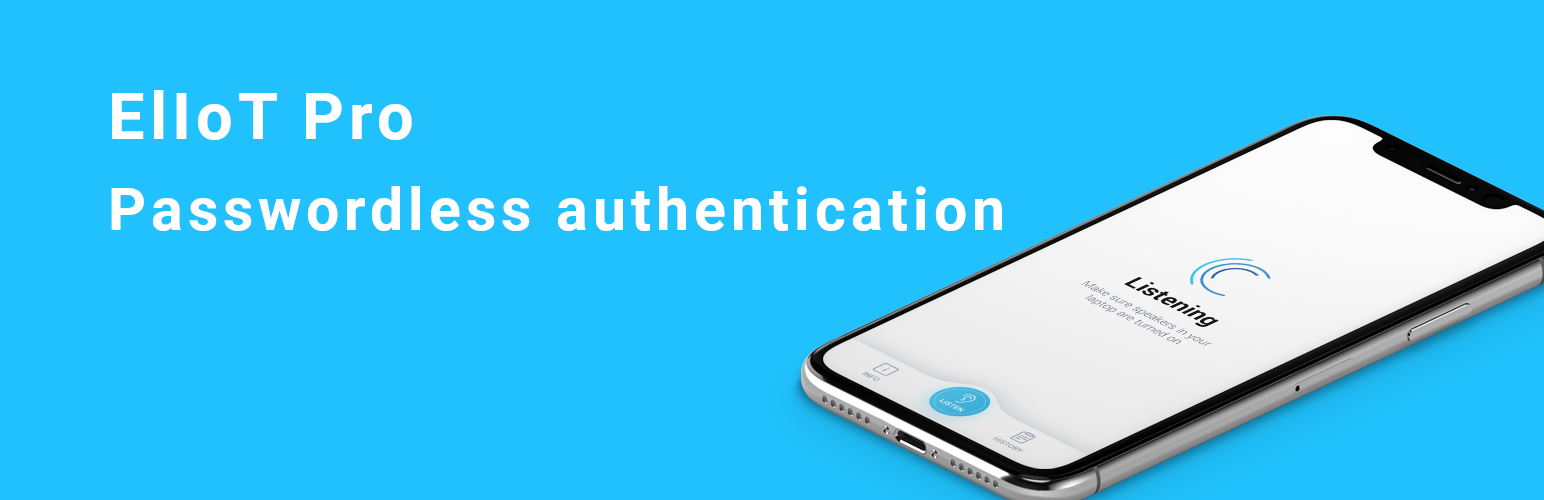
內容簡介
ElIoT Pro 可解決任何基於網路的人類活動中負責 80% 的數據外洩風險,提供一鍵式 2 重身份驗證系統及交易確認,透過多層次的智慧型手機驗證平台實現無需密碼登入,讓企業與網路使用者可進行高效率與高度安全的網路交易,同時提供無縫的使用體驗、加速客戶獲取並且結束密碼使用。
【提問與回答】
-ElIoT Pro 是什麼?
ElIoT Pro 是提供一鍵式 2 重身份驗證系統及交易確認,並透過多層次的智慧型手機驗證平台實現無需密碼登入,提升企業與網路使用者安全的網路交易服務。
-如何使用 ElIoT Pro?
使用者需下載 Android 或 iOS 應用程式,並註冊帳號,使用和 WordPress 網站相同的電子郵件地址,之後在 WordPress 登入頁面點擊 "使用 ElIoT Pro 登入",一次性的令牌會透過聲音傳輸到手機應用程式中,使用者便完成驗證並登入。網站使用者可以免除輸入密碼的煩惱,體驗更為便利快速的操作。
-要如何整合此外掛?
系統擁有者需先下載 Android 或 iOS 應用程式並註冊帳號,接著按照整合表格中的步驟進行外掛安裝,透過合作夥伴的網路上進行轉向到您的網站,建立新的插件加入,將客戶資訊從客戶的智慧型手機全面整合到網站中,讓網站使用者能夠體驗更為流暢的流程及更安全穩定的交易。
外掛標籤
開發者團隊
原文外掛簡介
OVERVIEW
ElIoT Pro solves one of the biggest problems of any online-based human activity responsible for 80% of data breaches – the risk of stolen credentials.
We offer a one-touch, 2-factor authentication system for user identification and transaction confirmation. ElIoT Pro’s multi-layer, smartphone-based authentication platform offers password-free login that enables businesses and online users to conduct streamlined yet highly secure web-based transactions.
ElIoT Pro’s unique approach results in a frictionless user experience, streamlined customer acquisition, higher levels of security, the end of passwords.
HOW DOES IT WORK?
User perspective
Download our Android or iOS application and register.
Remember to use the same email address as you do on your wordpress website.
On your wordpress site login page (/wp-login.php), instead of the traditional login/password, click the “Login with ElIoT Pro” widget.
The One-Time token is transmitted to mobile app via sound, no need to type anything!
You are authenticated on the website and logged in.
SYSTEM OWNER PERSPECTIVE – INTEGRATION STEPS
Download our Android or iOS mobile application and register.
Follow steps presented on our integration form [here][https://loginwithoutpasswords.com/integration/]
On the Integration tab on our website create a redirection: YOUR_SITE_URL +’/wp-json/api/login’ e.g. https://example.com/wp-json/api/login
Copy Client Id and Client Secret for later usage
Once you download and activate this plugin, go to settings and paste Client Id and Secret into appropriate fields.
Done. You can change to Users perspective to see how it works.
For additional information about the logins performed on your website visit cyberuskey.com