內容簡介
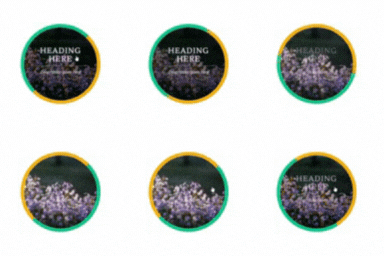
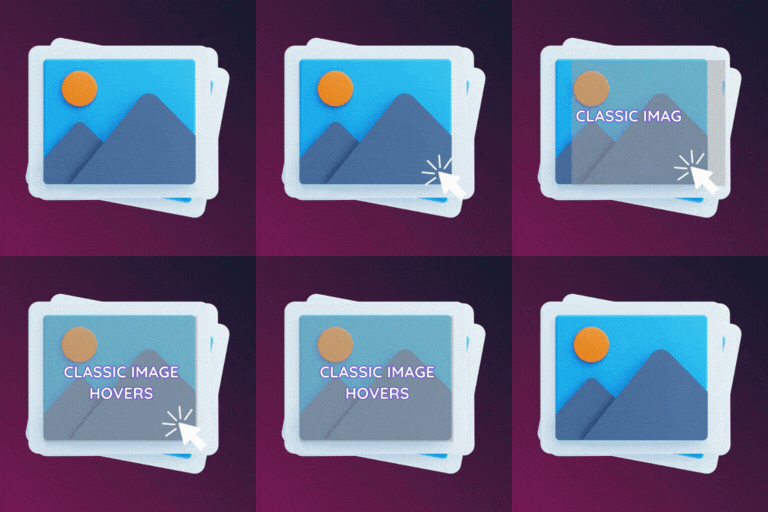
EGW images hover effect using pure CSS 透過全新的轉場和不同的編程方式,適用於投資組合、圖像庫和側邊欄等多種用途。您可以分別為圖像和說明設置動畫。易於使用和定制,無需知識的 CSS、HTML。簡單、易於使用和風格化。
功能
*純CSS3
*無需 JavaScript 或 jQuery
*標題和描述
*可以使用過濾器覆蓋默認設置。
*易於實施 Extern CSS
*易於使用和定制
*支持覆蓋模板,以使您可以為您的主題覆蓋模板!
小工具選項:-
*使用內置的厚箱瀏覽器上傳、鏈接到外部圖像或從媒體庫中選擇圖像。
*鏈接圖像
*更改圖像懸停效果的能力
*更改圖像懸停效果
*禁用說明的能力
*禁用說明、標題、文本背景、顏色、字體大小、字體
*禁用/啟用標題標籤不透明度?
*更改小部件的樣式(方形、圓形)的能力
*更改小部件邊框顏色和大小的能力
*您可以使用支持的所有HTML字體
*標題說明的填充
圖像效果:-
*淡出
*模糊
*灰色
*褐色
*圓形
*放大
*縮小
*向外旋轉
*向內旋轉
*垂直旋轉
*水平旋轉
*向左滑動
*向右滑動
*向上滑動
*向下滑動
*無效果(將僅成為HTML圖像)
說明效果:-
*淡入
*彈跳
*放大
*縮小
*從外部旋轉
*從內部旋轉
*垂直旋轉
*水平旋轉
*向左滑動
*向右滑動
*向上滑動
*向下滑動
*左侧一半
*右侧一半
*上半部分
*下半部分
*無效果(僅顯示圖像下面的標題和文本)
外掛標籤
開發者團隊
原文外掛簡介
EGW images hover effect using pure CSS uses new transitions and different coding. which is suitable for portfolio, image gallery and much more as Sidebar. You can set animation for image and caption separately. Easy to use and customization, no need to knowledge’s ,CSS,HTML. Simple, Easy And Stylizes
Features
*Pure CSS3
*Without JavaScript or jQuery
*Title and Description
*Default settings can be overridden using filter.
*Easy code implementation External css
*Easy to use and customization
*Supports override of template so that you can override the template for your theme!
Widget Options:-
*Upload, link to external image, or select an image from your media collection using the built in thickbox browser.
*Link the image
*Ability to change image hover effects
*Ability to change image hover effects
*Ability to disable captions
*Ability to disable captions, title, text background, color, font size , font family
*Disable/enable captions opacity?
*Ability to change Widgets style (Square, Round)
*Ability to change Widgets border color and size
*you can use All html supported fonts
*Captions padding
Image Effects:-
*Fadeout
*Blur
*Gray
*Sepia
*Round
*Zoom in
*Zoom out outside
*Zoom out inside
*Rotate out outside
*Rotate out inside
*Rotate vertical
*Rotate horizontal
*Side left
*Side Right
*Side top
*Side Bottom
*No effect(will be simply html images)
Captions Effects:-
*Fade-in
*Bounce
*Zoom in
*Zoom Out
*Rotate in outside
*Rotate in inside
*Rotate vertical
*Rotate horizontal
*Side left
*Side right
*Side top
*Side bottom
*Side left half
*Side Right half
*Side top half
*Side Bottom half
*No effect (simply title and text display bellow image)