
內容簡介
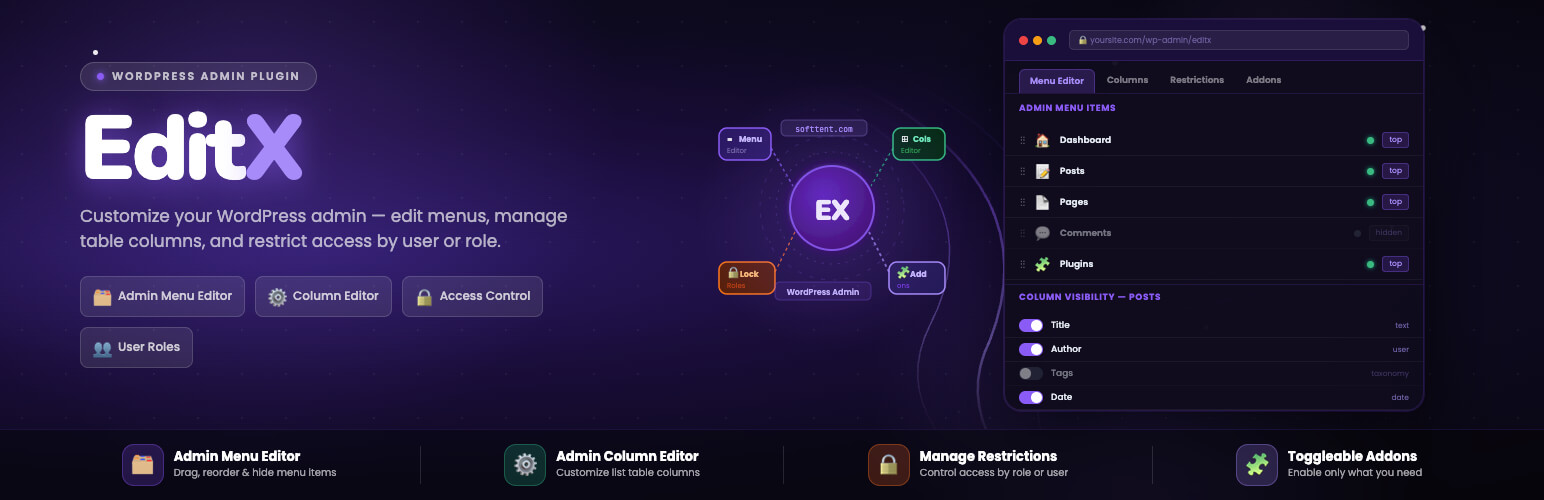
EditX 讓 WordPress 管理員完全掌控後台體驗。使用者可以自訂後台選單佈局、選擇列表表格中顯示的欄位,並為特定使用者或角色限制訪問選單項目,提升管理效率。
【主要功能】
• 自訂後台選單佈局
• 隱藏不需要的選單項目
• 自訂列表表格顯示的欄位
• 獨立啟用或禁用功能附加元件
• 簡潔現代的操作介面
外掛標籤
開發者團隊
② 後台搜尋「Admin Menu Editor, Admin Column Editor – EditX」→ 直接安裝(推薦)
原文外掛簡介
EditX gives WordPress administrators full control over the admin experience. Customize the admin menu layout, choose which columns appear in list tables, and restrict access to menu items for specific users or roles all from a clean, modern interface.
Admin Menu Editor
Drag and rearrange admin menu items, hide menus you don’t need, and reorder submenus to match your workflow. Changes are stored and applied on every page load.
Admin Column Editor
Choose exactly which columns appear in your admin list tables Posts, Pages, Media, Comments, Users, and all custom post types. Remove clutter and focus on the data that matters.
Addons
Each feature is a toggleable addon. Enable or disable Admin Menu Editor, Admin Column Editor, and Restrictions independently from the Addons screen.
Additional Information
For more information and updates, visit https://softtent.com.
License
This plugin is licensed under the GPL-2.0-or-later License.