內容簡介
此外掛允許使用者透過 ID 快速編輯任何文章、頁面或自訂文章類型,無需搜尋或導航控制台,提升管理效率。
【主要功能】
• 透過 ID 即時編輯文章
• 在 WordPress 管理列新增簡單欄位
• 支援文章、頁面及自訂文章類型
• 加速工作流程,提高管理生產力
外掛標籤
開發者團隊
② 後台搜尋「Quick Edit Post by ID (Admin Bar)」→ 直接安裝(推薦)
原文外掛簡介
Quickly edit any post, page, or custom post type by ID without searching or navigating the dashboard.
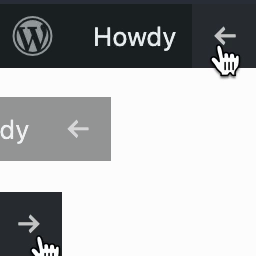
Just enter an ID in the admin bar and jump straight to the edit screen.
Perfect for developers, admins, and content managers working with large or complex sites.
Key Features:
Edit posts by ID instantly from anywhere in the admin area
Adds a simple, non-intrusive field to the WordPress admin bar
Works with posts, pages, and custom post types
Speeds up your workflow and improves admin productivity
Whether you’re debugging, managing content, or working with large sites, this plugin provides a quick and efficient way to open any item by its ID.
User Role Note:
Available to users with the Editor role and above.