內容簡介
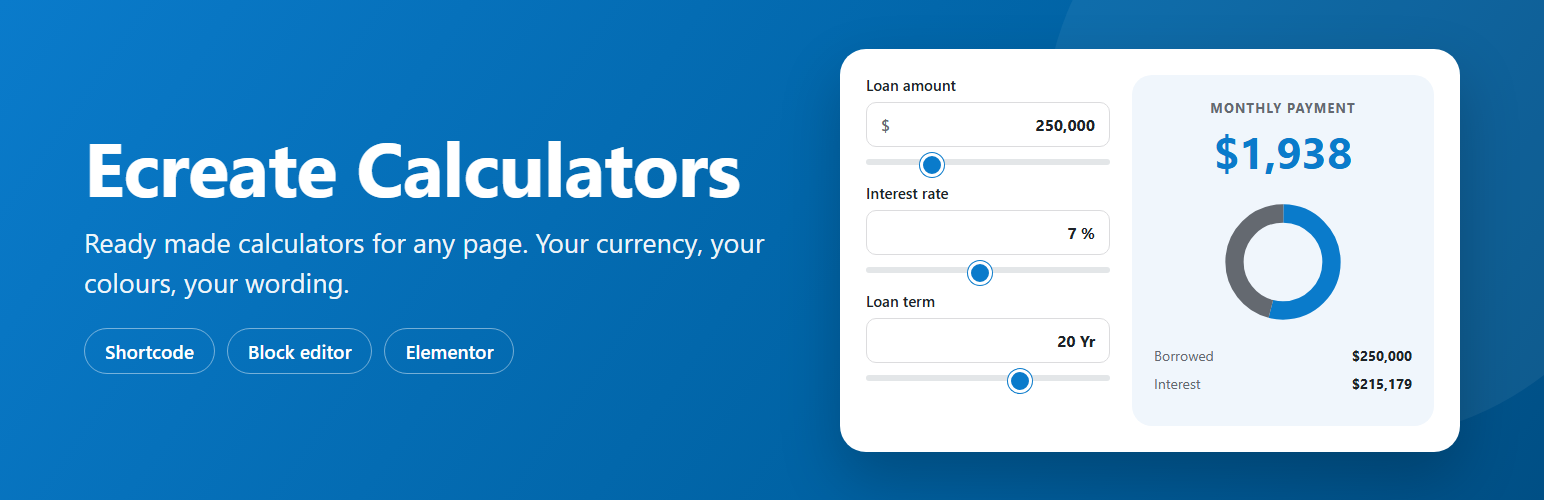
Ecreate Calculators 外掛提供多種計算器,包括貸款、抵押貸款、BMI 和商業計算器,讓使用者輕鬆將其添加到 WordPress 網站中。無需設計或編寫公式,選擇計算器、設定貨幣和顏色即可發佈,適合各種編輯器使用。
【主要功能】
• 提供多達 11 種計算器選擇
• 支援多種貨幣和格式設定
• 可自訂外觀與顏色
• 即時顯示計算結果
• 無需外部服務,完全在網站內運行
外掛標籤
開發者團隊
② 後台搜尋「Ecreate Calculators – Loan, Mortgage, BMI and Business Calculators」→ 直接安裝(推薦)
原文外掛簡介
Add a loan calculator, a mortgage calculator, an EMI calculator, a BMI calculator or any of eleven others to your WordPress site, in whatever editor you already use. There is nothing to design and nothing to wire up: pick a calculator, set your currency and colours, and publish.
Most calculator plugins hand you a form builder and expect you to write the formula yourself. These are finished calculators that work the moment you place them.
It works with or without a page builder. The shortcode runs in the classic editor, in widgets and in almost every page builder. There is a block for the WordPress editor and a widget for Elementor, and a template tag for theme files.
You control how it looks and reads
Four style presets to start from, then any colour you like: accent, background, text, borders and the result panel.
Four layouts: side by side, card, stacked and minimal.
Text size, result size, spacing, corner radius and maximum width.
Show or hide the sliders, the chart and the breakdown table.
Your own wording for the field labels and the result.
An optional button under the result, pointing anywhere you want.
Made for any country
Any currency symbol or code, before or after the number.
An optional currency dropdown, so visitors pick their own from 40 currencies and every figure reformats.
Four number formats: 1,234,567.89 – 12,34,567.89 – 1.234.567,89 – 1 234 567,89.
Your choice of decimal places.
Metric or imperial units.
Built to behave
The first result is worked out by PHP, so visitors see real numbers straight away, even before scripts load.
A calculator fits the space it sits in, so it works in a narrow sidebar as well as a full width section.
No account, no external service and no data sent anywhere. Everything runs on your site.
Site wide defaults on one settings page, and any single calculator can override them.
The calculators
Money
Loan payment – monthly payment, total interest and total cost, with starting values for a general, car, personal or home loan.
Mortgage – monthly payment from the price, the deposit and the rate, including property tax and insurance.
Savings and compound interest – what a starting amount and a monthly deposit grow into, compounded as often as you like.
Retirement savings – the pot at retirement, and the yearly income it would give.
Business
Return on investment – gain, return and the return a year.
Profit margin and markup – profit, margin and markup from a cost and a price.
Freelance hourly rate – the rate that pays the income you want.
Tip and bill split – the tip, the total and what each person pays.
Health
Body mass index – BMI, the category and the healthy weight range for a height.
Daily calories – calories to keep, lose or gain weight, using the Mifflin St Jeor equation.
Body fat – body fat percentage from a few measurements, using the US Navy method.
The health calculators work in metric or imperial, and can let visitors switch between the two.