
內容簡介
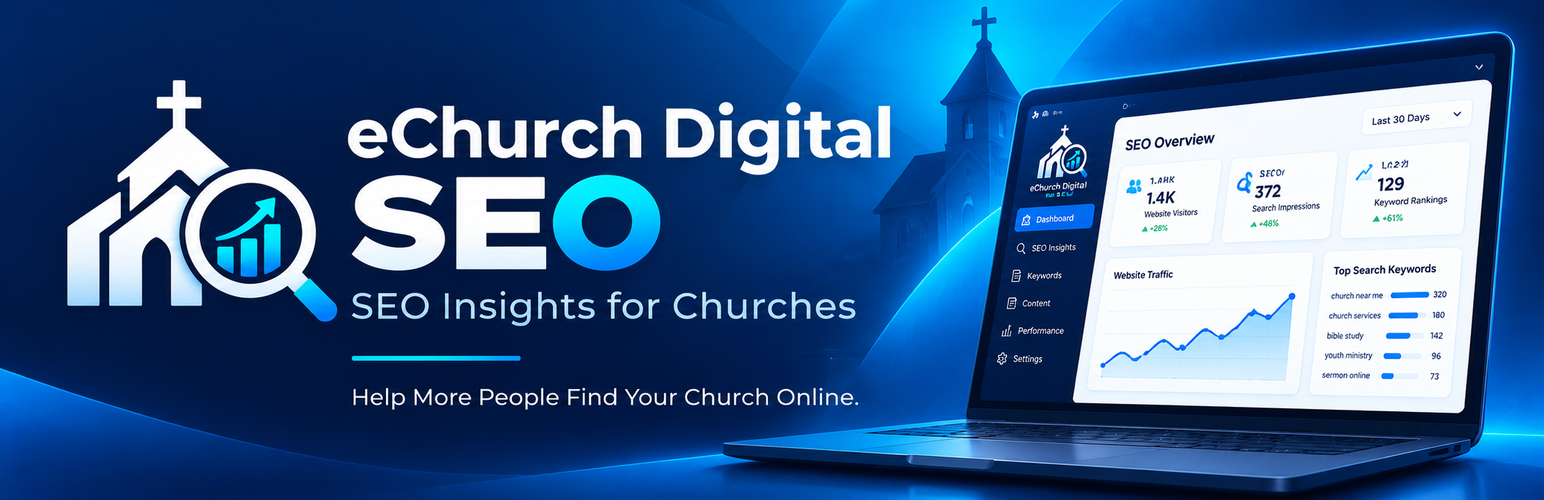
eChurch Digital SEO 是一款僅限管理員使用的控制台外掛,專為授權的 Google Search Console 屬性設計。它展示了印象、點擊數、點擊率(CTR)及平均排名,並從 Search Console 數據中創建關鍵字及內容機會。
【主要功能】
• 顯示印象、點擊數及點擊率
• 分析搜尋查詢並提供研究機會
• 檢查已發佈的文章及頁面相關內容
• 支援 eChurch Digital Connection Hub 連接
• 提供手動支援連接碼方法
外掛標籤
開發者團隊
原文外掛簡介
eChurch Digital SEO is an administrator-only dashboard for a Google Search Console property you are authorized to access. It displays impressions, clicks, click-through rate (CTR), and average position for a recent reporting period, surfaces reported search queries, and creates rule-based keyword, blog, and social-content opportunities from available Search Console data.
The plugin can group real Search Console queries into research opportunities such as Almost Page One, High Impressions / Low Clicks, Hidden Opportunities, and Top Performing Keywords. It also checks published WordPress posts and pages for potentially related content. It does not conduct a full technical SEO audit, estimate keyword search volume, promise rankings, or automatically publish content.
The recommended connection path uses the eChurch Digital Connection Hub. A WordPress administrator explicitly starts the connection, the plugin proves control of the exact HTTPS WordPress site, the Hub creates or reuses a site-bound pairing, and the administrator is sent to Google to authorize read-only Search Console access. No Google Cloud OAuth Client ID or Client Secret is required on the church website for this recommended setup.
A manual support connection-code method remains available for recovery. Administrators who prefer to control their own Google OAuth client can use the advanced direct connection instead of the Hub.
External services and data disclosure
eChurch Digital SEO uses external services only when an administrator starts or configures a connection that requires them.
Google OAuth and Google Search Console: Used to authorize read-only Search Console access and retrieve Search Console properties and performance reports. During OAuth, Google receives the OAuth client ID, requested read-only scope, redirect URL, state, authorization code, and token requests required by Google’s authorization flow. Search Console API requests include the authorized property and requested reporting parameters. Google Terms: https://policies.google.com/terms . Google Privacy Policy: https://policies.google.com/privacy . Search Console API documentation: https://developers.google.com/webmaster-tools/v1/api_reference_index .
eChurch Digital Connection Hub: Recommended connection and read-only reporting service at https://connect.echurchdigital.com . When this connection is used, the plugin sends the exact WordPress home URL and short-lived proof information needed to register or recover a site-bound pairing. Signed requests may also include a site identity, timestamps, approved property information, and reporting requests. The Hub maintains the Google authorization required for the paired website and returns authorized Search Console report data for that website. eChurch Digital Privacy Policy: https://echurchdigital.com/privacy-policy/ . Terms of Service: https://echurchdigital.com/terms-of-service/ .
For an advanced direct Google connection, OAuth client credentials and tokens are stored in WordPress options on the church website. Search Console results may be cached in WordPress transients. For a Hub connection, site-specific pairing information is stored locally so signed requests can be authenticated by the Connection Hub.
Only users with the WordPress manage_options capability can access the plugin dashboard and connection controls. The plugin does not track front-end visitors and does not automatically publish content.














