內容簡介
HTML 總結文案:
<ul>
<li>使用 Wawsome 的智能無障礙和合規解決方案,讓您的網站變得更具可訪問性和包容性。</li>
</ul>
HTML 問題與答案:
<ul>
<li>
<strong>問題:</strong> Wawsome 是如何幫助網站實現無障礙性?
<br>
<strong>答案:</strong> Wawsome 使用 AI 技術掃描網站,識別無障礙問題並提供智能的修改,包括添加圖像描述和改進鍵盤導航,確保您的網站對所有使用者都具可訪問性,而不會更改源代碼。
</li>
<li>
<strong>問題:</strong> Wawsome 提供哪些全面的無障礙功能?
<br>
<strong>答案:</strong>
<ul>
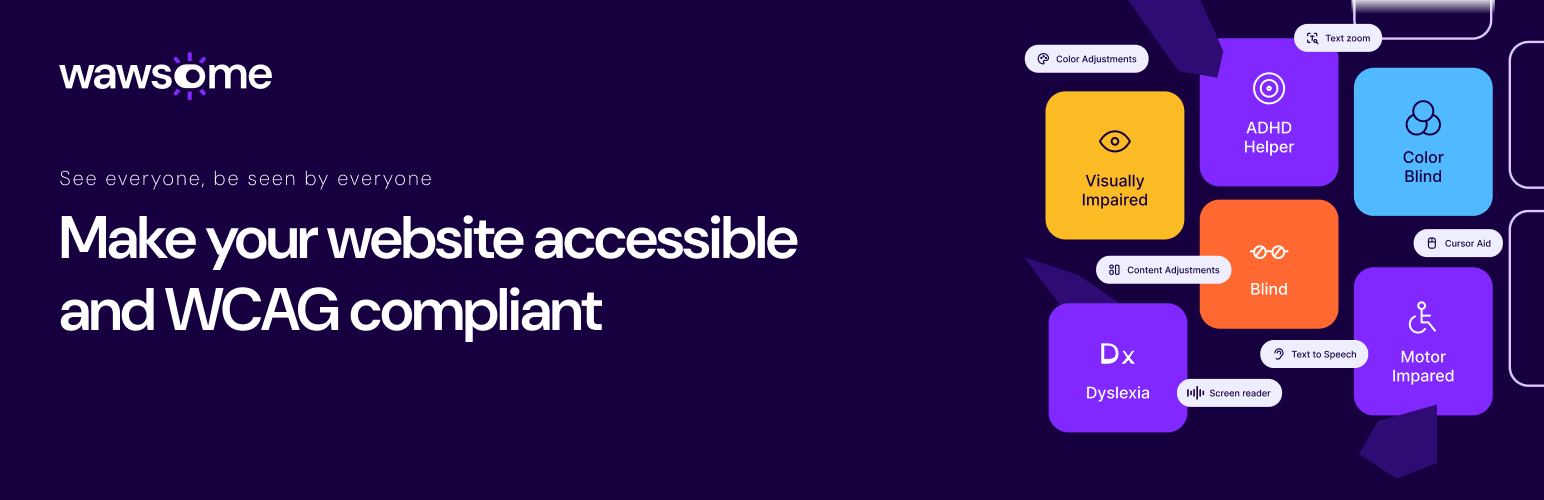
<li>預定義的不同殘障的無障礙配置文件,包括視覺障礙、閱讀障礙、ADHD 等。</li>
<li>可自定義的文本調整,如字體大小、間距和對齊,滿足個別使用者需求。</li>
<li>動態的顏色和對比度設置,提升視覺障礙使用者的可見性。</li>
<li>強大的文本朗讀功能,為依賴屏幕閱讀器的使用者提供支持。</li>
<li>每月的無障礙性報告和合規監控,保持您的網站更新。</li>
</ul>
</li>
<li>
<strong>問題:</strong> 為什麼選擇 Wawsome?
<br>
<strong>答案:</strong>
<ul>
<li>確保合規性:符合 WCAG 2.1 標準,避免與 EAA 等無障礙性法規相關的法律風險。</li>
<li>擴大您的受眾:可訪問的網站為潛在的殘障使用者敞開大門,這是一個具有重要消費能力的市場。</li>
<li>防止訴訟:實現合規性,保護您的企業免受與無障礙性相關的法律訴訟的風險。</li>
<li>增強 SEO 和品牌聲譽:無障礙性改善用戶體驗,提升 SEO 排名,展示您對包容性的承諾。</li>
</ul>
</li>
</ul>
外掛標籤
開發者團隊
② 後台搜尋「Easy Web Accessibility by Wawsome」→ 直接安裝(推薦)
原文外掛簡介
Make your website accessible and inclusive with Wawsome’s intelligent accessibility and compliance solution.
Web Accessibility Made Easy with Wawsome
Making your website accessible can seem challenging, but Wawsome simplifies the process. Our AI-powered accessibility widget helps your site achieve compliance with WCAG 2.1 Level AA, the European Accessibility Act (EAA), and other global standards. With Wawsome, creating an inclusive digital experience for users with disabilities has never been easier.
Try Wawsome Risk-Free
Explore Wawsome with a 7-day free trial. See how effortless accessibility can be for your website.
How Wawsome Works
Wawsome scans your website to identify accessibility issues and provides smart, AI-driven modifications that make your site more inclusive. From adding image descriptions to improving keyboard navigation, Wawsome ensures your site is accessible to all users without changing your source code.
Comprehensive Accessibility Features
Predefined accessibility profiles for different disabilities, including vision impairment, dyslexia, ADHD, and more.
Customizable text adjustments, such as font size, spacing, and alignment, to suit individual user needs.
Dynamic color and contrast settings to enhance visibility for users with visual impairments.
A robust text-to-speech feature for users relying on screen readers.
Monthly accessibility reports and compliance monitoring to keep your site updated.
Why Choose Wawsome?
– Ensure Compliance: Align with WCAG 2.1 standards and avoid legal risks tied to accessibility regulations like the EAA.
– Expand Your Audience: An accessible site opens the door to millions of potential users with disabilities, a market with significant purchasing power.
– Protect Against Lawsuits: Achieve compliance and shield your business from accessibility-related legal actions.
– Enhance SEO and Brand Reputation: Accessibility improves user experience and boosts SEO rankings, showing your commitment to inclusivity.
Quick and Easy to Use
Wawsome is simple to install and works seamlessly with your WordPress website. It continuously scans for new issues, ensuring ongoing accessibility compliance without requiring manual intervention.
Customizable User Experience
Wawsome empowers your visitors by providing an intuitive interface to personalize their browsing experience. From adjusting colors and fonts to enabling reading guides, Wawsome makes every visitor feel at home on your website.
Start Your Accessibility Journey Today
Try Wawsome risk-free for 7 days and discover how effortless accessibility can transform your website into an inclusive, compliant, and welcoming digital space.
External Services
This plugin relies on an external service provided by Wawsome (dashboard.wawsome.com) to handle user registration, subscription management, and the configuration of the accessibility widget. The external service is used for the following purposes:
• Dashboard & Onboarding:
When the plugin’s admin page is loaded, it displays a button that links to an external dashboard (at https://dashboard.wawsome.com/plugin-config). This dashboard allows administrators to create or log into their Wawsome account, configure widget settings, and manage subscriptions.
• Data Transmission:
The plugin automatically sends the following data to the external service:
– The storefront URL (siteUrl)
– The locale code (lang)
– A redirect URL (redirectUrl) to return to your admin panel after certain actions
– The API key (apiKey), which is generated after successful registration on Wawsome
These data elements are transmitted when the user clicks the “Connect to Wawsome Dashboard” button from the Admin page. No personal data beyond these configuration parameters is sent.
• Usage Conditions:
The external service is used solely to provide the backend functionality for configuring and managing the accessibility widget, processing subscriptions, and distributing the API key. The service is essential for the operation of the plugin and is provided by Wawsome.
For additional details on how your data is handled by the external service, please review the following:
• Wawsome Terms of Service
• Wawsome Privacy Policy
By using this plugin, you acknowledge and agree that your data (as described above) will be transmitted to and processed by the Wawsome external service.