內容簡介
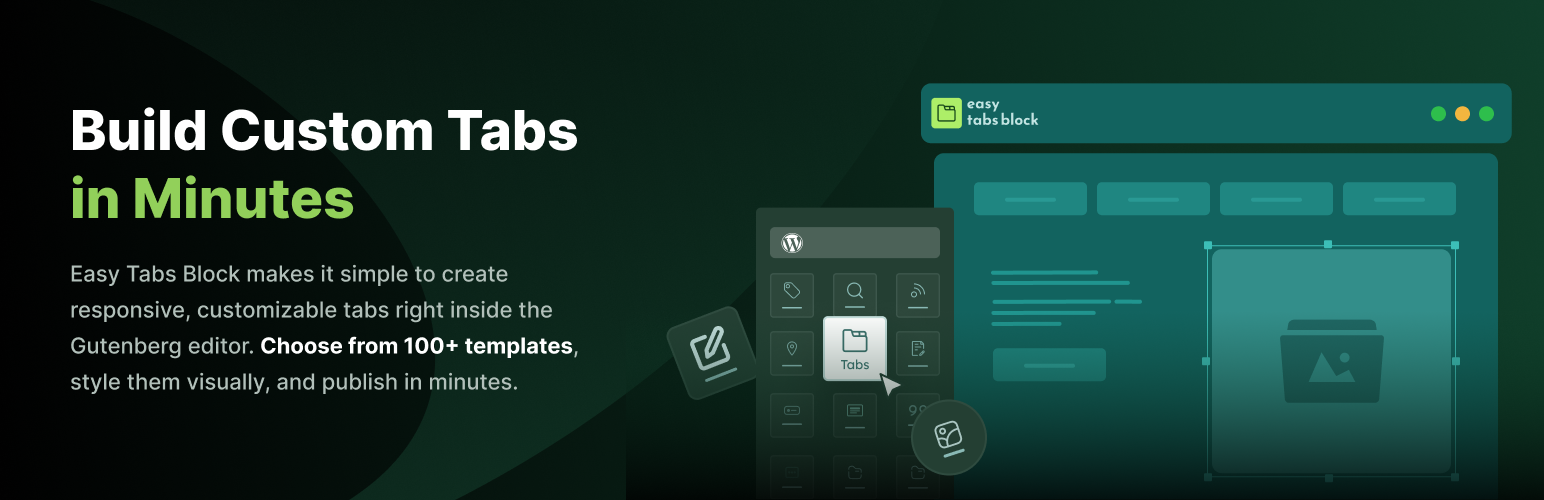
Easy Tabs Block 是一款簡單易用的 WordPress 外掛,能夠在區塊編輯器中輕鬆添加響應式標籤、可折疊標籤和手風琴佈局,無需編寫任何程式碼,幫助用戶有效組織內容,提升網站的可讀性與互動性。
【主要功能】
• 70+ 預製樣式(30+ 免費)一鍵插入完整標籤佈局
• 水平與垂直標籤一鍵切換方向
• 可折疊標籤與手風琴模式(Pro)適合 FAQ
• 完整樣式控制,包括顏色、邊框與間距
• 超輕量級,無依賴 JavaScript,無 jQuery
• 預設可存取,支援 ARIA 角色與鍵盤導航
外掛標籤
開發者團隊
② 後台搜尋「Easy Tabs Block – Smart, Lightweight & Responsive Tabs for the Block Editor」→ 直接安裝(推薦)
原文外掛簡介
Get Pro | Documentation | Support
Easy Tabs Block is the easiest way to add responsive tabs, collapsible tabs, and accordion layouts to your WordPress site — right inside the block editor, without writing a single line of code.
Organize long pages into clean, clickable sections. Build horizontal tabs, vertical tabs, or turn your Gutenberg tabs into a smooth FAQ accordion with one click. Drop in any Gutenberg block — images, videos, buttons, shortcodes, even other blocks-inside-blocks — and your tabbed content stays fast, accessible, and beautiful on every screen size.
Whether you run a blog, a business site, or a WooCommerce store, Easy Tabs Block helps you show more content in less space — and keeps visitors engaged instead of scrolling away.
In a nutshell:
70+ ready-made patterns (30+ free) — insert a full tab layout with one click
Horizontal & vertical tabs — switch orientation with a single click
Collapsible tabs & accordion mode (Pro) — perfect for FAQs and mobile-first pages
Full style control — colors, borders, spacing, hover & active states
Ultra lightweight — dependency-free JavaScript, no jQuery, no bloat
Accessible by default — ARIA roles, keyboard navigation, screen reader friendly
🎯 Why Choose Easy Tabs Block?
Easy Tabs Block is a modern WordPress tabs plugin that combines current block standards with genuine ease of use. Built natively on the WordPress Gutenberg Block API, this tabs plugin delivers lightweight performance, accessibility, and full compatibility with the latest versions of WordPress — no page builder, no shortcodes, no bloat.
Key Highlights:
Accessible Tabs – WCAG-friendly markup with proper ARIA roles, aria-selected states, and full keyboard navigation support.
Zero Dependencies – No jQuery and no heavy JavaScript frameworks. The entire frontend is clean, lightweight vanilla JavaScript that loads only on pages that actually use the block.
Responsive by Default – On smaller screens your tab bar becomes a horizontally scrollable menu with arrow navigation buttons, so visitors can glide through every tab without the layout ever breaking.
Horizontal & Vertical Layouts – Switch between tab orientations with a single click in the block toolbar.
Ready-to-Use Templates – Choose from 70+ professionally designed patterns to create attractive tab layouts in seconds.
Native Editor Experience – Build with the same controls you already use every day. If you know the WordPress block editor, you already know Easy Tabs Block.
✨ Free Features
The free version of Easy Tabs Block is loaded with everything you need to build flexible, responsive tabbed content:
Multiple Layouts – Choose horizontal tabs, vertical tabs, or aligned styles. Ideal for product tabs, sidebars, comparison sections, and more.
Any Block Inside Your Tabs – Insert text, images, videos, buttons, or shortcodes to build image tabs, video tabs, or rich mixed layouts. If a block works in the editor, it works in a tab.
30+ One-Click Templates – Open the pattern library, pick a design, and insert a complete tab layout instantly.
Full Style Control – Adjust colors, spacing, borders, typography, and backgrounds straight from the block settings. No CSS required.
Active & Hover Effects – Set distinct styles for normal, hover, and active tab states, including image filters.
Tab Animations – Add smooth fade, slide, or zoom transitions to create eye-catching animation tabs when switching.
Tab Icons – Use the included icon block to add an icon to any tab button.
Nested Tabs – Create tabs within tabs for layered content like detailed product info or step-by-step guides.
Responsive Design – Your responsive tabs adapt automatically to mobile, tablet, and desktop screens.
Duplicate / Delete Tabs – Clone a tab with all its content, or remove it, in one click.
Lightweight & Fast – Clean, optimized code that won’t slow your site down.
All features work seamlessly inside the native WordPress block editor — build professional WordPress tabs and Gutenberg tabs with no extra setup and no additional tools.
🚀 Pro Features
Upgrade to Easy Tabs Block Pro to unlock advanced tools for dynamic, interactive tab layouts:
Auto Play Tabs – Rotate through tabs automatically on a timer. Great for featured content, product highlights, and announcements.
Expandable / Collapsible Tabs – Let visitors expand or collapse individual tab sections as they browse, so they can focus on one section at a time.
Scrollable Tab Menu – Add horizontal scrolling to long tab lists. Keeps navigation clean on smaller screens.
URL-Based Tab Activation – Link directly to a specific tab with a unique URL. Perfect for sharing exact sections or deep-linking from menus and emails.
Accordion Mode – Transform your tabs into a fully functional collapsible accordion with a single click. Perfect for FAQs, mobile-first designs, and content-heavy pages.
70+ Premium Patterns – Access the full, growing library of professionally designed tab patterns.
Priority Support – Fast, dedicated help from the team, from setup to advanced customization.
🎯 Popular Use Cases for Easy Tabs Block
WooCommerce Product Tabs — Split descriptions, specifications, and reviews into clean WooCommerce tabs and product tabs that improve the shopping experience.
FAQ Tabs & Accordions — Group common questions into scannable tabbed content or a mobile-friendly accordion block.
Documentation & Tutorials — Organize setup steps, guides, and references so readers find answers fast.
Pricing & Feature Comparisons — Lay out plans and features side by side in a compact tab block.
Image & Video Galleries — Sort media into image tabs and video tabs to showcase more without clutter.
Service & Team Pages — Present services, profiles, and case studies in a polished, organized layout.
💡 Perfect For
Bloggers & Content Creators – Present tutorials, FAQs, and comparisons in clean, engaging tab layouts.
Business & Agency Owners – Build polished service pages, pricing sections, and team profiles.
eCommerce Store Owners – Organize product details, specs, and reviews inside responsive product tabs.
Developers & Designers – Ship interactive pages faster with ready-made patterns, clean markup, and zero dependencies.
Educators & Coaches – Structure lessons, course content, and resources into easy-to-navigate sections.
🛠️ How to Create Tabs in WordPress (in Under a Minute)
Add the block – In the editor, click + and search for “Tabs”.
Pick a layout or pattern – Start from scratch or insert one of 30+ free templates.
Add your content – Drop any Gutenberg block inside each tab panel.
Style it – Set colors, spacing, icons, animations, and hover/active states from the sidebar.
Publish – Your responsive, accessible tabs are live. That’s it.
📚 Helpful Resources
Live Demo – Try responsive tabs and tabbed content live in your browser.
Documentation – Step-by-step guides for building and styling your tabs block layouts.
All Features – Explore everything Easy Tabs Block can do, including horizontal tabs, vertical tabs, animations, and more.