
內容簡介
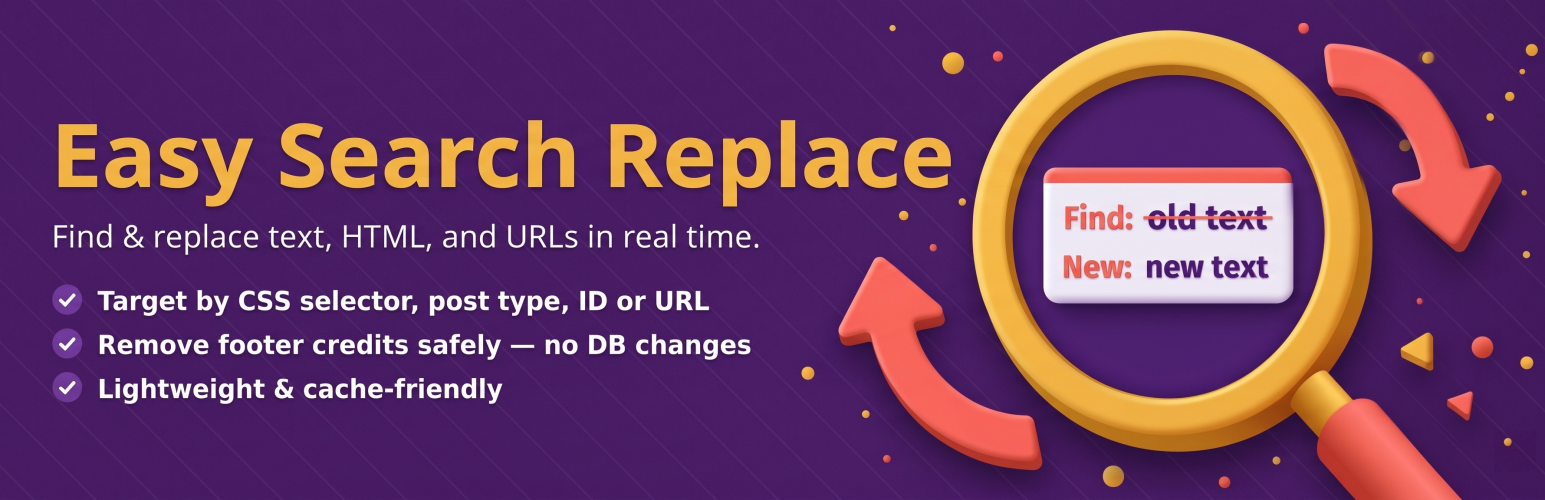
Easy Search Replace 外掛允許您在 WordPress 網站上即時搜尋和替換任何文字、HTML 或 URL,而無需編輯檔案或觸碰資料庫。這是最安全的前端內容替換方式,適合更新品牌、修正舊連結或移除頁尾版權聲明。
【主要功能】
• 即時搜尋和替換文字、HTML 和 URL
• 針對特定文章類型和文章 ID 限制替換
• 安全開關以保護特定頁面不被修改
• 支援 WooCommerce 按鈕和標籤的自訂
• 可隱藏外掛或佈景主題的品牌標示
• 條件內容顯示(Pro 版功能)
外掛標籤
開發者團隊
② 後台搜尋「Easy Search Replace – Find & Replace Text/HTML/URLs, Remove Footer Credit」→ 直接安裝(推薦)
原文外掛簡介
The Easy Search Replace plugin lets you find and replace any text, HTML, or URL across your WordPress site in real time — without editing files or touching the database.
It’s the safest way to do search and replace on front-end output. Update branding, fix old links, swap outdated content, or remove footer credit with a few clicks.
Target replacements precisely with:
Post Types (Posts, Pages, WooCommerce Products, any CPT)
Specific Post IDs (comma separated)
Exact URLs (one per line)
Why it’s safe:
All changes are applied dynamically at render time. Your posts, pages, and database stay untouched. Disable the plugin or toggle a rule off and your original content is back instantly.
Popular use cases
Remove footer credit — delete or replace any theme footer text, copyright notice, or “Powered by” link.
Replace company names — rebranding? Update every mention of your old name site-wide in seconds.
Fix old links — swap broken URLs, redirect HTTP → HTTPS links, or update moved resources.
WooCommerce text changes — rename “Add to cart” buttons, change checkout labels, or translate WooCommerce strings without code.
Hide plugin or theme branding — remove “Built with Elementor”, “Jetpack stats”, or any injected text.
Conditional content — show different text to logged-in users, mobile visitors, or during specific date ranges (Pro).
Features
Free version (up to 10 rules — existing installs with more keep them all):
Real-time search and replace for text, HTML, and URLs — no database changes.
Enable or disable each rule with a toggle (no need to delete and recreate).
Limit rules by post type, post ID, or URL (one per line).
Case-insensitive matching (Ignore Case option).
“Don’t match if page contains” safety switch — add a marker to any page you want to leave untouched.
Configurable “Skip HTML tags” setting — protect