內容簡介
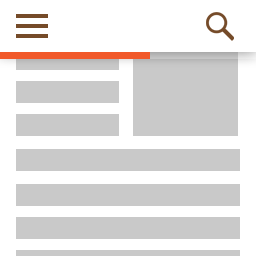
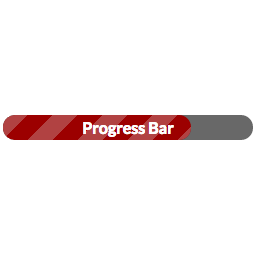
「Easy Progress Bar」是一種視覺化的進度條,讓使用者大概知道閱讀這篇文章大概需要多長時間。可以在頁面的上方或下方擺放。
功能包括:
您可以選擇希望在哪些文章或頁面上應用這個進度條。
位置可以根據需要設置在上方或下方。
前景色。
背景色。
進度條高度。
如何使用?
透過一個簡單的步驟來快速設定,只需要前往 ‘WP-Admin -> 設定 -> Easy PB for WP’ 進行設置。
從列舉的選項中啟用您想要顯示文章/頁面進度條的位置,就是這樣簡單!
外掛標籤
開發者團隊
原文外掛簡介
An Easy progress bar is a visual representation to let the users know approximately how long the article will take them to complete. It can be used where you want like top, bottom.
Features include:
You can Opt the post types for which post or page easy porgressbar will be displayed.
Position can be set top, bottom as per requirement.
Foreground color
Background color
Progress bar height
How to Use?
One Step Setup to get up and running, Just Go to WP-Admin -> Settings -> easy PB for WP to configure the plugin.
Simply enable wherever you want to display Post/Page easy progress Bar from the listed options, that’s it!