內容簡介
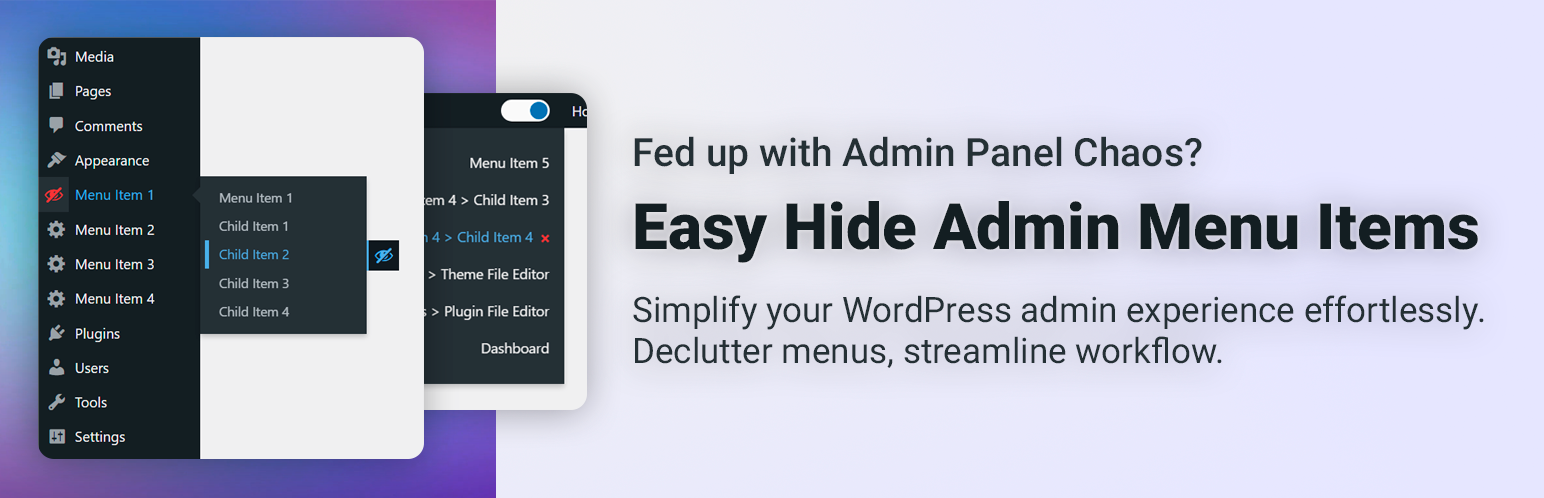
Easy Hide Admin Menu Items 是一款用於簡化 WordPress 後台管理介面的外掛,可快速隱藏不需要的選單項目,讓控制台保持乾淨整潔,提升管理效率,特別適合安裝大量外掛的網站使用。
【主要功能】
• 一鍵隱藏後台不需要的選單項目
• 支援隱藏子選單,簡化導覽結構
• 可設定全域模式,統一所有使用者的選單顯示
• 可設定個人模式,讓每位使用者自訂選單可見度
• 啟用後立即生效,無需額外操作
外掛標籤
開發者團隊
原文外掛簡介
Easy Hide Admin Menu Items is a plugin designed for the convenience of using the WordPress admin panel by hiding unnecessary menu items. On some websites, the admin panel can become cluttered with various menus and settings, and Easy Hide Admin Menu Items is intended to help users easily customize their administrative space.
Why is it convenient?
On some websites with numerous plugins and extensions, the admin panel can become confusing due to an excess of menus. Easy Hide Admin Menu Items allows you to easily hide the items you don’t need, providing cleanliness and convenience in usage.
Plugin Settings
In our plugin, you can locate the settings within the following menu:
Appearance → Admin Menu Settings
Within this menu, you’ll find the settings for our plugin.
Additional Description
Easy Hide Admin Menu Items offers a seamless solution for customizing your WordPress admin panel to suit your preferences. With the settings conveniently located under Appearance → Admin Menu Settings, you have the power to tailor your admin experience effortlessly.
Key Features:
Instant Menu Concealment: Upon activation, the plugin allows you to immediately hide menus, ensuring instant application of your customization choices.
Child Menu Hiding: Enable the option to hide child menus, providing a cleaner and more focused navigation experience.
Global or User-Specific Settings: Choose between global settings for all users or empower each user to personalize their admin menu visibility.
Global Settings: Changes apply to everyone. If the admin hides a menu, it’s hidden for all users.
User-Specific Settings: Each user can customize their menu visibility individually.
Enhance your WordPress admin panel experience by effortlessly managing menu items and optimizing the interface according to your specific needs. Experience a clutter-free and user-friendly environment with Easy Hide Admin Menu Items.