
內容簡介
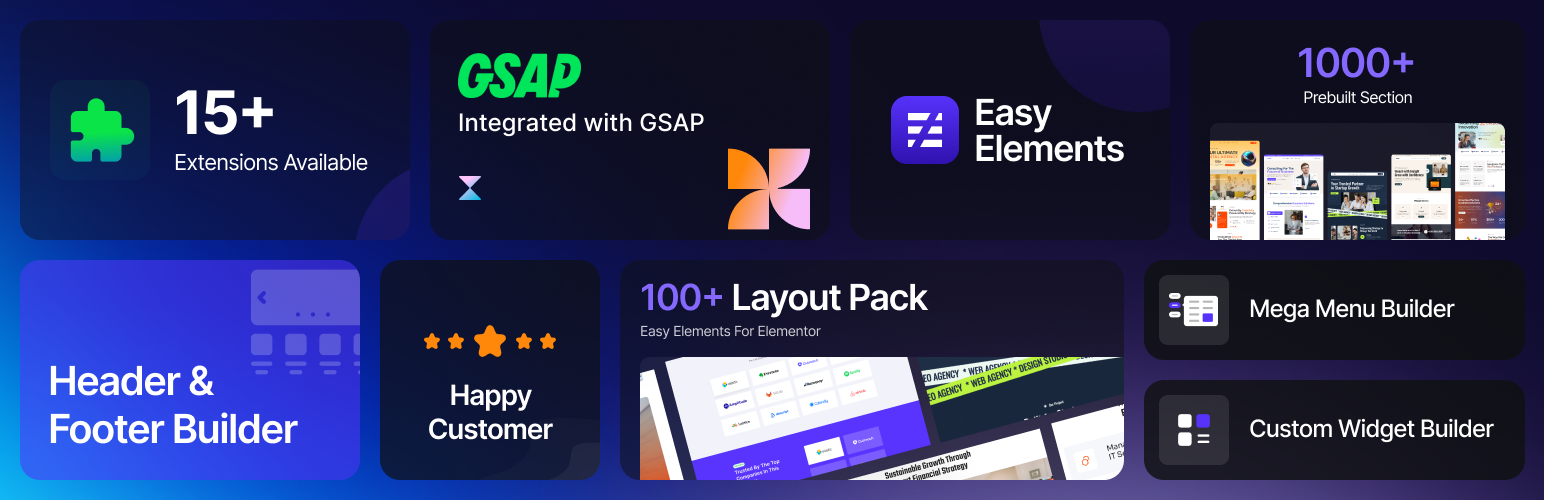
Easy Elements 是一款專為 Elementor 設計的外掛,提供超過 70 種獨特的高品質小工具和 20 種強大的擴展功能,讓使用者能夠輕鬆創建互動性、動畫效果及視覺驚豔的網站區塊,無需撰寫任何程式碼。
【主要功能】
• 超過 70 種獨特小工具
• 20 種強大擴展功能
• 完整的頁面模板和佈局工具
• 支援 GSAP 增強動畫
• 兼容 Elementor Free 和 Pro
• 可控制單個元素以優化性能
外掛標籤
開發者團隊
② 後台搜尋「Easy Elements for Elementor – Addons & Website Templates」→ 直接安裝(推薦)
📦 歷史版本下載
原文外掛簡介
Easy Elements gives you a complete design ecosystem built for both beginners and advanced creators. With 70+ unique, high-quality widgets and 20+ powerful extensions, you can build interactive, animated, and visually stunning sections without touching a single line of code. From advanced sliders to scroll-based animations and creative hover effects, every tool is crafted to give you maximum design freedom with minimum effort.
Beyond widgets, Easy Elements includes ready-made page templates, a full Header & Footer Builder, and a flexible Theme Builder that lets you design your entire site—from single posts to archive pages—with ease. Whether you’re crafting a landing page, a business website, or a creative portfolio, Easy Elements empowers you with fast, lightweight, and intuitive tools to build professional layouts that stand out.
Live Demo | Docs | Get Pro | Support | Facebook Group
🌟 Key Features of Easy Elements
Lightweight and fast
A lightweight and fast Elementor addon that adds powerful custom widgets and GSAP-enhanced animations.
Unique Elementor Widgets
A fast and lightweight addon offering unique Elementor widgets for creative designs.
Clean, extendable code
Unique Elementor widgets crafted with clean, extendable, developer-friendly code.
Elements Control Option
Enable or disable individual elements to optimize performance. Turn off any widgets you don’t need to keep your pages fast, smooth, and lightweight.
Fully compatible with Elementor Free and Pro
Fully compatible with both Elementor Free and Pro for a seamless building experience.
Ideal for developers and designers who want to save time and stay in control.
90+ Free & Pro Elementor Addons — and Counting
Get access to 90+ beautifully designed, high-impact widgets that elevate your Elementor design capabilities.
Heading – Style Your Headings Beautifully with Easy Elements
Button – Button Widget helps you create visually appealing buttons
Clients Logo Grid – The Logo Grid plugin makes it easy to showcase client, sponsor, or partner logos
Tab – Design stylish, eye-catching Tab effortlessly with Easy Elements
Testimonials Grid – Create engaging testimonial grid widgets in WordPress to showcase client feedback beautifully.
Info Box – Create stylish information boxes in WordPress using icons, links, and text.
Team Grid – Showcase your team with style using the team widget.
Contact Box – Build your contact box with Easy Elements
Contact Form 7 – Build your Contact Form 7 Design with Easy Elements
FAQ – Help visitors find answers instantly with a stylish FAQ section in WordPress.
Post Grid – Create engaging post grid layouts in WordPress to showcase your latest articles, portfolio items, or news.
Video – Showcase your video with Easy Elements
Pricing Table – Create clean and modern pricing table with titles, descriptions, and prices.
Service List – Create clean and modern service list with titles, descriptions and button.
Social Share – Design beautiful info boxes from predefined styles
Breadcrumb – Enhance navigation on your WordPress site with the breadcrumb widget.
Simple Gallery – Visualize your workflow beautifully! Create sleek Simple Gallery in WordPress to highlight every step of your service or project journey with icons, titles, and smooth animations all with Easy Elements.
Social Icon – Boost visibility with quick, one-click social sharing.
Offcanvas – Add modern off-canvas panels to your WordPress site for menus, sidebars, or extra content.
Site Logo – You can show your site logo easily
Simple Search – Add your site search anywhere
Process Grid – Create clean and modern process grid with titles, descriptions and button.
Process List – Create clean and modern process grid with titles, descriptions and button.
Scroll Top – You can display a Scroll to Top button
Table – Create clean and modern table with titles, descriptions, and prices.
Counter – Create amazing Counter Up effects with Easy Elements. Preview the Counter Up addon on this page.
Countdown Timer – Create stunning Countdown timers with Easy Elements. Preview the Countdown Timer addon on this page.
Feature List – Create beautiful, icon-based feature lists for your website.
Single Navigation Menu – With Easy One Page Navigation, navigating a one-page website becomes simple and seamless. It helps you build a visually engaging single-page design and ensures a better browsing experience for your visitors.
Extensions (Free):
Wrapper Link – The Smart Way to Add Click Actions
Duplicator – Duplicate any page or post in a single click
Easy Export – You can export any page or page developed by elementor
Background Jarallax – Apply engaging jarallax effects to background images in a section, column, or container, adding depth and smooth motion as users scroll.
Reading progress bar – The Reading Progress Bar helps keep visitors engaged by visually tracking how much content they’ve read. This flexible extension allows you to place a progress indicator anywhere on your website and customize its appearance to perfectly match your design.
More Elements on Premium Version
Clients Logo Slider – The Logo Slider plugin makes it easy to showcase client, sponsor, or partner logos in a clean, responsive slider.
Advanced Tab – Design stylish, eye-catching Tab effortlessly with Easy Elements.
Testimonial Slider – Share customer reviews with sliders view
Image Carousel – Display your images beautifully with a fully customizable, smooth, and responsive carousel.
Reveal Image – Reveal Animation applies only to images — adding motion and impact without affecting text or other content
Rotate Text – Build your rotate text with Easy Elements
Process Slider – The Process Slider lets you showcase workflows, timelines, instructions, or step-by-step journeys in a stylish, animated slider.
Team Slider – Showcase your team in style! Create elegant team member boxes in WordPress with photos, roles, and social links.
Info Box Slider – Create stylish information boxes in WordPress using icons, links, and text.
Timeline Slider – Showcase your story or project milestones with an interactive Timeline Slider.
Post Slider – Create engaging Post Slider layouts in WordPress to showcase your latest articles, portfolio items, or news.
Pricing List – Showcase your services and prices in a clean, modern layout.
Pricing Tab – Let users compare pricing plans with a seamless tab switch.
Marquee – Create eye-catching scrolling text for announcements, highlights, and promotions.
Slider – The Hero Slider highlights key content through dynamic, full-width slides with smooth transitions.
Image Accordion – Showcase images with an engaging hover-to-reveal accordion effect.
Advance Button – The Elementor Advanced Button Widget helps you create visually appealing buttons.
Horizontal Scroll – The Image Horizontal Scroll effect showcases multiple images side by side with smooth horizontal movement.
Advance Image – Build your Advanced Image with Easy Elements
Hover Image Box – Showcase your WordPress images beautifully with the Image Hover Effect widget.
Image Hotspot – Add interactive hotspots to images with tooltips and annotations for an engaging visual experience.
BMI Calculator – Quickly calculate your BMI by entering your height and weight, and see your weight category.
Mega Menu Builder – Mega Menu is a powerful and easy-to-use WordPress mega menu builder transforms your navigation into an engaging, highly customizable menu experience. Designed with flexibility and performance in mind.
Table of Content – The Table of Contents widget dynamically creates a structured list of links from the headings used in your content. You don’t have to add links manually—the widget scans your page for headings such as H1, H2, and more, then organizes them into an interactive navigation list.
Extensions (Pro):
Magic Cursor – Add a custom animated cursor effect to your website
Sticky Elements – Make any element stick on scroll for better navigation
Cursor Hover Effect
Cursor Move Effect
ScrollTrigger– Animate on Scroll Like a Pro
Background Parallax
Visibility Control– Display Elements Intelligently with Custom Rules
Live Copy Paste– Copy any design from the Easy Elements demo site directly into your Elementor editor with one click.
Custom CSS– You can add custom css to your element from Elementor
Dynamic Content – Automate Content Display & Boost Engagement
Scroll Smoother – Enable smooth and intuitive website navigation for users.
Global Badge – Attach a badge—icon, image, Lottie, or SVG blob—to any container.
Popup Builder – Create fully customizable popups in Elementor with powerful trigger options including click, scroll, exit-intent, and timed delay. Design eye-catching popups using the familiar Elementor visual builder with full styling control over layout, animations, overlay, and close button. Perfect for lead generation, promotional offers, announcements, and email opt-ins. Boost conversions and engage visitors with beautifully targeted messages—no coding required.
External services
This plugin connects to the wpeasyelements API to fetch ready-made templates.
It sends a request to https://wpeasyelements.com/demotemplate/
to retrieve template data.
No user personal data is sent to this service.
This service is provided by: Themewant (https://wpeasyelements.com/demotemplate/)
Privacy Policy
Easy Elements for Elementor – Elementor Addons & Website Templates Powered by GSAP uses Appsero SDK to collect some telemetry data upon user’s confirmation. This helps us to troubleshoot problems faster & make product improvements.
Appsero SDK does not gather any data by default. The SDK only starts gathering basic telemetry data when a user allows it via the admin notice. We collect the data to ensure a great user experience for all our users.
Integrating Appsero SDK DOES NOT IMMEDIATELY start gathering data, without confirmation from users in any case.
Learn more about how Appsero collects and uses this data.














