內容簡介
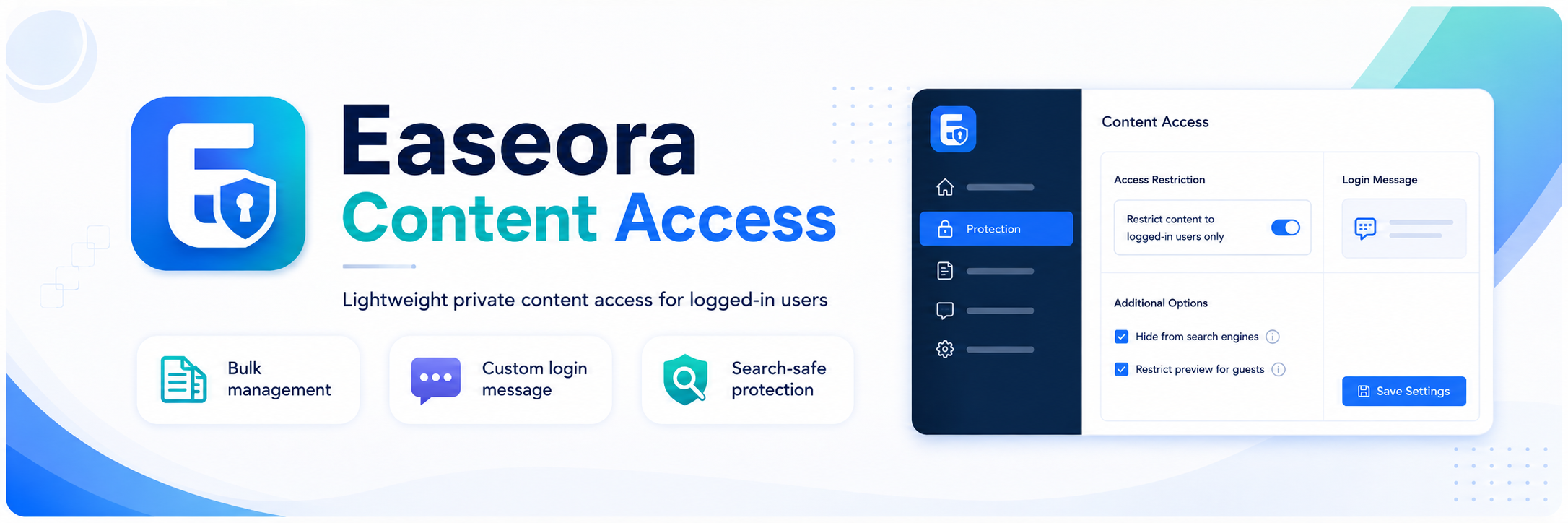
Easeora Content Access 是一款針對 WordPress 網站的內容訪問控制外掛,允許僅限登入用戶查看特定頁面或文章。它提供簡單的管理介面,方便用戶批量設定訪問限制,並能在用戶登入後返回請求頁面。
【主要功能】
• 使用一個勾選框限制單獨頁面和文章
• 中央管理限制,具備搜尋和過濾功能
• 自訂限制標題和訊息
• 顯示可選的 WordPress 登入表單
• 登入後返回請求頁面
• 排除受限內容於公共搜尋和存檔中
外掛標籤
開發者團隊
原文外掛簡介
Easeora Content Access provides focused access control for WordPress websites that need selected pages or posts to be available only to logged-in users.
It adds a simple checkbox to each page and post editor, plus a central management screen for applying or removing restrictions in bulk. Logged-out visitors see a configurable message and can be returned to the requested page after signing in.
Core features
Restrict individual pages and posts with one checkbox.
Manage restrictions centrally with search, filters, pagination, bulk controls, and alphabetical ordering.
Customise the restriction title and message with the WordPress editor.
Display an optional WordPress login form.
Return users to the requested page after login.
Exclude restricted content from public search, archives, feeds, comments, REST collections, and supported XML sitemaps.
Add search-engine privacy directives to restricted URLs for logged-out visitors.
Use native WordPress post metadata without custom database tables.
Run without frontend JavaScript, external API calls, cron jobs, or bundled third-party libraries.
Import page and post restrictions from the older Page Restrict plugin when its data is available.
Choose whether the plugin appears as a main dashboard menu or under Settings > Easeora Content Access.
Default visitor message
You are required to login to view this page.
The login link uses the standard WordPress login screen and returns the user to the original page after successful authentication.
Supported placeholders
%login_url% – the login URL for the requested page.
%login% – a complete clickable login link.
%title% – the original page or post title.
Privacy
Easeora Content Access does not contact external services, set tracking cookies, collect analytics, or transmit personal data. WordPress handles authentication and the optional login form.