內容簡介
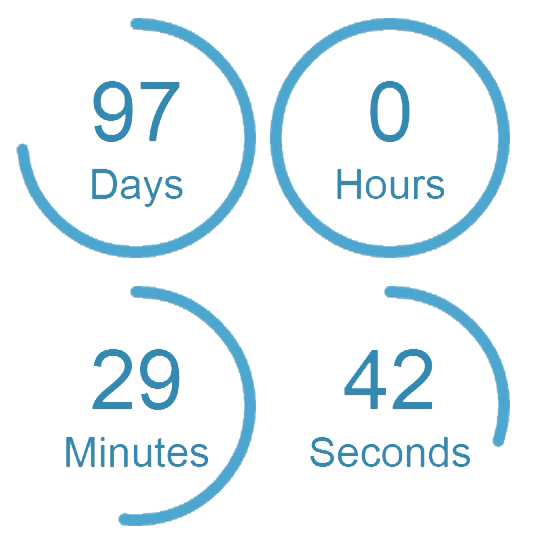
這是一個簡單的外掛,解決了 Elementor Countdown Widget 的主要問題之一,即不能使用 ACF Field 動態設定到期日期的問題。
這個外掛使用 ACF datetime 欄位,將其作為 Elementor Countdown Widget 的到期日期。
使用方法如下:
在 ACF(Advanced Custom Fields)中創建一個日期時間選擇器欄位
確保日期時間欄位的輸出設置為:Y-m-d H:i:s(這是“自定義”之前的最後一個選項)
複製您剛剛創建的欄位的欄位名稱。
將您剛剛創建的欄位的欄位名稱粘貼到 DCEA 設置頁面的輸入框中。
點擊“保存更改”。
將 Elementor Countdown Widget 添加到您的頁面上。
到期日期現在是從 ACF Field 設置而不是從 Elementor Builder 接口中的選項設置。
注意:此插件僅影響前端倒計時 Widget 的渲染,並不會在 Elementor builder 接口中添加動態日期支持。
外掛標籤
開發者團隊
② 後台搜尋「Dynamic Countdown with ACF and Elementor」→ 直接安裝(推薦)
原文外掛簡介
This is a simple plugin that fixes one of the main issues with the Elementor Countdown Widget; the inability to dynamically set the due date with an ACF Field.
The plugin takes an ACF datetime field and makes it the due date for the Elementor Countdown Widget.
How to use:
Create a Date Time Picker field in ACF (Advanced Custom Fields)
Make sure the output of the datetime field is set to: Y-m-d H:i:s (it’s the last option before “Custom”)
Copy the Field Name of the field you just created.
Paste the Field Name of the field you just created into the input in the DCEA Settings Page.
Click on “Save Changes”.
Add an Elementor Countdown Widget to your page.
The due date is now set from the ACF Field instead of the option in the Elementor Builder interface.
Note: This plugin only affects the rendering of the countdown widget on the front end. It does not add dynamic date support to the countdown widget in the Elementor builder interface.