
內容簡介
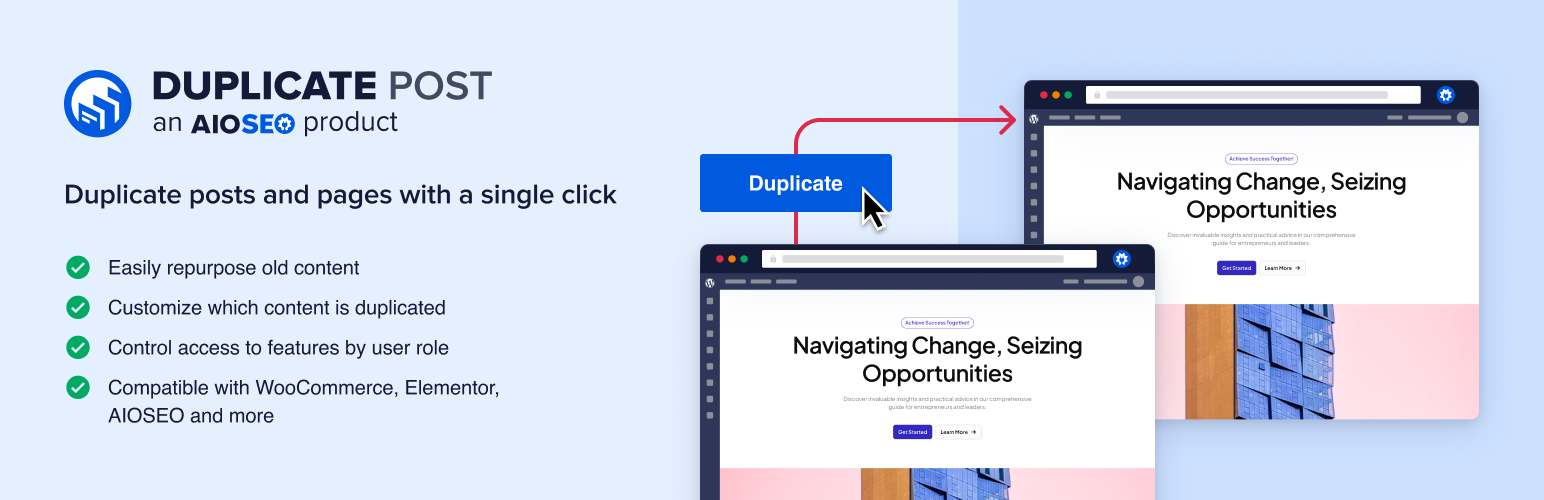
Duplicate Post by AIOSEO 外掛可輕鬆複製文章、頁面及自訂文章類型,讓使用者能夠快速從現有內容開始編輯,並在不影響原始內容的情況下進行修改與重發。
【主要功能】
• 一鍵複製文章、頁面及自訂文章類型
• 自動生成草稿,保留所有內容與設定
• 支援編輯已發佈文章,並可隨時重發
外掛標籤
開發者團隊
② 後台搜尋「Duplicate Post by AIOSEO – Clone Posts, Duplicate Pages and Republish Content」→ 直接安裝(推薦)
原文外掛簡介
Duplicate Post by AIOSEO copies any post, page or custom post type in one click. The copy arrives as a draft with the content, featured image, taxonomies and custom fields already in place, so you start from work you have already done instead of rebuilding it.
It also handles the harder job: changing something that is already published. Create a revision of a live post, rewrite it for as long as you need, compare it against the original, then merge it back when it is ready. Visitors keep seeing the published version until you say otherwise.
Pair it with All in One SEO
A copy of a published post is duplicate content, and search engines have to guess which of the two to index. With All in One SEO active, Duplicate Post points each copy’s canonical URL at the post it was copied from, so the original keeps the ranking. Get All in One SEO for free
📄 Clone Posts, Pages and Custom Post Types
A Clone link sits next to every post in your posts list, in the row actions, in the admin bar, and in the bulk actions menu. Click it and you have a duplicate post to work from.
Duplicate Post copies more than the text. A clone carries the title, content, excerpt, featured image, categories, tags, custom taxonomies, custom fields, page template, menu order and comments, and it never touches the post it came from. Custom post types are duplicated the same way as posts and pages, so WooCommerce products, portfolio items, landing pages and event listings all clone in one click.
Every copy is created as a draft. Cloning a published post does not put a second copy of it on your site, and it does not take the original post’s URL, so the page you already rank for keeps its permalink.
✏️ Rewrite and Republish a Published Post
Editing a live page is risky. Half-finished sentences are visible to anyone reading, and one wrong save replaces a page that was working.
Add Revision creates a private working copy of the published post instead. Rewrite it over hours or weeks, then use Compare to see exactly what changed against the live version, side by side, before anything goes out. When you merge, the revision’s content replaces the original and the original keeps its URL, its publish date and its comments. Schedule the merge for a future date and the rewrite goes live on its own.
⚙️ Choose Exactly What Gets Duplicated
Not every site wants a full copy. Duplicate Post lets you pick what a clone carries over, from the featured image and taxonomies down to individual custom fields. Name the meta keys you want left behind, with wildcards for the plugins that write dozens of them, and they stay out of every copy.
You can also decide how a copy is named. Set a title format such as “Copy of %s” and every clone is labelled the way your team expects, or leave it blank to keep the original title.
🔒 Decide Who Can Duplicate Posts, and Where
Duplicating content is not something every author should be able to do on every post type. Choose which post types, which post statuses and which user roles the feature applies to, and the links disappear for everyone else. Contributors still cannot copy a post they are not allowed to edit, whatever the settings say.
You can also decide where the actions appear. Show them in the posts list, in the bulk actions menu, in the admin bar, or in only one of the three.
🔍 Duplicate Posts Without Creating Duplicate Content
Two posts with the same content compete with each other in search results. It is the one real risk of duplicating a page, and most duplicate post plugins leave it to you.
With All in One SEO installed, Duplicate Post points the copy’s canonical URL at the post it was copied from, so search engines index the original and the copy does not compete with it. Turn it off in one click when you are cloning a post as the starting point for something genuinely new.
A copy also duplicates every link in the original, including the broken ones. Broken Link Checker finds them across your site and fixes them without opening each post.
🧩 Works With the Block Editor, Classic Editor and Elementor
Duplicate Post works where you write. Clone and revise from the Block Editor, the Classic Editor or Elementor, and merge a rewritten page straight from the Elementor editor. WooCommerce products duplicate with their attributes and meta. WPML users get the copy’s translations linked to the copy rather than the original.
Because Duplicate Post uses the same hook names as the duplicate post plugin many sites are moving from, integrations written for that plugin keep working after you switch.
👥 Who Duplicates Posts and Pages
Bloggers and content teams – Reuse a post format, then rewrite and republish older articles without unpublishing them.
Agencies – Duplicate a landing page for each client, campaign or location.
WooCommerce stores – Copy a product and change the details instead of filling in every field again.
News and magazine sites – Update a published story from a private revision, then merge it.
Membership and course sites – Clone a lesson template for every new lesson.
Full Duplicate Post Feature List
One click clone – Duplicate any post, page or custom post type from the posts list.
Bulk duplicate posts – Clone many posts at once from the bulk actions menu.
Duplicate pages – Copy a page with its template and page attributes.
Duplicate custom post types – Products, portfolios, events and anything else registered on your site.
Duplicate WooCommerce products – Copy a product with its attributes and custom fields.
Copy featured images – The clone keeps the original’s featured image.
Copy taxonomies – Categories, tags and custom taxonomies come across.
Copy custom fields – Post meta is duplicated, including multiple values per key.
Custom fields to ignore – Name the meta keys a copy should leave behind, with wildcard support.
Copy comments – Bring the discussion across, or leave it out.
Copy child pages – Duplicate a parent page with the pages beneath it.
Copy page templates – The clone renders with the same template.
Copy the menu order – Keep your ordering intact.
Title for copies – Label every copy with a format such as “Copy of %s”.
Copies are always drafts – Cloning a published post never publishes a second copy.
Original URLs are never moved – A copy takes no slug, so the post you rank for keeps its permalink.
Rewrite and republish – Edit a published post from a private revision and merge it when ready.
Scheduled revisions – Pick the date and time a rewrite goes live.
Compare changes – See the revision against the published version side by side before merging.
Merge from the editor – Publish a rewrite from the Block Editor, the Classic Editor or Elementor.
Original post reference – See at a glance which post a copy came from, in a column, in a metabox or after the title.
Post type control – Choose which post types can be cloned and revised.
Post status control – Choose which statuses the actions are offered for.
Role control – Choose which user roles can duplicate posts.
Actions to show – Show the links in the posts list, the bulk actions menu, the admin bar, or a subset.
Canonical URLs for copies – With All in One SEO active, a copy points at the post it came from.
Block Editor and Classic Editor – Both editors are supported.
Elementor support – Clone, revise and merge Elementor pages.
WPML support – A copy’s translations are linked to the copy.
Clean uninstall – Optionally remove the plugin’s data when you delete it.
Switching From Another Duplicate Post Plugin
If you already use Yoast Duplicate Post, Duplicate Page or Post Duplicator, Duplicate Post by AIOSEO covers the same ground and adds the parts those tools leave out: a comparison view before you merge a rewrite, scheduling for that merge, canonical URLs on copies, and per-role control over who can duplicate what. It also reuses the hook names Yoast Duplicate Post uses, so code written against that plugin keeps working.
Built by the AIOSEO Team
Duplicate Post is made by the team behind All in One SEO, the WordPress SEO plugin running on more than 3 million sites. We build tools that people keep using, and we support them.
Credits
This plugin is created by Benjamin Rojas and Syed Balkhi.
Branding Guideline
AIOSEO® is a registered trademark of Semper Plugins LLC. When writing about the WordPress SEO plugin by AIOSEO, please use the following format.
AIOSEO (correct)
All in One SEO (correct)
AIO SEO (incorrect)
All in 1 SEO (incorrect)
AISEO (incorrect)
When writing about this plugin, please use the following format.
Duplicate Post by AIOSEO (correct)
Duplicate Post (correct)
DuplicatePost (incorrect)
Duplicate Posts by AIOSEO (incorrect)
What’s Next
If you like our Duplicate Post plugin, then consider checking out our other projects:
AIOSEO – WordPress SEO plugin and toolkit to improve your rankings in search results.
Broken Link Checker – Monitor and fix broken links on your website.
OptinMonster – Get more email subscribers with a conversion optimization toolkit for WordPress.
WPForms – Drag and drop online form builder for WordPress, trusted by over 6 million sites.
MonsterInsights – See the stats that matter and grow your business with confidence.
SeedProd – Build landing pages with a drag and drop page builder.
WP Mail SMTP – Improve email deliverability for your contact forms.
Duplicator – WordPress backup and migration plugin used by over 1 million websites.
Visit WPBeginner to learn from our WordPress Tutorials and find out about the best WordPress plugins.
External Services
Duplicate Post by AIOSEO uses the following external services and libraries:
A remote API from the AIOSEO team to check for notifications. No data is sent to or collected on the remote server.
Development
Duplicate Post by AIOSEO is actively developed on GitHub. We welcome all contributions to the plugin.