內容簡介
rt for further assistance.
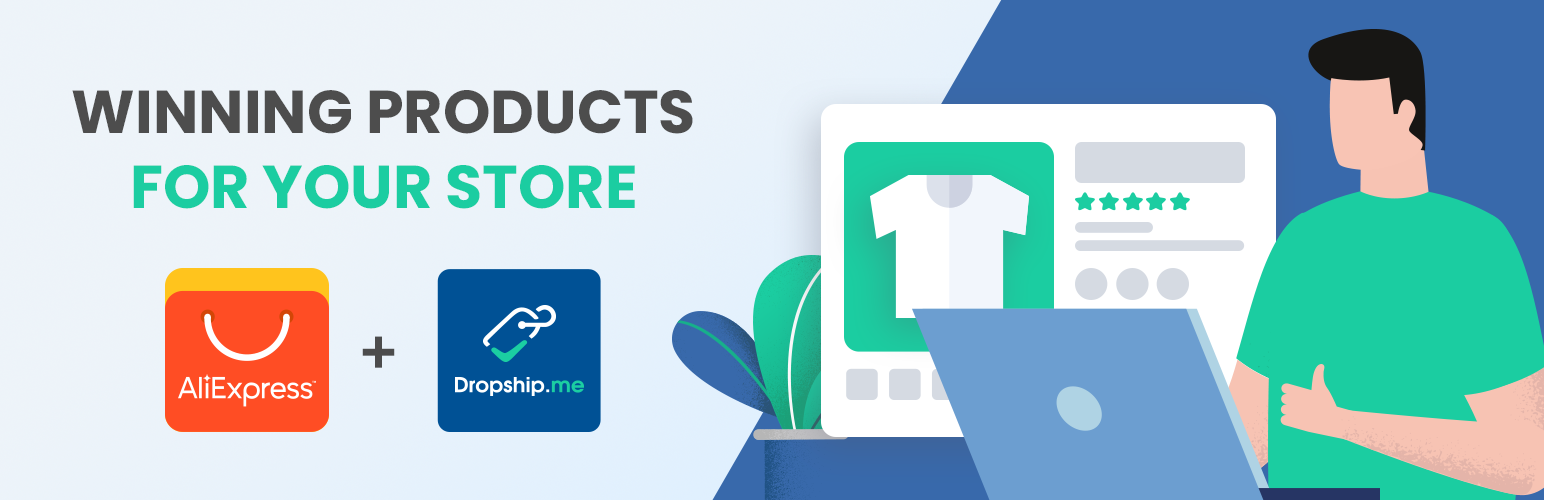
DropshipMe 是一個可以充分利用 WordPress 店鋪整合 AliExpress 的產品。我們搜羅了數千個暢銷且已經100%編輯的 AliExpress 產品庫,DropshipMe 外掛讓您輕鬆尋找和匯入最可靠供應商的最佳和最有前途的產品到您的店鋪。所有產品都是由我們的專家團隊手選,並已經手動編輯產品信息,例如標題,描述,圖像,變體等等,讓您可以迅速建立完美的產品頁面且節省大量時間。您只需要點擊匯入產品,便能輕鬆開始銷售,因為所有手動工作都已經由我們完成。DropshipMe 外掛是免費提供的。外掛通過 API 提供對產品數據庫的訪問權限。要啟用外掛,請訪問 DropshipMe 網站,輸入您的電子郵件並點擊“立即獲取插件”的按鈕來獲取免費的 API 密鑰。啟用後,您立即獲得50個免費產品可供匯入到您的店鋪。外掛與 AliDropship 和 WooCommerce 兼容。
功能:
- 快速且簡單的產品搜索和匯入
- 受信任的 AliExpress 供應商
- 專家團隊挑選的優質產品
- 專業編輯產品信息
- 匯入產品評分和評論
- 定期更新和增長的數據庫
- 推薦價格標記
最低系統要求
WordPress 4.7+
WooCommerce 3.0.0+
PHP 版本 7.1+
支援
如果您有任何問題或需要技術支援,請在我們的在線聊天窗口這裡聯繫我們或發送電子郵件至[email protected]
故障排除
在安裝和啟用 DropshipMe 外掛之前,請確保您的網站滿足以下要求:
- 不是本地主機
- 不是多站點(Multisite)
- 沒有子域名
- PHP 版本為7.1或更高版本
- 已安裝和啟用 WooCommerce 插件
- WordPress 已安裝在網站的根目錄中
主要問題及解決方法
PHP 版本已過期
請聯繫您的主機提供商升級 PHP 版本至7.1或更高。
網站在子網域下
請使用主域名,例如 example.com。不要使用技術域名、網址 ‘.local’ 等。
WordPress 安裝在子文件夾中
將 WordPress 安裝到網站的根目錄。
使用了多站點 Multisite
使用單一 WordPress 安裝。
任何 cURL 錯誤(cURL 錯誤 7: 連線失敗、cURL 錯誤 28: 連線超時、cURL 錯誤 35: gnutls_handshake() 錯誤等)
可能有以下原因:
- 您的 cURL 已過期
聯繫您的主機支援團隊,要求更新 cURL 至最新版本。
- 您的服務器沒有開啟入站連線
要求您的主機支援團隊允許開啟該網站的入站連接。
- 您的 WordPress 地址(URL)和網站地址(URL)不匹配
確保它們與您當前的域名相同(WP 儀表板 => 設置 => 通用)。
如果您已檢查了所有點,但仍然無法啟用插件,請聯繫DropshipMe支援團隊以獲得進一步的幫助。
外掛標籤
開發者團隊
原文外掛簡介
DropshipMe is a breakthrough product for AliExpress dropshipping. We curate a base of thousands of top selling and already 100% edited AliExpress products that integrates with WordPress-based stores. DropshipMe plugin allows you to easily search and import the best and promising products from the most reliable suppliers to your store. All products are handpicked by our team of experts and have already manually edited information, such as titles, descriptions, images, variants, etc. So you can have your perfectly pre-optimized product pages your customers expect to land on in absolutely no time. All the manual work is already done for you. Just import products you fancy in a couple of clicks and start selling.
DropshipMe plugin is free. The plugin provides the access to the product database via API. To activate the plugin, visit DropshipMe website, enter your email and click “Get my plugin now” to get your free API key. After the activation you immediately get 50 free products ready to import to your store. The plugin is compatible with AliDropship and WooCommerce.
Features:
– Quick and easy product search and import
– Only trustworthy AliExpress suppliers
– Winning products handpicked by experts
– Professionally edited product information
– Import product ratings and reviews
– Regularly updated and growing database
– Recommended pricing markup
Minimum Requirements
WordPress 4.7+
WooCommerce 3.0.0+
PHP version 7.1+
Support
In case you have any questions or need technical assistance, get in touch with us in our online chat window here or send us email at [email protected]
Troubleshooting
Before installing and activating DropshipMe plugin, make sure that your site meets the following requirements:
– No localhost
– No Multisite
– No subdomain
– PHP version is 7.1 or higher
– WooCommerce plugin is installed and activated
– WordPress is installed in the website’s root directory
Main issues and how to solve them
Outdated PHP version
Contact your hosting provider to upgrade PHP version to 7.1 or higher.
Site is on subdomain
Use the main domain as example.com. Do not use technical domains, domains ‘.local’, etc.
WordPress is installed in subfolder
Install WordPress to the website’s root directory.
Multisite is used
Use single WordPress installation.
Any cURL errors (cURL error 7: Failed to connect, cURL error 28: Connection timed out, cURL error 35: gnutls_handshake() failed, etc.)
There may be following reasons for such errors:
– Your cURL is outdated
Get in touch with your host’s support team with the request to update their cURL library to the latest version.
– No open incoming connection available on your server
Request your host’s support to allow open incoming connection for your website.
– Your WordPress Address (URL) and Site Address (URL) do not match
Make sure they are the same as your current domain name (WP Dashboard => Settings => General).
If you have checked all points, but have not found the reason why the plugin is not activated, please contact DropshipMe support team via contact form on the site or email: [email protected] and be ready to provide WordPress admin access to your website.
Follow Us
Our Official Website – https://dropship.me/
Our Facebook Page – https://www.facebook.com/dropshipme/
Our Twitter Account – https://twitter.com/dropship_me