外掛標籤
開發者團隊
原文外掛簡介
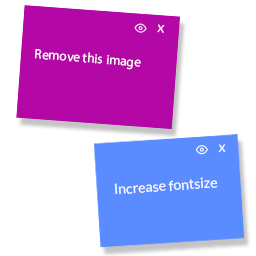
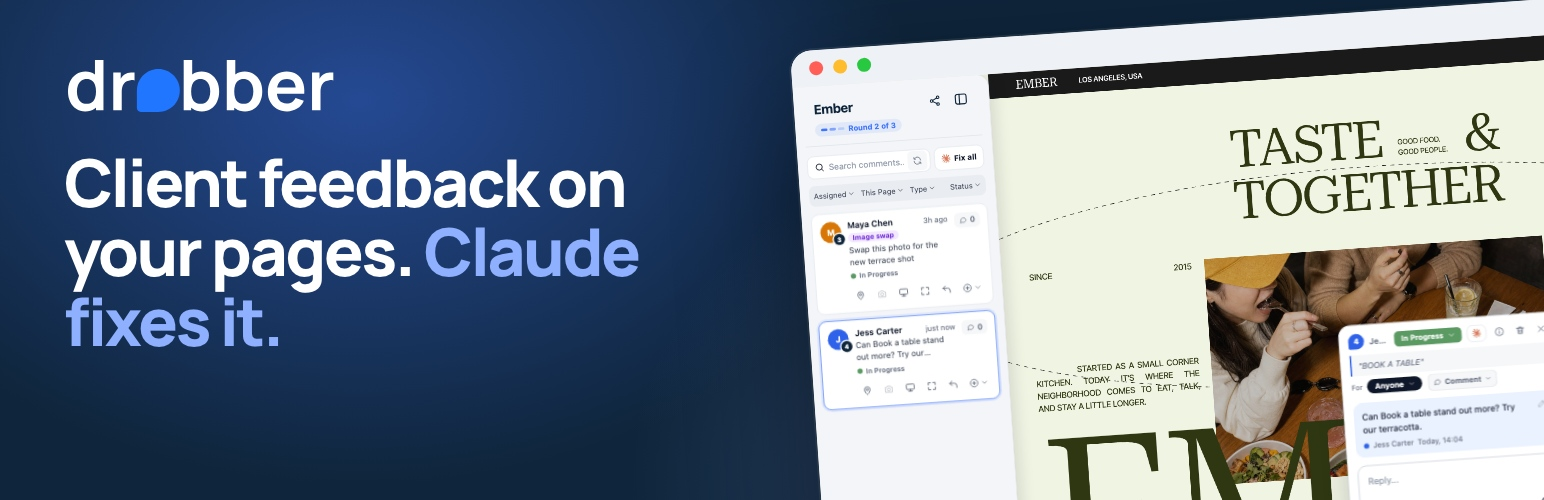
Drobber is website feedback for agencies, freelancers and their clients. Send your client a review link and they comment right on the live site: they click anywhere to drop a pin, highlight words to suggest new wording, draw a box around an area, or attach a screenshot. Every comment lands in one place with its page, its spot, the browser and screen size it was left on, and the whole conversation.
This plugin connects your WordPress site to your Drobber project in a minute, with no code to paste:
Adds the Drobber widget to your pages. Paste your project key under Settings > Drobber. Ordinary visitors see nothing at all: the comment tools only switch on for people who open the site through your Drobber review link.
Lets Claude change your pages’ text. Press Fix with Claude on a comment in Drobber, and Claude Code edits the words on the page through WordPress, asking you before every change. It works with the block editor, Elementor, Divi, Oxygen, Bricks, Beaver Builder and others, and the last change can be undone.
What your clients get:
Comments pinned to the exact element, so nothing is lost in translation.
Suggested text edits shown in place before you accept them.
Tablet and phone sizes to check, with comments marked by the size they were left at.
Replies, @mentions, emoji reactions and statuses (In progress, Feedback, Resolved).
Optional feedback deadlines, with gentle reminders by email.
What your team gets:
A board and list of every comment across your projects, with assignees.
Revision rounds, so everyone knows how many rounds of changes are left.
Developer details on each comment (on plans that include them): console errors, the element’s HTML and styles, and the environment.
Email updates and a notification bell, so nothing slips through.
Drobber is a hosted service: you need a Drobber account to use this plugin. Every account starts with a free 14-day trial, no credit card needed. See drobber.com.
External services
This plugin connects to Drobber, the hosted feedback service it belongs to (https://app.drobber.com, run by Drobber). Without it the plugin does nothing.
The Drobber widget. Once you have saved a project key, every front-end page loads Drobber’s widget script (embed.js) from app.drobber.com. The script itself stays switched off for ordinary visitors and only shows the comment tools to people who open the site through your Drobber review link. When it is switched on, Drobber receives what those reviewers do with it: their comments and replies, where on the page they are, the page address, and the browser, screen size and (if you have turned on developer details) the page’s console errors.
Connecting the project. When you save your project key on Settings > Drobber, and again the first time Claude signs in to your site with the password the plugin made for it, the plugin sends Drobber your project key, your site’s address, the plugin’s version and whether Claude is connected, so Drobber can confirm the key and show the site as connected.
No data is sent to Drobber before you add a project key. Drobber’s terms of service: https://app.drobber.com/terms. Privacy policy: https://app.drobber.com/privacy.
The optional Claude connection also uses WordPress’s own MCP Adapter plugin (installed from WordPress.org when you press the button) and an application password on your own user account. Claude Code then connects directly to your site; that connection does not go through Drobber.