
內容簡介
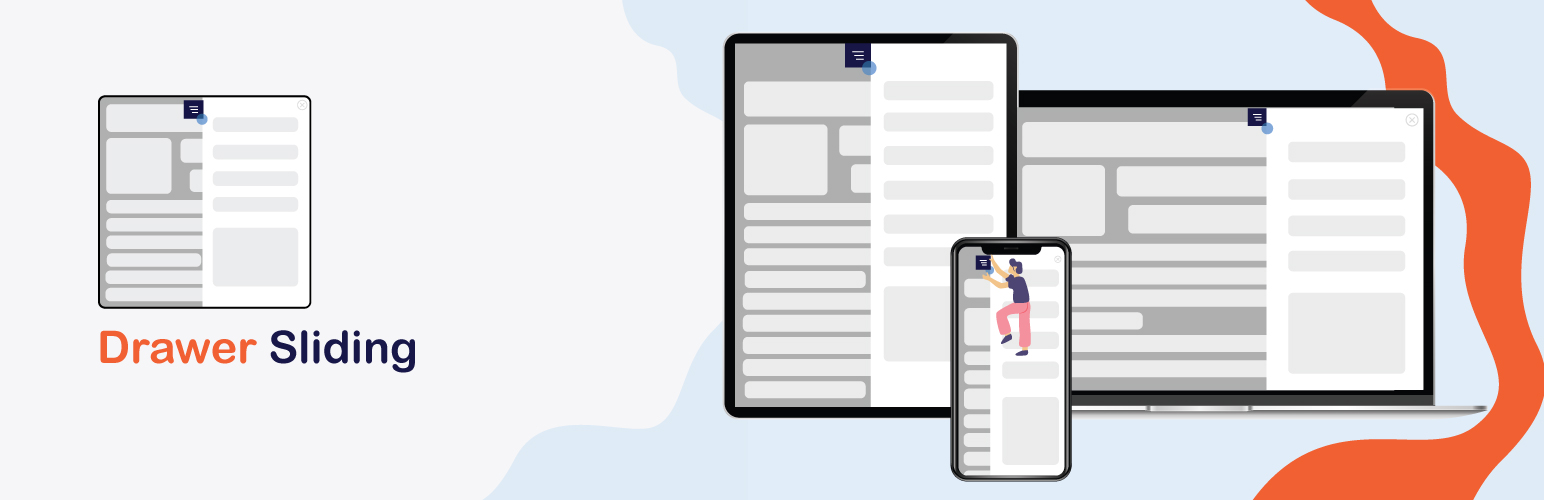
Drawer sliding 用於顯示內容、自訂 HTML 或 shortcode,並可配置為向左或向右滑動。手柄文字可自訂並輕鬆設置,也可透過自訂按鈕或圖像點擊等方式開啟抽屜。使用者只需要設置唯一的抽屜類別,即可在抽屜列表中顯示。
外掛標籤
開發者團隊
原文外掛簡介
The Drawer Sliding plugin enables you to seamlessly display content, custom HTML, menus, minicarts, and shortcodes within a sliding drawer. You can configure the drawer to slide from either the left or right, offering a flexible way to incorporate hidden content areas on your site. The plugin allows for easy customization of the handle text, and you can trigger the drawer to open by clicking on a custom button, image, or any element assigned a unique drawer class. This makes it a versatile tool for enhancing user interaction with dynamic, accessible content.
Key features:
* Sliding drawer for displaying content, shortcodes, and more
* Configurable sliding direction: left or right
* Ability to add a menu within the drawer
* Setup a minicart for WooCommerce stores
* Customizable handle text for a personalized touch
* Option to open the drawer using a button, image, or custom element
License
This plugin is licensed under the GPLv2 or later. For more information, visit GPLv2 License.