內容簡介
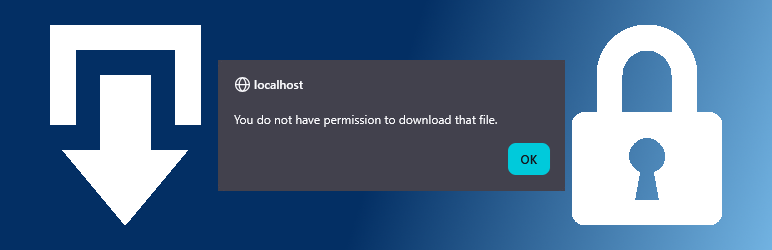
總結:這個 WordPress 外掛可以限制只有登入使用者能夠存取指定的媒體檔案,介面簡單沒有多餘功能。透過建立新的「下載」文章、上傳檔案,文件會被儲存在受保護的目錄下,避免任何人透過 URL 存取文件。存取透過自訂下載 URL,可以從外掛的管理畫面複製。下載可歸類,但這只用於網站管理組織使用,並不會用於自訂 URL。
1. 如何限制媒體檔案存取?
- 這個外掛可以限制只有登入使用者能夠存取指定的媒體檔案。
2. 如何建立新的下載文章?
- 您可以建立一個新的「下載」文章,指定標題並上傳檔案,使檔案安全儲存在受保護的目錄下。
3. 可以如何存取下載?
- 存取透過自訂下載 URL,您可以從外掛的管理畫面複製。
4. 下載可以被歸類嗎?
- 是的,下載可以被歸類,但這僅用於網站管理組織使用,並不會用於自訂 URL。
5. 何為下載 URL?
- 下載 URL 不是檔案的 URL,而是一個帶有文章 ID 的自訂 URL,這樣您可以更新可下載的檔案,而不需更改下載 URL。
外掛標籤
開發者團隊
② 後台搜尋「Downloads for logged in users」→ 直接安裝(推薦)
原文外掛簡介
Limit access to specified media files to logged in users. Very simple interface with no unnecessary features.
Create a new ‘Download’ post, give it a title and upload a file for it. Files are stored in a protected directory under wp-content/uploads. This prevents anyone from accessing a file, even if they have the url.
Access is via a custom download url that can be copied from the plugin’s admin screen.
Downloads can be assigned categories though these are for site admin organisation use and are not used in the custom url.
The download url is not the url of the file; it is a custom url with the post ID. This allows you update the downloadable file without having to change the download url.
The plugin is enabled for translation.
If you find a bug, have a feature request or want to translate the plugin, please create an issue via the plugin’s GitHub repository.
You can also contact me on my website.
ToDo
Change list view Download link to a link (to allow right click Copy Link) though block left click with JavaScript.
Developer information
The access can be changed with the ‘liudownload_check_perms‘ filter, returning true to allow the download.
For example: