
內容簡介
總結:
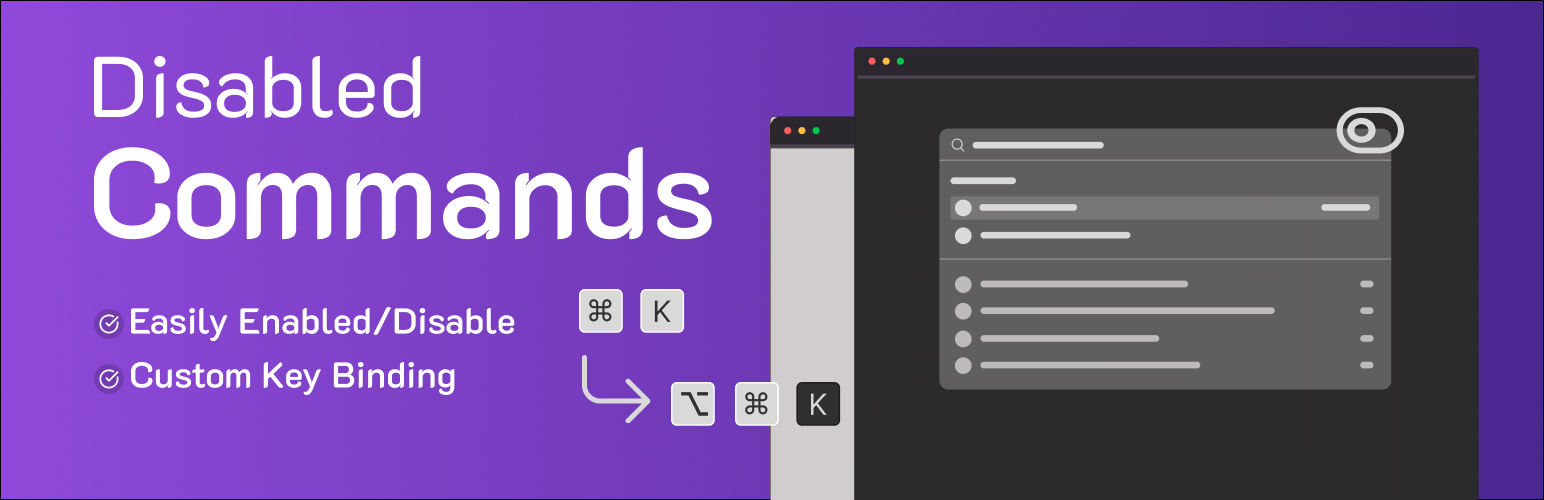
Disable Commands - Custom Key Binding 外掛讓您完全控制 WordPress 指令面板(在 WordPress 6.9 中推出)。
若您需要:
解決鍵盤快捷鍵與其他軟體或瀏覽器擴充功能的衝突。
為自己或客戶簡化管理介面。
避免意外觸發指令面板。
自訂預設快捷鍵以更適合個人工作流程。
**設置包括:
1. 停用指令面板:輕鬆切換以完全停用 wp-commands 腳本。
2. 自訂按鍵綁定:重新映射指令面板快捷鍵至任何修飾鍵(Ctrl/Cmd、Alt、Shift)及一個單一字母、數字或標點符號鍵的組合。例如,使用 Ctrl + Shift + P 取代預設的 Ctrl/Cmd + K。
所有設置由 WordPress 管理介面的單一友好頁面管理。
問題與答案:
1. 此外掛對於什麼情況是必要的?
- 解決鍵盤快捷鍵與其他軟體或瀏覽器擴充功能的衝突。
- 為自己或客戶簡化管理介面。
- 避免意外觸發指令面板。
- 自訂預設快捷鍵以更適合個人工作流程。
2. 如何使用 Disable Commands - Custom Key Binding 外掛?
- 在外掛的設置頁面中,找到兩個主要部分:
* 停用指令面板
* 選項:勾選此框以停用 WordPress 管理指令面板(Cmd+K / Ctrl+K)。
* 自訂按鍵綁定
* 覆蓋預設快捷鍵:勾選此框以啟用自訂快捷方式功能。
* 快捷鍵組合:使用核取框來選擇您所需的修飾鍵(Ctrl、Shift、Alt、Cmd/Meta)和輸入欄位定義單一字母鍵(例如,'k'、'p'、'/')。預設組合為 Ctrl/Cmd + K。
外掛標籤
開發者團隊
② 後台搜尋「Disable Commands – Custom Key Binding in Command Palette」→ 直接安裝(推薦)
原文外掛簡介
Disable Commands – Custom Key Binding gives you full control over the WordPress Command Palette (introduced in WordPress 6.9).
This plugin is essential if you need to:
* Resolve keyboard shortcut conflicts with other software or browser extensions.
* Simplify the admin interface for yourself or your clients.
* Prevent the accidental triggering of the command palette.
* Customize the default shortcut to better fit your personal workflow.
Features include:
1. Disable Command Palette: A simple toggle to completely disable the wp-commands script.
2. Custom Key Binding: Remap the command palette shortcut to any combination of modifier keys (Ctrl/Cmd, Alt, Shift) and a single letter, number, or punctuation key. For example, use Ctrl + Shift + P instead of the default Ctrl/Cmd + K.
All settings are managed from a single, user-friendly page in the WordPress admin.
Configuration
On the plugin’s settings page, you will find two main sections:
1. Disable Command Palette
* Option: Check this box to disable the WordPress admin command palette (Cmd+K / Ctrl+K).
2. Custom Key Binding
* Override Default Shortcut: Check this box to activate the custom shortcut feature.
* Shortcut Combination: Use the checkboxes to select your desired modifier keys (Ctrl, Shift, Alt, Cmd/Meta) and the input field to define a single character key (e.g., ‘k’, ‘p’, ‘/’). The default combination is Ctrl/Cmd + K.