
內容簡介
總結:
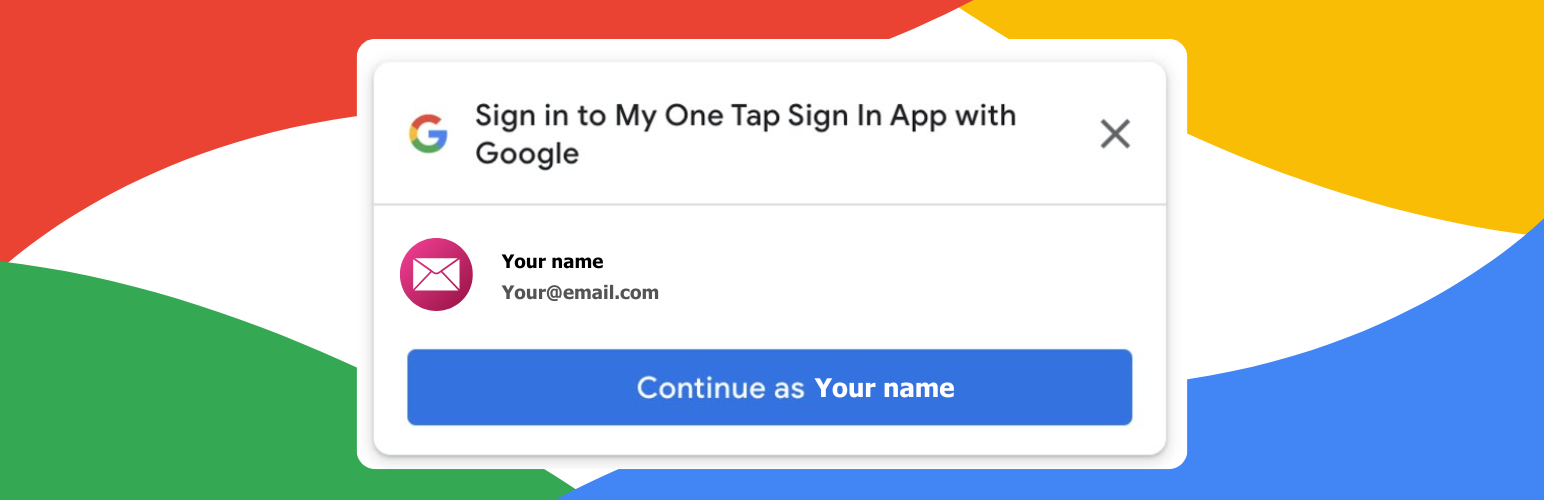
「DigitaDive Login with Google One Tap」為WordPress添加一種現代,單色調的Google登入體驗。該外掛支援One Tap提示給登出訪客使用,並提供一個shortcode用於在任何地方放置Google按鈕。
問題與答案:
1. 這個WordPress外掛提供了什麼特色?
- 提供了One Tap提示在整個網站上(可選)
- 有一個shortcode按鈕:[ddgot_google_login]
- 可以在WordPress/WooCommerce登入和註冊表單上看到登入按鈕
- 新使用者創建控制和角色分配
- 管理員對非管理員使用者的存取限制
- 支援Google頭像
- 非管理員使用者可以選擇隱藏管理員工具欄
- 可選擇郵件域名白名單
- 可選擇郵件白名單和提示排除
- 可選擇失敗日誌記錄和基於會話的提示控制
2. 這個外掛如何與Google Identity Services整合?
- 當啟用One Tap提示或按鈕時,用戶的瀏覽器會從https://accounts.google.com/gsi/client載入Google的Identity Services JavaScript
- 當用戶登入時,外掛會將Google ID token發送至Google的令牌驗證端點https://oauth2.googleapis.com/tokeninfo來驗證令牌
- 發送的數據包括ID token和請求元數據(例如IP地址和用戶代理),這些數據可以完成這些請求
- 所有外掛CSS/JS資產都是在本地打包的;唯一使用的外部資源是上述Google的Identity Services腳本和令牌驗證端點
- 網站擁有者必須在Google Cloud Console創建一個Google OAuth Client ID來使用此服務,而終端用戶需要一個Google帳戶來登錄
3. 這個外掛如何處理隱私問題?
- 這個外掛不會儲存Google密碼。它使用ID token中返回的個人資料建立或更新WordPress使用者帳戶,並在提供時儲存Google頭像URL。
外掛標籤
開發者團隊
② 後台搜尋「DigitaDive Login with Google One Tap」→ 直接安裝(推薦)
原文外掛簡介
DigitaDive Login with Google One Tap adds a modern, monochrome Google sign-in experience to WordPress. It supports the One Tap prompt for logged-out visitors and a shortcode for placing the Google button anywhere.
Google is a trademark of Google LLC. This plugin is not affiliated with or endorsed by Google.
Features:
One Tap prompt across your site (optional)
Shortcode button: [ddgot_google_login]
Login button on WordPress/WooCommerce login and registration forms
New user creation controls and role assignment
Admin access restrictions for non-admin users
Google avatar support
Optional admin bar hiding for non-admin users
Optional email domain allowlist
Optional email allowlist and prompt exclusions
Optional failure logging and session-based prompt control
External Services
This plugin integrates with Google Identity Services (Google One Tap) to allow users to sign in with their Google account.
When the One Tap prompt or button is enabled, the user’s browser loads Google’s Identity Services JavaScript from https://accounts.google.com/gsi/client.
When a user signs in, the plugin sends the Google ID token to Google’s token verification endpoint at https://oauth2.googleapis.com/tokeninfo to validate the token before logging the user in.
Data sent includes the ID token and request metadata (such as IP address and user agent) required to complete these requests.
All plugin CSS/JS assets are bundled locally; the only external resources used are Google’s Identity Services script and the token verification endpoint described above.
Site owners must create a Google OAuth Client ID in Google Cloud Console to use this service, and end users need a Google account to sign in.
Terms of Service: https://developers.google.com/terms
Privacy Policy: https://policies.google.com/privacy
Privacy
This plugin does not store Google passwords. It creates or updates WordPress user accounts using the profile data returned in the ID token and stores the Google avatar URL if provided.














