外掛標籤
開發者團隊
② 後台搜尋「dgtl-labs Shipping with GLS for WooCommerce」→ 直接安裝(推薦)
原文外掛簡介
dgtl-labs Shipping with GLS for WooCommerce connects a WooCommerce store to shipping with GLS: customers choose at checkout between delivery to their address and delivery to a GLS ParcelShop, and the store creates GLS shipping labels directly from the order and checks shipment status.
Supported country: Germany. Built against GLS Germany’s ShipIT-Farm API (not MyGLS, the API used by GLS’ other national subsidiaries) — addresses, ParcelShop search, and translations are all for the German market.
At checkout
Works with the WooCommerce Cart and Checkout blocks (the default checkout since WooCommerce 8.3) — not the older shortcode checkout.
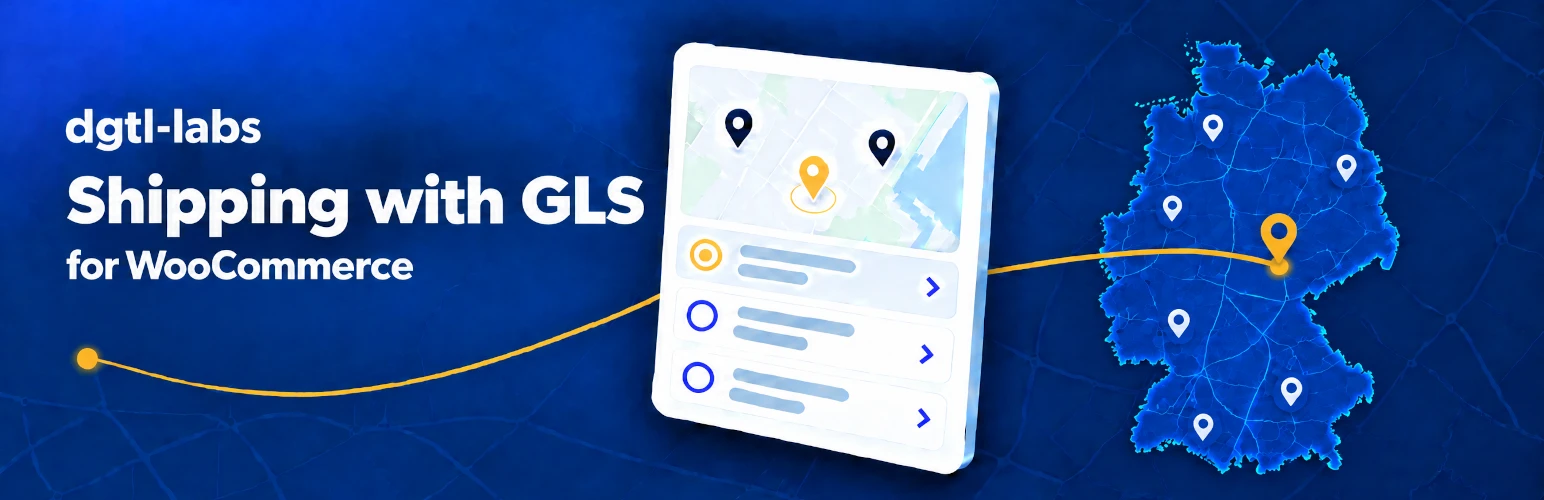
Home delivery is the default. A customer who wants a ParcelShop instead clicks a button to search; the search starts from the shipping address ZIP code and shows the nearest shops on a map (OpenStreetMap) and in a list, with a full-screen picker (works on phones too) for the complete result.
Once a ParcelShop is chosen, the choice is required to place the order — a missing shop is rejected in the browser and again on the server.
Changing the delivery ZIP code after choosing a shop drops the choice if it’s no longer nearby, with a clear notice.
The chosen ParcelShop (name and address) appears on the order confirmation, in the customer’s account, and in order e-mails.
In the WordPress admin
Create a GLS shipping label as an order action; the PDF is available for download from the order and from the order list.
Tracking number on the order, in the order list, and in customer order e-mails, linked to GLS tracking.
Check shipment status as an order action.
Package weight is calculated from the order’s line items; if an item has no weight, a configurable default package weight is used, or label creation stops with a clear message listing the items that need a weight — the plugin never reports a lower weight than the shipment actually has.
FlexDeliveryService (GLS notifies the customer by e-mail before home delivery, with the option to reschedule or redirect) as an opt-in setting for home deliveries — only enable it if the service is booked in your GLS contract.
Sandbox and live mode, switched with one setting; both sets of API endpoints stay saved so switching back and forth never means re-entering credentials.
Test connection button that checks login and reachability against your saved settings and shows a clear result, instead of a silent failure.
Requirements
WordPress 6.4+ and WooCommerce 8.3+ with the block checkout (the WooCommerce default since 8.3). High-Performance Order Storage (HPOS) is supported.
A GLS business shipping contract with access to the GLS ShipIT-Farm API. The FAQ explains how to request API credentials.
Compatible with WooCommerce Germanized.
Known limitations (current version)
Only the WooCommerce block checkout is supported, not the older shortcode checkout.
Cancelling a shipment from the admin isn’t available yet.
Built and tested for the German market (addresses, ParcelShops, translation).
External services
This plugin connects to two external services to work:
GLS ShipIT-Farm API — used to search ParcelShops during checkout (the delivery ZIP code and country), and, when you use an order action, to create a shipping label (delivery address, e-mail address and phone number) or check shipment status (the tracking number). Both the checkout search and the order actions are actions you or your customer explicitly take; nothing is sent in the background. Requests go to the GLS sandbox by default, or to GLS’ live API once you switch to live mode and enter your production endpoints (see Installation).
Terms of service: https://www.gls-pakete.de/agb-standard — Privacy policy: https://www.gls-pakete.de/datenschutzerklaerung (GLS Group’s own privacy page redirects here too, so it’s the same document; both confirmed correct by GLS, 2026-10-02)
OpenStreetMap tiles — the ParcelShop map on the checkout page loads its map tiles directly in the customer’s browser from OpenStreetMap (tile.openstreetmap.org), which sees the customer’s IP address. This only happens while a customer has the ParcelShop search open.
OpenStreetMap Copyright and License