內容簡介
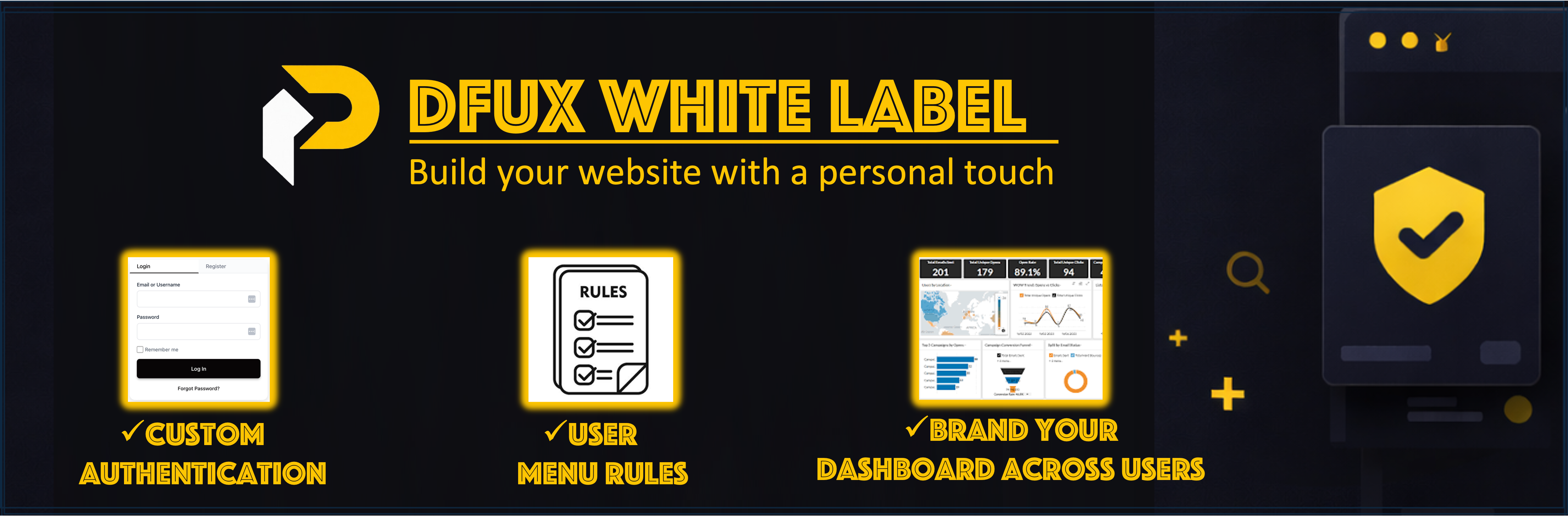
總結:DFUX White Label Lite 是一個 WordPress 外掛,提供客製化登入和註冊表單、基於角色的儀表板,以及管理員選單可見性控制。可以創建自定義身份驗證頁面,將儀表板頁面分配給使用者角色,並控制每個角色可以看到的管理員選單項目。
問題與答案:
1. DFUX White Label Lite 提供了哪些功能?
- 提供客製化身份驗證表單
- 基於角色的儀表板
- 管理員選單可見性控制
2. 如何創建自定義登入頁面?
- 創建頁面 (e.g., /login-signup/),加入 [dfuxwhla_login_form] shortcode,然後在一般設定 > 登入頁面中選擇此頁面。
3. 非管理員用戶如何自動導向到自己的儀表板頁面?
- 非管理員用戶在訪問 wp-admin 時,若有指定儀表板頁面,將自動導向到他們的儀表板。這有助於為非管理員用戶創建更安全和流暢的體驗。
4. 如何隱藏特定 wp-admin 選單項目?
- 可以按使用者角色隱藏特定的 wp-admin 選單項目並控制每個角色可以訪問的選單項目。
5. 如何取得支援?
- 如果有問題或疑慮,請造訪支援論壇、查看外掛說明文件或造訪他們的官網。在回報問題前,請確保 WordPress 版本是最新的、PHP 版本達到要求、與其他外掛停用以檢查可能的衝突。
外掛標籤
開發者團隊
原文外掛簡介
DFUX White Label Lite is a WordPress plugin that provides custom login and registration forms, role-based dashboards, and admin menu visibility control. Create custom authentication pages, assign dashboard pages to user roles, and control which admin menu items are visible to each role.
Features
Custom Authentication Forms
Custom login and registration form shortcode
Password reset functionality
Modern, customizable UI
Role-Based Dashboards
Map custom dashboard pages to user roles
Non-admin users with assigned dashboard pages are automatically redirected to their dashboard when accessing wp-admin
Dashboard pages display user information and account details using the dashboard shortcode
Admin Menu Visibility Control
Hide specific wp-admin menu items by user role
Control which menu items each role can access
Administrators are never restricted
Admin Access Control
Automatically block wp-admin access for non-admin users (redirects to role-based dashboard)
Hide WordPress admin bar for specific user roles (defaults to subscribers)
Administrators are never restricted
Additional Features
Force redirect wp-login.php GET requests to custom login page
Authentication logging for security monitoring
Configuration
General Settings
Custom Login Page: Create a page (e.g., /login-signup/) and add the [dfuxwhla_login_form] shortcode. Select this page in General Settings > Login Page.
Force replace wp-login.php (GET only): Enable this option to redirect wp-login.php GET requests to your custom login page.
Block wp-admin for non-admins: This feature is enabled by default. Non-admin users with assigned dashboard pages will be automatically redirected to their role-based dashboard when attempting to access wp-admin. This helps create a more secure and streamlined experience for non-admin users.
Dashboards
Navigate to General Settings > Dashboards tab.
Map each user role to a dashboard page.
Ensure each dashboard page contains the [dfuxwhla_user_dashboard] shortcode.
Admin Menu Rules
Navigate to General Settings > Admin Menu Rules tab.
Select which menu items to hide for each role.
Save your rules.
Shortcodes
[dfuxwhla_login_form] – Displays a complete login/registration form
Usage: Add to your login page (e.g., /login-signup/)
Features: Login, registration, and password reset
[dfuxwhla_register_form] – Alias for [dfuxwhla_login_form] (same functionality)
[dfuxwhla_logout_link] – Displays a logout link
Attributes:
label – Custom label text (default: “Logout”)
redirect – Redirect URL after logout (default: home page)
[dfuxwhla_user_dashboard] – Displays user dashboard content
Usage: Add to dashboard pages mapped to roles
Features: User information, account details, and logout option
Support
If you encounter any issues or have questions about plugin functionality, please:
Visit the Support Forum
Check the Plugin Documentation
Visit our website: https://petafusion.com/
Before reporting an issue, please ensure:
* Your WordPress version is up to date
* Your PHP version meets the requirements (7.4 or higher)
* You’ve tested with other plugins deactivated to check for conflicts
* You’ve reviewed existing support forum topics for similar issues