內容簡介
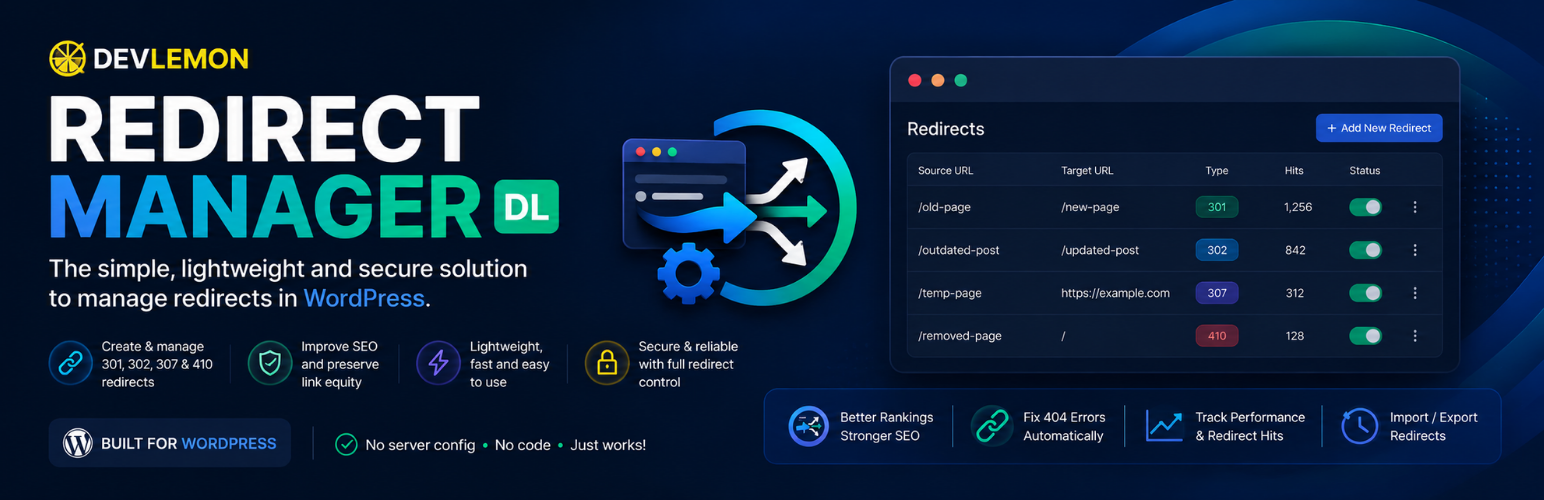
DevLemon Redirect Manager 讓您可以直接在 WordPress 控制台中管理 URL 轉址,無需編輯伺服器檔案,方便有效地處理網站的 URL 變更和流量管理。
【主要功能】
• 支援多種轉址類型(301、302、307、410)
• 批次匯入和匯出轉址設定
• 轉址觸發次數計數器
• 搜尋和過濾轉址來源及目標
• 循環檢測防止創建循環轉址
外掛標籤
開發者團隊
原文外掛簡介
DevLemon Redirect Manager lets you manage URL redirects directly from the WordPress admin — no server file editing required.
Who needs this?
Your page slugs changed after a redesign.
You migrated from another platform and old URLs are still getting traffic.
A post was permanently removed and you want to return a proper 410 Gone response.
You have campaigns whose URLs changed and you need to preserve external links.
Supported redirect types
301 — Moved Permanently (most common; tells search engines to transfer link equity)
302 — Found / Temporary Redirect
307 — Temporary Redirect (method-preserving)
410 — Gone (tells search engines the content is permanently removed)
What you can do
Create, edit, enable, disable, and delete redirects.
Import redirects in bulk via CSV.
Export your current redirects to CSV.
Search by source or target, and filter by redirect type or active status.
See how many times each redirect has been triggered (hit counter).
Loop detection prevents you from creating circular redirects.
Design philosophy
One function, done well. No SEO suites, analytics, or marketing tools bundled in.
Zero front-end overhead — no CSS, JavaScript, or external requests added to your site.
Privacy-first: no visitor IPs, user agents, or personal data stored anywhere.
Redirects are processed via WordPress APIs — no .htaccess modifications.
Fully uninstallable: removing the plugin cleans up all its database tables and options.