內容簡介
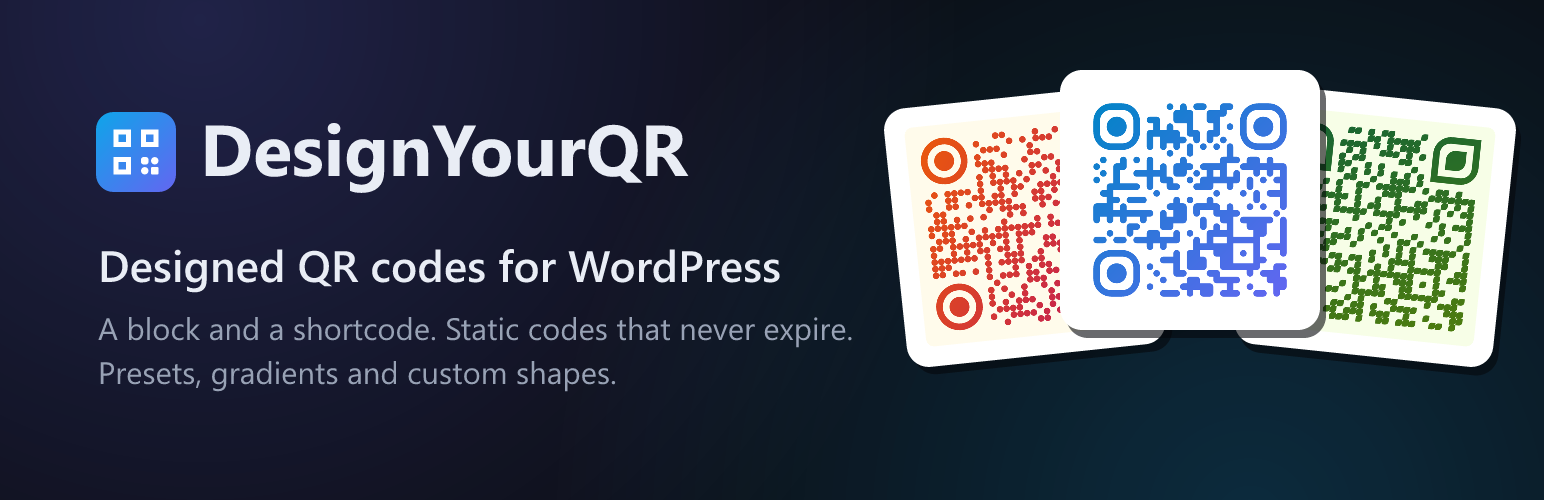
DesignYourQR 是一款 QR 碼生成器外掛,允許用戶在網站上隨意插入設計風格的 QR 碼。此外掛提供靜態 QR 碼,無需外部伺服器,確保碼不會過期,並可自由調整樣式與內容。
【主要功能】
• 靜態 QR 碼,永不過期
• 9 種樣式預設,完全控制形狀
• 支援多種內容類型:連結、Wi-Fi、電子郵件等
• 可調整錯誤修正與安靜區域
• 以 SVG 格式渲染,隨容器縮放
外掛標籤
開發者團隊
② 後台搜尋「DesignYourQR – QR Code Generator」→ 直接安裝(推薦)
原文外掛簡介
DesignYourQR adds a “QR Code (DesignYourQR)” block and a [designyourqr] shortcode that draw a styled QR code anywhere on your site. It is the same engine that powers designyourqr.com, bundled as a self-contained plugin.
The code is rendered in the visitor’s browser as a crisp SVG. Nothing is sent to an external server, there is no API key, and the codes are static, so they never expire and keep working even if the plugin is later removed from the page as an image.
Features
Static QR codes that never expire (the content is baked into the image).
9 style presets, plus full control over module and corner shapes.
Solid or gradient colors with any angle.
Content types: link, plain text, Wi-Fi, email, phone, SMS and vCard.
Adjustable error correction and quiet zone.
Scales to its container and looks sharp at any size (SVG).
No tracking, no external requests, no account.
Two ways to use it
In the block editor, add the “QR Code (DesignYourQR)” block and set the content and style in the sidebar. Or drop the shortcode into any post, page or widget:
[designyourqr content="https://example.com" preset="ocean" size="300"]
A Wi-Fi code
[designyourqr type="wifi" ssid="MyNetwork" pass="secret123" enc="WPA" preset="forest"]
A vCard contact
[designyourqr type="vcard" first="Ada" last="Lovelace" email="[email protected]" phone="+15551234567"]
For a full no-code generator with live preview, logo embedding and PNG/JPG/WebP export, use the site: designyourqr.com.
Shortcode attributes
content – the link, or the text when type is text, or the number when type is phone.
type – url (default), text, wifi, email, phone, sms or vcard.
preset – classic, ink, ocean, sunset, forest, grape, midnight, blush or stripe.
size – output width in pixels (default 300). The SVG still scales to its container.
dot – square, rounded, dots, fluid, diamond, leaf or bars.
eyeframe – square, rounded, extra, circle or leaf.
eyepupil – square, rounded, dot, leaf or diamond.
c1, c2, angle – gradient start color, end color and angle.
bg, transparent – background color, or transparent=”1″ for none.
ec – error correction L, M, Q or H.
margin – quiet zone in modules (default 4).
caption – 1 shows a small “Made with DesignYourQR” credit under the code. Off by default.
align – left, center (default) or right.
Type-specific: ssid, pass, enc, hidden (wifi); to, subject, body (email); to, msg (sms); first, last, org, title, phone, email, url (vcard).