內容簡介
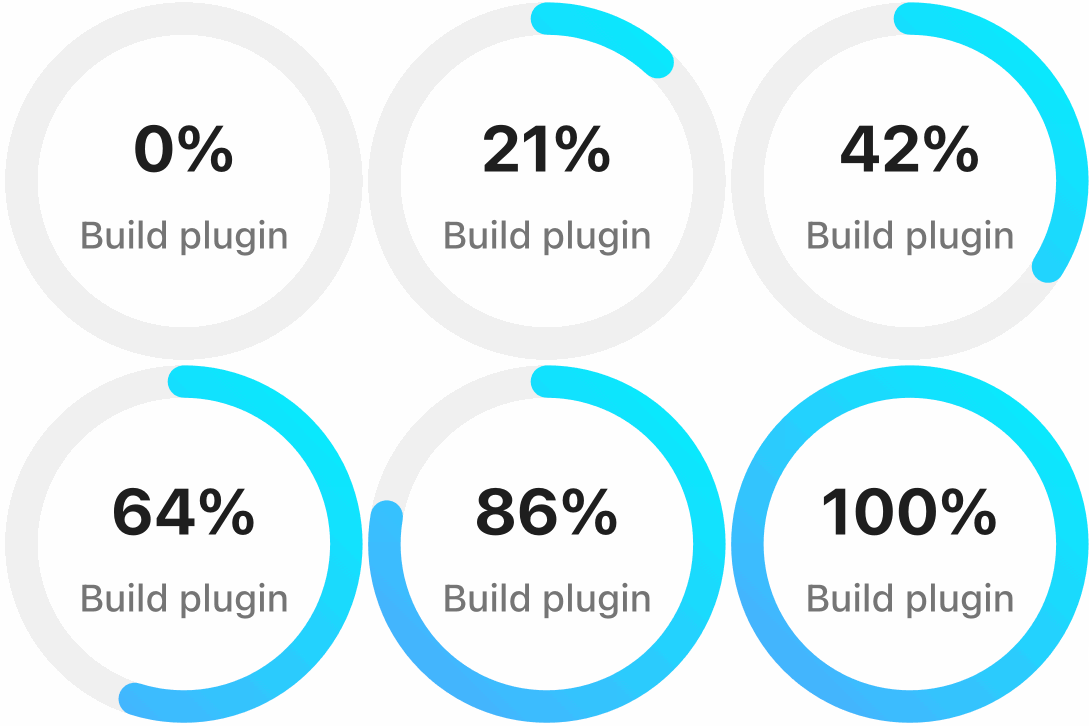
DesignOrbital Progress Bar Block 外掛為 WordPress 區塊編輯器新增了一個動畫進度條區塊,能夠以乾淨的線條顯示技能、目標或任何百分比,並附上標籤與數值,提升網站的視覺效果。
【主要功能】
• 原生區塊,無需短碼或頁面建構器
• 可編輯標籤,支援標題或文本標籤
• 調整進度條厚度,選擇圓角或方角
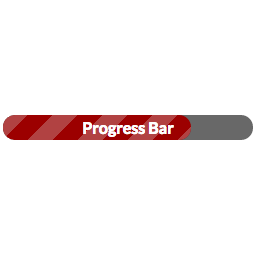
• 支援條紋填充及動畫效果
• 自訂顏色、漸層及數值顯示
• 滾動進入視野時自動計數,尊重訪客的減少動作設定
外掛標籤
開發者團隊
② 後台搜尋「DesignOrbital Progress Bar Block」→ 直接安裝(推薦)
原文外掛簡介
This plugin adds an animated DesignOrbital Progress Bar block to the WordPress block editor. Show skills, goals, or any percentage as a clean line bar with a label and value.
Features
Native block built with the WordPress block API — no shortcodes, no page builder.
Editable label with a choice of heading or text tag, and an optional value with a custom suffix.
Show the value above the bar or inside the fill.
Adjustable bar thickness, and rounded or square ends.
Striped fill with optional stripe animation.
Fill color or gradient, track color, and value color and size.
Fills the bar and counts up the value when it scrolls into view, with an adjustable duration. Respects the visitor’s reduced-motion setting.
Typography, text color, and margin controls from the block editor.
Accessible markup using the ARIA progressbar role.
Lightweight: styles and scripts load only on pages that use the block.
Translation ready.
This plugin does not collect any data, set cookies, or connect to external services.
Built by DesignOrbital
This block is developed by DesignOrbital, a team building Full Site Editing themes, blocks, and patterns. Explore our free Full Site Editing themes.
Related resources
DesignOrbital Blocks Plugin – 35+ blocks and extensions for the block editor.
DesignOrbital Pattern Library – 220+ predesigned patterns for building pages.