內容簡介
DesignO 是一款專為 WooCommerce 設計的產品設計外掛,允許顧客在網站上自訂、設計或個性化產品。它提供多種個性化訂購選項,提升顧客體驗並增加商業價值。
【主要功能】
• 完整的設計工具,類似 Canva
• 表單編輯器,方便顧客個性化產品
• 支援上傳藝術作品並直接結帳
• 行動裝置友好的響應式設計
• 顧客可儲存設計以便未來訂購
外掛標籤
開發者團隊
📦 歷史版本下載
原文外掛簡介
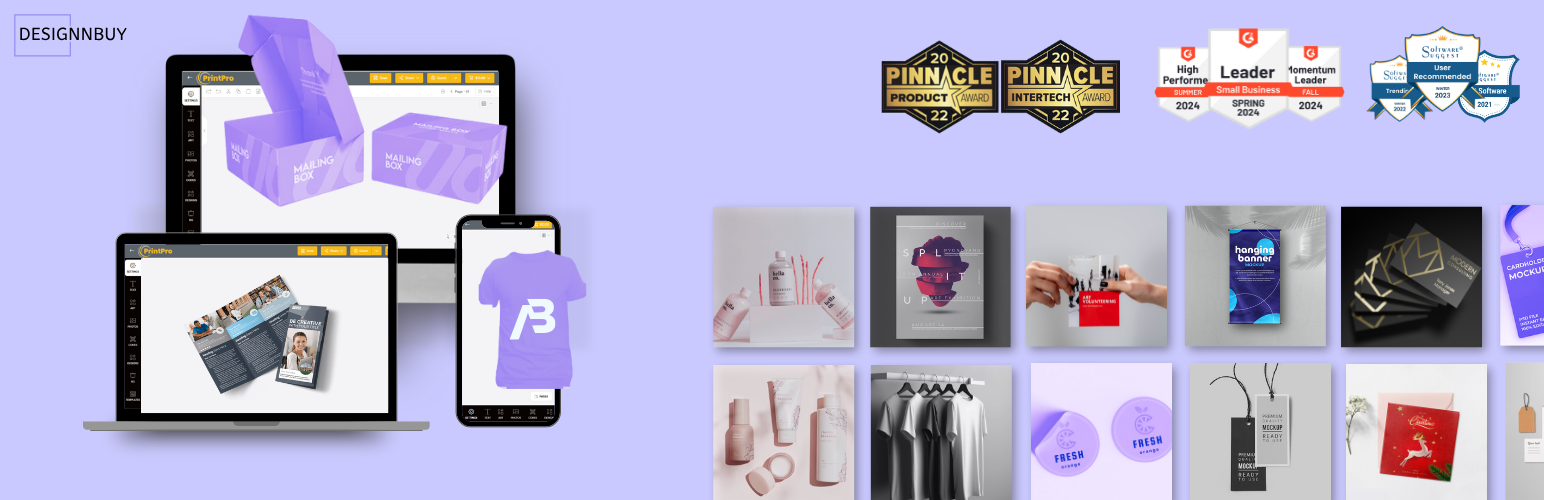
DesignO Product Designer for WooCommerce allows customers to design, customize, or personalize products on your WooCommerce website. DesignO is a comprehensive API-driven personalization commerce platform that offers multiple options for personalized product ordering to customers. The first option is a full design tool, similar to Canva, integrated into your website. The second option is a form-based editor that allows customers to personalize products using a form, and the third option is to upload artwork and proceed to checkout.
Our WooCommerce product designer is powered by a centralized print order management software that caters to various businesses, including print service providers, packaging manufacturers, garment decorators, promotional gift suppliers, brand management firms, marketing organizations, graphic designers, digital asset management companies, franchise businesses, in-plant printers, and trade organizations.
Awesome Features
Rich Editor
Fully mobile responsive design tool for product personalization such as print, packaging and merch with Canva like UX for desktop users and an app-like interface for mobile users. The design tool opens within your Magento store so that customers never leave your website.
Allows customers to save their designs in customer account for ordering and re-ordering to get the high lifetime value of the customers.
Allows customers to add personalized products right from within the design tool. From the shopping cart page, customers can proceed to checkout or go back to the design tool for further modifications in the artwork.
File Upload and Checkout
It is most common for a web-to-print shop to allow users to upload ready-to-print artwork and place orders. When placing an order online, buyers will be able to browse any product, select product options, check pricing, and finally upload artwork.
Form Based Editor
Form-based editor can be enabled from backend for the products where just need the form for personalization, this allow customers to just fill the form for personalization. It is the most easiest way to personalize and submit the order for end customers.
Form-based editor includes options to edit text, text paragraph, image, colors, font and many more.
Custom Options
DesignO allows to admin users to add custom options in the products.
Different types of options can be added like– text box, text area, checkbox, swatch box, dropdown, image dropdown, hidden filed, attribute and many more.
Custom Pricing
Per Unit Pricing: DesignO allows to admin users to configure pricing based on per unit, where admin can defined quantity based tier pricing, size based tier pricing or can combine both together.
Admin can also set product base price, pricing for single option or make a combination of options and set pricing for it.
Size based Pricing: DesignO allow admin to set pricing for products which works of per sq unit such as banner, wallpaper, backdrop and many more. Admin can set base pricing and custom options pricing based on sizes.
Order and Job Management
DesignO provide complete order management system to execute the order and ship to the customer.
Each order gets Print-ready files which can directly go in printing.
Comprehensive job monitoring and management from pre-press to ready-for-delivery.
Define unique print workflow management for each type of printable product.
Full visibility through live job dashboard and job calendar to get every order delivered on time.
Notifications and e-mails for artwork approval and status updates to/from customers and your internal team.
Role-based access to back-end users for full control and data security.
Library Management
DesignO provides complete library management to admin user to add and edit fonts, colors, clipart, artwork and layouts.
DesignO provides admin user a easy to use design template builder with full control to define editable and non-editable elements in the artwork.
Admin also can import ready artwork and templates from DesignRiver which is integrated in DesignO.
Other Features
Multi-store support.
Multi-lingual and Multi-currency support.
Benefits
No more re-platforming, just integrate through API
No more loosing on SEO and website traffic
Reduce the number of software installations and licensing fee
Centralize your pre-press work and reduce production cost
Manage more work in the most profitable way possible
Offers thousands of pre-made templates to choose from
Who Use it
Digital, Commercial, and Wide Format Printers
Photo Printers & Book Publishers
Garment Decorator, Promotional Product Suppliers, Custom Merch Vendors
Marketing Agencies and Graphics Designers
Real Estate Agencies
Educational Institutes and Universities
Franchisee Businesses
Corporates and Trade Printers
DesignO Upgrades
If you are currently using an older version of DesignO, please avoid upgrading to newer versions without guidance from our technical support team, as direct upgrades may not always be successful due to API integrations. For assistance with upgrading DesignO, kindly reach out to our technical support team at [email protected].
Video