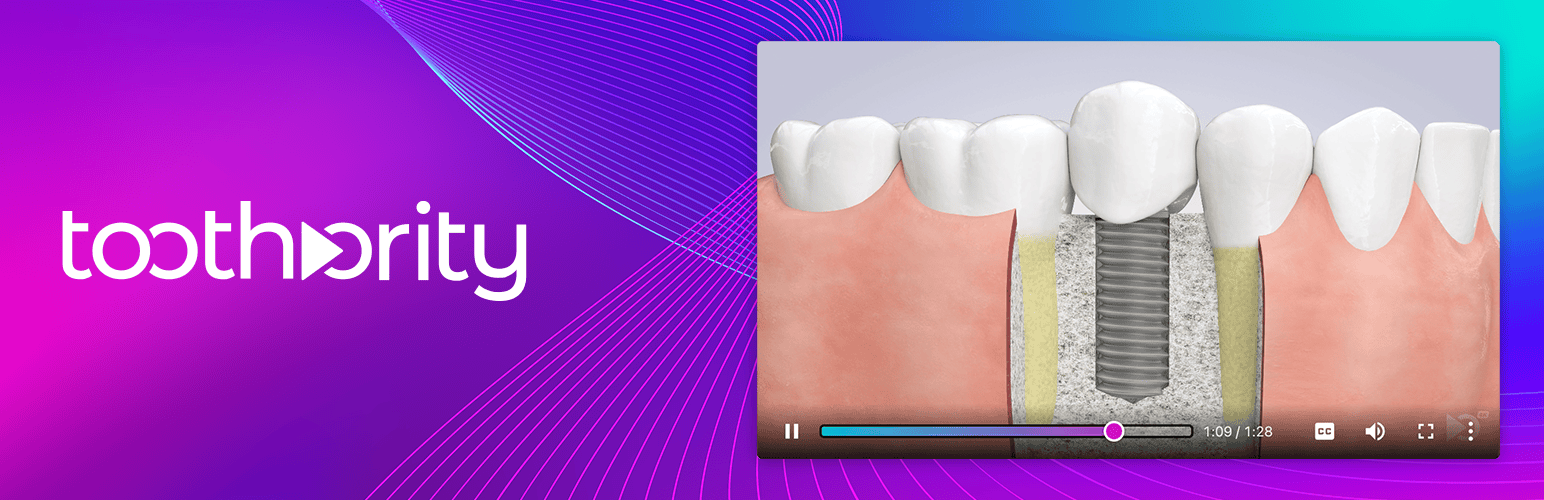
內容簡介
這是由 Toothority Patient Education 開發的官方 WordPress 外掛。此外掛讓您可以在區塊編輯器中嵌入牙科教育影片,也可以在任何短碼可用的地方使用。Toothority Patient Education 是針對牙醫設計的美觀、經過同儕審查的 4K 教育影片完整庫。
請注意:您可以免費使用此外掛建立您的網站,預覽影片,檢查佈景主題相容性以及測試不同的擺放位置。試用期內編輯器會顯示範例影片。要在實際網站上解鎖影片,您必須擁有 ToothorWeb 訂閱方案。
使用方法
在您的 WordPress 網站上內嵌我們的影片非常容易,有兩種方法可供選擇。預設情況下,影片元素會按照其包含元素的寬度自適應調整大小。此外您可以使用自訂的 css 來指定 muvi 類別的樣式。在您的實際網站上,影片將自動播放,但音量會被消除。點擊影片將重新從頭開始播放,並開啟聲音。
區塊編輯器
只需編輯了您想在頁面或文章中出現影片的頁面,新增一個區塊,從選單中搜尋「Dental Video(牙科影片)」。一旦您新增了一個 Dental Video 區塊,您就可以從我們的影片庫中選擇任何影片來出現在該頁面上。
短碼
或者,您可以在任何短碼被接受的地方放置影片。在外掛管理頁面上提供了一個可用短碼清單。
外掛標籤
開發者團隊
原文外掛簡介
Turn your website into a patient education powerhouse. Dental Education Videos gives you instant access to a growing library of over 40 peer-reviewed, beautifully produced 4K videos covering implants, crowns, root canals, whitening, orthodontics, pediatric dentistry, and more.
Just pick a video, drop it on any page, and let it do the explaining for you.
Patients Who Understand Say Yes
When patients can see exactly what a procedure involves, they feel informed, confident, and ready to move forward. Practices using patient education videos report higher case acceptance and fewer no-shows.
Stop Repeating Yourself
How many times a day do you explain what a crown is? What a root canal involves? Let the videos do the heavy lifting so you and your team can focus on what you do best: providing care.
Keep Visitors on Your Website Longer
Pages with video keep visitors engaged longer, which means better search rankings, more time learning about your practice, and more appointments booked.
Put Patients at Ease
Dental anxiety is real. A clear, professional walkthrough of what to expect helps patients feel calm and prepared before they even sit in the chair.
Chairside Player Included
Your subscription also includes a dedicated video player for the operatory. Pull up any video on an iPad, tablet, or op-room PC and walk patients through their treatment plan right at the chair. No app download needed.
Works Beautifully on Every Device
Videos look stunning on desktop, tablet, and mobile. They stream in crisp 4K quality with closed captions, fullscreen support, and smooth playback on every browser and device your patients use.
Free to Try
Install the plugin, browse the full library, preview every video, and build your pages, all for free. When you’re ready to go live, a Toothority subscription activates full-quality streaming on your website and unlocks the chairside player for your operatory.
How It Works
Install and activate the plugin.
Edit any page or post and add a “Dental Video” block.
Browse the library and pick a video. It previews right in the editor.
Publish. Your patients can start watching immediately.