內容簡介
在 WordPress 中刪除舊文章是一項耗時的任務。
使用自動刪除舊文章外掛程式,您可以自動執行此任務。
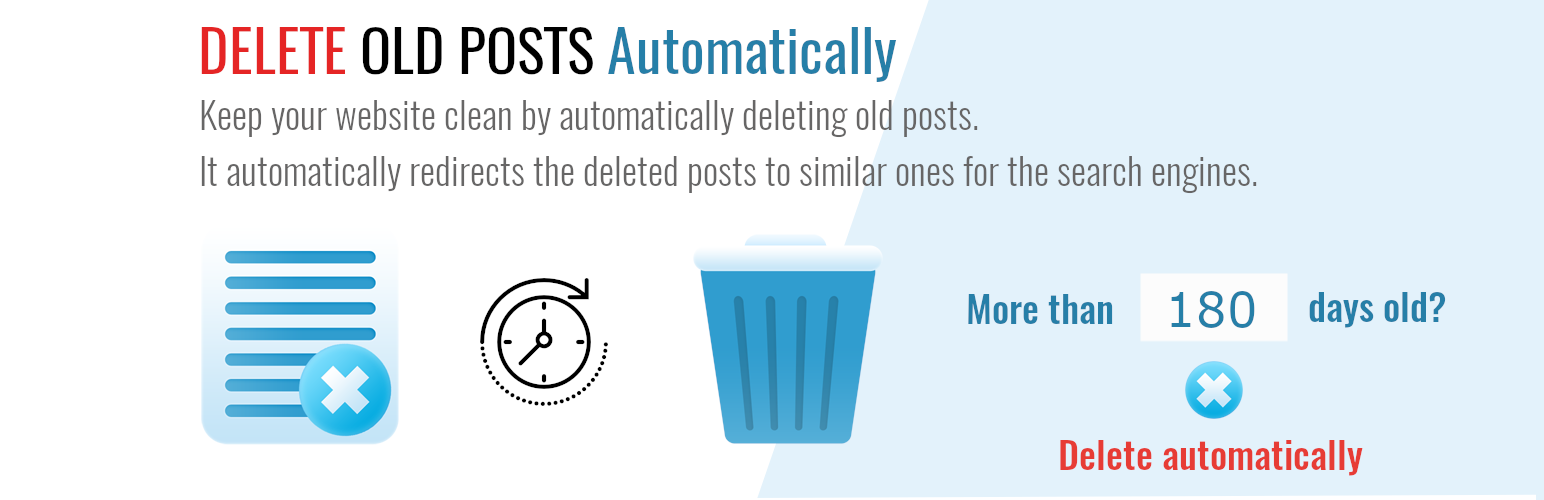
只需設定過去幾天的時間,外掛程式就會自動刪除任何發佈於此之前的文章。
如果您想跳過某些文章並保留一些重要的文章,您也可以篩選已刪除的文章。
長期經營博客,會積累大量的文章。如果您的舊文章已經過期、不相關、品質低下、沒有用處、沒有流量,並且不支援您的整體目標,您應該考慮刪除它們。如果您的網站有數百篇舊文章,刪除它們是一項耗時的任務。
如果這些文章中有任何有機流量,它們將自動重新導向以 301 代碼發出的最佳相關文章。
有了這個外掛程式的幫助,您將能夠自動刪除文章,從而節省大量時間。您可以決定永久刪除文章或將其放入垃圾桶中。
您也可以輕鬆刪除任何自訂文章,例如 WooCommerce 產品。
功能
自動刪除不需要的文章。
自動刪除不需要的自訂文章類型。
選擇過去幾天作為起始點來刪除文章。
選擇固定日期作為起始點來刪除文章。
排除您不希望刪除的文章。
搜尋包含特定詞語的文章。
僅刪除一個或多個分類的文章。
僅從一個或多個分類法定範圍刪除自訂文章類型。
選擇要應用於分類法定範圍的關聯性。
使用 “301 Moved Permanently” 狀態重新導向已刪除的文章到您網站上的相似文章。
按用戶刪除文章。
永久刪除文章(PRO 版本)。
刪除文章時刪除文章附件(PRO 版本)。
請查看 wpmagic.cloud 的外掛程式頁面 以獲得更多訊息。
支援的語言:
英文
德文
荷蘭文
法文
意大利文
挪威文
印地文
孟加拉文
如果您想,可以幫忙將《自動刪除舊文章》外掛程式翻譯成其他語言。非常感謝!
請注意,從原始英語翻譯的翻譯並不保證完全準確。
愛心傳遞 ❤️
如果您喜歡自動刪除舊文章外掛程式,請通過在 WordPress.org 上留下 五星評分 ⭐⭐⭐⭐⭐ 並在 Facebook 和 Twitter 上分享它,這將有助於其他網站擁有者發現並從中受益!
外掛標籤
開發者團隊
📦 歷史版本下載
原文外掛簡介
Automatically delete old or outdated WordPress posts safely — keep your site clean, fast, and relevant.
Delete Old Posts plugin lets you automatically remove outdated content from your WordPress site with ease.
Schedule deletions, filter by category, tag, post type, or status, and optionally redirect deleted posts to relevant pages to preserve SEO.
Perfect for bloggers, news sites, e-commerce stores, and anyone who wants a clean, optimized site without manual cleanup.
Features
🕒 Automatic Deletion – Schedule post deletions automatically — no manual work needed.
🗂️ Flexible Filtering – Choose which posts to delete based on date, category, tag, post type, authors, or status.
🚫 Exclude Important Posts – Protect specific posts from deletion.
🔁 SEO-Friendly Redirects – Automatically redirect deleted posts to their closest match or a custom URL (optional).
💾 Safe & Controlled – Logs every deletion for easy review, so you always know what happened (coming soon).
🧰 Supports Custom Post Types – Works with any posts type.
🔄 “Set It and Forget It” Automation – Once configured, it keeps your site clean automatically.
💡 Lightweight & Fast – No bloat, minimal database load, and compatible with all major themes and plugins.
❌ Delete the post permanently (PRO version).
❌ Delete post attachments 📎 🏞️ when the post is deleted (PRO version).
Why You Might Need This Plugin
Keeping your WordPress site clean and relevant is important — but deleting old content manually takes time.
This plugin helps you automatically remove outdated posts, drafts, or custom content types on a schedule, based on your rules.
You might need this plugin if:
📰 You run a blog with time-sensitive posts (e.g., events, announcements, deals) that should disappear after a certain date.
🏪 You manage a WooCommerce store and want to automatically remove expired or seasonal products.
🎓 You run a membership, e-learning, or event site with temporary content that should be cleaned up regularly.
🗞️ You operate a news or magazine site and want to auto-delete posts older than 30, 60, or 90 days to keep your archive light.
⚙️ You’re a developer or site maintainer managing multiple WordPress installations and need a reliable cleanup automation tool.
🧠 You care about SEO and performance, and want to remove outdated or low-value content safely — optionally redirecting deleted posts to newer ones.
✅ You simply want a “set it and forget it” way to keep your WordPress dashboard clean and your site running fast.
Supported languages:
English
Deutsch
Nederlands
Français
Italiana
Norwegian
Hindi
Bengali
If you want, you can help translate the “Delete old posts automatically” plugin into another language. Many thanks!
Please note that there are no guarantees that translations from the original English are accurate.