
內容簡介
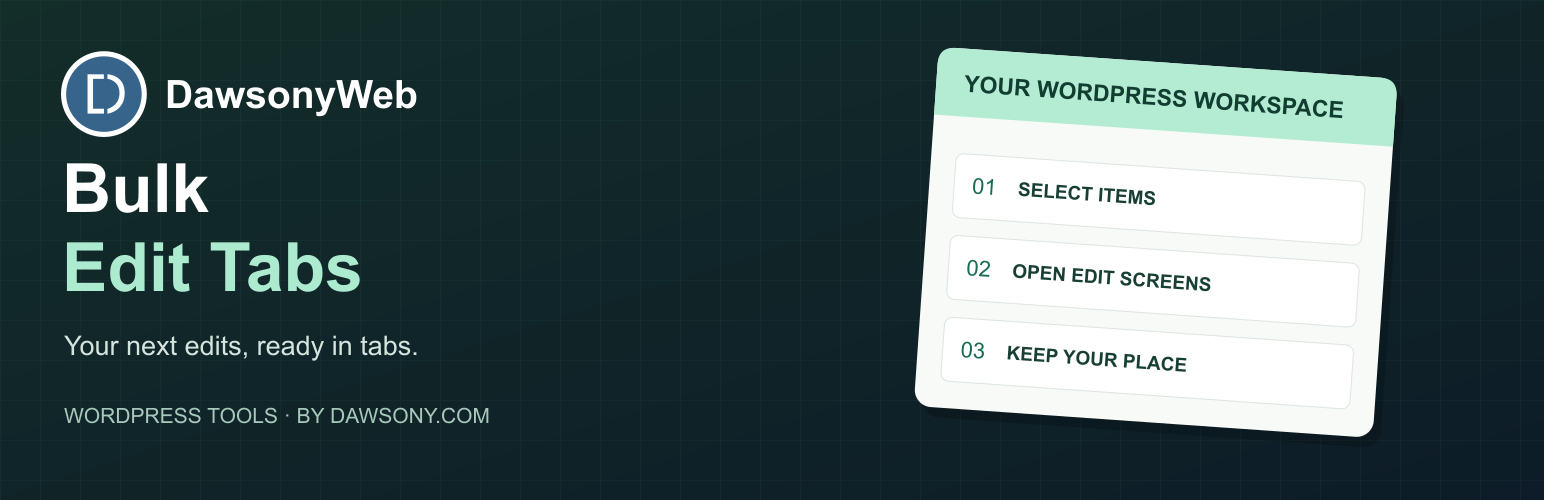
此外掛允許使用者一次性在瀏覽器標籤中開啟多個文章、頁面或 WooCommerce 產品,簡化大量內容更新的流程,提升編輯效率。
【主要功能】
• 私人保存佇列 - 每種文章類型最多可保存 100 個可編輯項目
• 選取標籤開啟 - 僅開啟已勾選項目的編輯畫面
• 全部開啟 - 開啟當前頁面所有可見項目的編輯畫面
• 智能安全限制 - 預設限制 25 個標籤,超過 10 個需確認
• 支援多種文章類型 - 包括文章、頁面及 WooCommerce 產品
• 零配置 - 啟用後立即可用
外掛標籤
開發者團隊
② 後台搜尋「DawsonyWeb Bulk Edit Posts and Products in Tabs」→ 直接安裝(推薦)
原文外掛簡介
Open several posts, pages or WooCommerce products in browser tabs at once, straight from the admin list. Tick the items you want, or build a private editing queue as you browse, then open them in manageable batches. It saves the click, edit and back routine when you need to update lots of content.
Key Features:
Private saved queues – Keep up to 100 editable items per post type across list pages and filters. Add, remove or clear items, then open them in batches.
Open Selected in Tabs – Open edit screens for checked items only
Open All on Page – Open edit screens for all items currently visible
Smart Safety Limits – Default limit of 25 tabs with confirmation at 10+ tabs; filters can raise the limit up to 100
Post list tables – Supports Posts, Pages, standard custom post type lists and WooCommerce Products. Media Library is not supported.
Capability Aware – Only shows for users who can edit the specific post type
Zero Configuration – Works immediately after activation
Popup Block Recovery – Shows individual edit links for tabs your browser blocks
Perfect For:
Bulk editing multiple posts across tabs
Reviewing and editing content in batches
Managing large inventories (WooCommerce products)
Content workflow management
Site maintenance and updates
How It Works:
Navigate to any post list table in WordPress admin
Select items using checkboxes (or skip selection for “all”)
Navigate to Plugins > Add New > Upload Plugin
Edit screens open in new tabs instantly
Work across multiple tabs simultaneously
Safety Features:
Confirmation dialog when opening 10 or more tabs
Default limit of 25 tabs per batch; the filter can set a value from 1 to 100
Popup blocking reminder in confirmation message
Respects user capabilities and permissions
Compatibility:
WordPress 5.0+
Standard post list tables, excluding Media Library
Custom Post Types
WooCommerce Products
Native edit screens, including the WordPress block editor; third-party editor behaviour depends on that editor
Developer Notes
Filters Available:
dawsony_bulk_edit_tabs_limit - Modify the maximum number of tabs that can be opened (default: 25)
dawsony_bulk_edit_tabs_confirm_threshold - Modify when the confirmation dialog appears (default: 10)
Storage and uninstall:
Saved queues store post IDs in user meta under the site-prefixed dbet_editing_queues key, grouped by post type. They are private to each user and site. The Tools screen explains the tab-limit filters; it does not save a separate settings option. Deactivation retains queues. Uninstall removes queue user meta for the current site’s prefix. On multisite, queues for other site prefixes are not removed by this routine. Content itself is never deleted.
Browser Compatibility:
Chrome/Edge: Full support
Firefox: Full support
Safari: Full support
Internet Explorer 11: Not supported
Performance:
List controls load on supported edit.php screens. Help assets also load on Tools > Bulk Edit Tabs. No assets are added to the public site.
Support
For support, feature requests, or bug reports, please visit:
Website: https://dawsony.com
Author: dawsonyweb
Privacy
Saved queues associate selected post IDs with the signed-in user in WordPress user meta. Queue changes use authenticated AJAX requests to your own site. Queue IDs are checked against current edit permissions when read or changed. No external service or telemetry is used. See Storage and uninstall above for retention and multisite limits.














