內容簡介
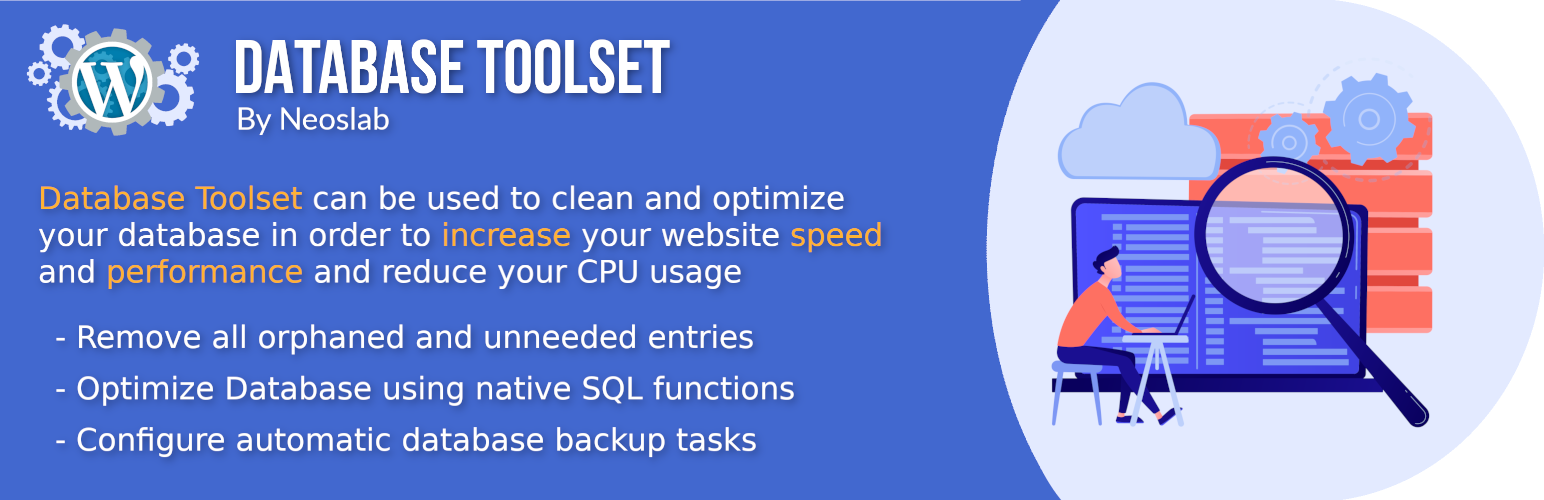
資料庫工具集可以通過刪除所有孤兒或不需要的條目,例如“短期數據”、“修訂版”、“自動草稿”、“孤立的文章元”等,幫助您保持資料庫的清潔和優化。
此外,資料庫工具集可以使用原生 SQL 函數來優化資料庫,從而提高網站性能,還可以用於組織定期備份資料庫,並將其保存在網站根目錄下。
資料庫工具集的主要功能包括:
從資料庫中刪除“修訂版”、“草稿”、“自動草稿”等項目。
從資料庫中刪除“已審核評論”、“垃圾評論”、“已刪除的評論”等項目。
從資料庫中刪除“孤立的文章元”、“孤立的評論元”、“孤立關係”和“儀表板短期餵線”等項目。
允許使用者使用本地 SQL 函數執行“優化過程”。
允許使用者配置自動備份資料庫,這些備份將保存在網站根目錄下。
許可證
好消息,本外掛對所有人免費!由於採用 GPL 發布,您可以在個人或商業網站上免費使用它。
外掛標籤
開發者團隊
📦 歷史版本下載
原文外掛簡介
Database Toolset can help you to keep your database clean and optimized by deleting all orphaned or unneeded entries such as “transient”, “revision”, “auto draft”, “orphan postmeta” and much more.
Furthermore Database Toolset can be used to optimize your database using the native SQL function in order to increase your website performance and can also be used to organize scheduled database backup which will be saved on your website root.
Major features in Database Toolset include:
Remove “revision”, “draft”, “auto draft” from your database.
Remove “moderated comments”, “spam comments”, “trash comments” from your database.
Remove “orphan postmeta”, “orphan commentmeta”, “orphan relationships” and “dashboard transient feed” from your database.
Allow user to perform an “Optimization Process” of his database using native SQL function.
Allow user to configure an automatic backup of the database which will be save in the website root.
License
Good news, this plugin is free for everyone! Since it’s released under the GPL, you can use it free of charge on your personal or commercial site.