內容簡介
Dashboard Welcome by PowerPack Elements(由 PowerPack Elements 提供)為你提供使用 Elementor 完全控制 WordPress 歡迎面板的選項。你可以使用 Elementor 創建內容和設計來個人化儀表板,例如添加標題、聯繫資訊、表單、影片、圖片、聯盟鏈接等。
此外,你還可以按照用戶角色顯示範本。
運作方式?
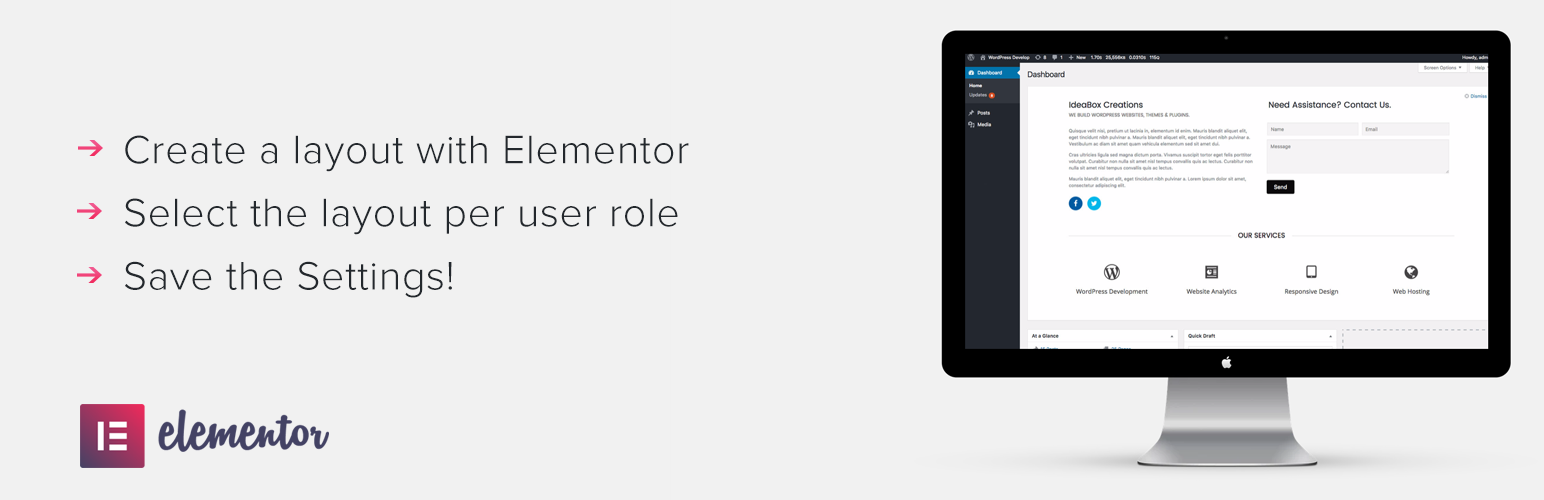
使用 Elementor 創建佈局。
轉到外掛程式設置,從下拉列表中為任何用戶角色選擇佈局。
保存設置。完成!
我們的其他 Elementor 外掛
PowerPack for Elementor(由 PowerPack Elements 提供)- 用 50 多種創意小工具擴展 Elementor 並創建美麗網站。
隱私政策
Dashboard Welcome for Elementor 使用 Appsero SDK(軟體開發套件)在用戶確認的情況下收集一些遙測數據。這可以幫助我們更快地解決問題並改進產品。
Appsero SDK 并不會通過默認方式收集任何數據。只有當用戶透過管理提示允許後,SDK 才開始收集基本遙測數據。我們收集這些數據是為了確保所有用戶都可以獲得良好的使用體驗。
整合 Appsero SDK 不會立即開始收集數據,除非得到用戶的確認。
了解更多有關 Appsero 收集和使用這些數據的信息。
外掛標籤
開發者團隊
② 後台搜尋「Dashboard Welcome for Elementor」→ 直接安裝(推薦)
原文外掛簡介
Dashboard Welcome by PowerPack Elements gives you full control over the WordPress welcome panel using Elementor. You can personalize the dashboard with content and design built with Elementor. You can add heading, contact information, form, video, images, affiliate links, etc.
PLUS, you can display a template as per the user role.
How this works?
Create a layout with Elementor.
Go to plugin settings and select the layout from dropdown for any user role.
Save the setting. Done!
Our other Elementor addons
PowerPack for Elementor – Extend Elementor with 50+ Creative Widgets and build beautiful websites.