內容簡介
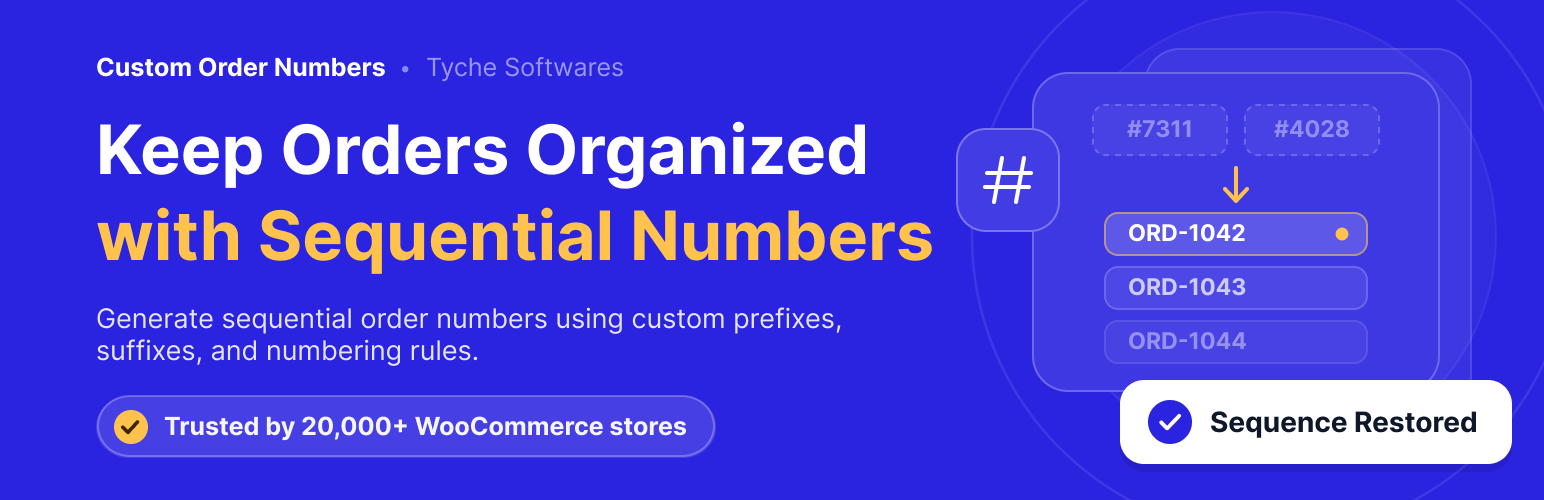
Custom Order Numbers for WooCommerce 讓您完全掌控訂單編號的生成方式。您可以選擇順序編號、使用 WooCommerce 訂單 ID,或根據 CRC32 雜湊生成隨機訂單編號,並可自訂前綴、包含訂單日期等。
【主要功能】
• 生成順序編號
• 繼續現有編號序列
• 自動重置訂單編號
• 添加有意義的前綴
• 重新編號現有訂單
• 輕鬆搜尋和追蹤訂單編號
外掛標籤
開發者團隊
② 後台搜尋「Custom Order Numbers for WooCommerce」→ 直接安裝(推薦)
📦 歷史版本下載
原文外掛簡介
Custom Order Numbers for WooCommerce gives you complete control over how order numbers are generated. Create sequential order numbers, use the WooCommerce order ID, or generate pseudorandom order numbers based on a CRC32 hash. You can also add prefixes, include the order date in the order number, choose a custom starting number, and automatically reset the numbering sequence on a daily, monthly, or yearly basis.
Key Features
Generate Order Numbers in a Sequence
Choose how new order numbers are generated. Use sequential numbering, WooCommerce Order IDs, or pseudorandom (CRC32 hash) values depending on your business requirements.
Continue Your Existing Numbering Sequence
Migrating from another platform? Starting a new financial year? Choose the number you’d like WooCommerce to begin using for future orders.
Automatically Reset Order Numbers
Restart your numbering sequence automatically to match your business workflow.
You can reset order numbers:
* Daily
* Monthly
* Yearly
This is particularly useful for accounting, financial reporting, and yearly record keeping.
Add Meaningful Prefixes
Make order numbers easier to identify by adding:
* Custom text prefixes
* Order date as a prefix
For example: WEB-10025, 2026-10025
Renumber Existing Orders
Already have WooCommerce orders? Use the built-in Renumerate Orders tool to assign custom order numbers to your existing orders, creating a consistent numbering system across your store.
Search and Track Custom Order Numbers Easily
Use custom order numbers to quickly find WooCommerce orders in the admin dashboard. Customers can also track their orders through the standard WooCommerce Order Tracking page by entering their custom order number.
Compatibility With Invoice Plugins:
Custom Order Numbers plugin is compatible with all popular invoice plugins such that the invoices created by those plugins will have the custom order numbers and not the original order id. Some of those plugins are:
WooCommerce PDF Invoices, Packing Slips, Delivery Notes & Shipping Labels
Print Invoice & Delivery Notes for WooCommerce
Invoices for WooCommerce
WooCommerce PDF Invoices & Packing Slips
Booster for Woocommerce
Challan – PDF Invoice & Packing Slip for WooCommerce
Common Use Cases
Custom Order Numbers for WooCommerce is ideal for stores that want to:
* Create sequential WooCommerce order numbers
* Continue order numbering after migrating from another ecommerce platform
* Add branded prefixes to order numbers
* Reset order numbers every month or year
* Organize orders for accounting or tax purposes
* Allow customers to track orders using custom order numbers
* Display custom order numbers on invoices and order documents
Documentation & Support
Visit the WordPress support forums
Check the documentation for common answers
Try the live demo to see how the plugin works on the storefront.
If you find the plugin useful, a ⭐ 5-star rating is always appreciated — it helps other store owners discover the plugin.
Looking for More Advanced Features?
Upgrade to Custom Order Numbers for WooCommerce Pro to unlock advanced order number templates, custom suffixes, configurable order number width, conditional prefixes and suffixes, manual order number counters, and additional customization options.
See the complete Lite vs Pro comparison: https://www.tychesoftwares.com/differences-between-pro-and-lite-versions-of-custom-order-numbers-for-woocommerce-plugin/
About Tyche Softwares
Tyche Softwares has been building WooCommerce plugins since 2009, helping merchants simplify order management, delivery scheduling, pricing, checkout customization, product personalization, and other essential ecommerce workflows.
Explore More WooCommerce Plugins
Tyche Softwares also develops plugins for abandoned cart recovery, order delivery scheduling, bookings, invoices and packing slips, custom order statuses, product input fields, BOGO offers, payment gateway fees, call for price, currency management, and other WooCommerce enhancements.
Some of our Pro plugins:
Flexi BOGO for WooCommerce
Abandoned Cart Pro for WooCommerce
Booking & Appointment Plugin for WooCommerce
Order Delivery Date Pro for WooCommerce
Product Delivery Date Pro for WooCommerce
Deposits For WooCommerce
Payment Gateway Based Fees and Discounts for WooCommerce – Pro
Custom Order Status for WooCommerce – Pro
Product Input Fields for WooCommerce – Pro
Call for Price for WooCommerce – Pro
Price based on User Role for WooCommerce – Pro
Currency per Product for WooCommerce – Pro
Some of our other free plugins:
Abandoned Cart for WooCommerce
Order Delivery Date for WooCommerce – Lite
Product Delivery Date for WooCommerce – Lite
Payment Gateway Based Fees and Discounts for WooCommerce
Custom Order Status for WooCommerce
Product Input Fields for WooCommerce
Call for Price for WooCommerce
Price based on User Role for WooCommerce
Currency per Product for WooCommerce
Feedback
We are open to your suggestions and feedback.
Thank you for using or trying out one of our plugins!
Please visit the plugin page.
External Services
This plugin communicates with our tracking server to send usage data only if the user has explicitly opted in to usage tracking. For detailed information about what is tracked, please refer to our usage tracking documentation.