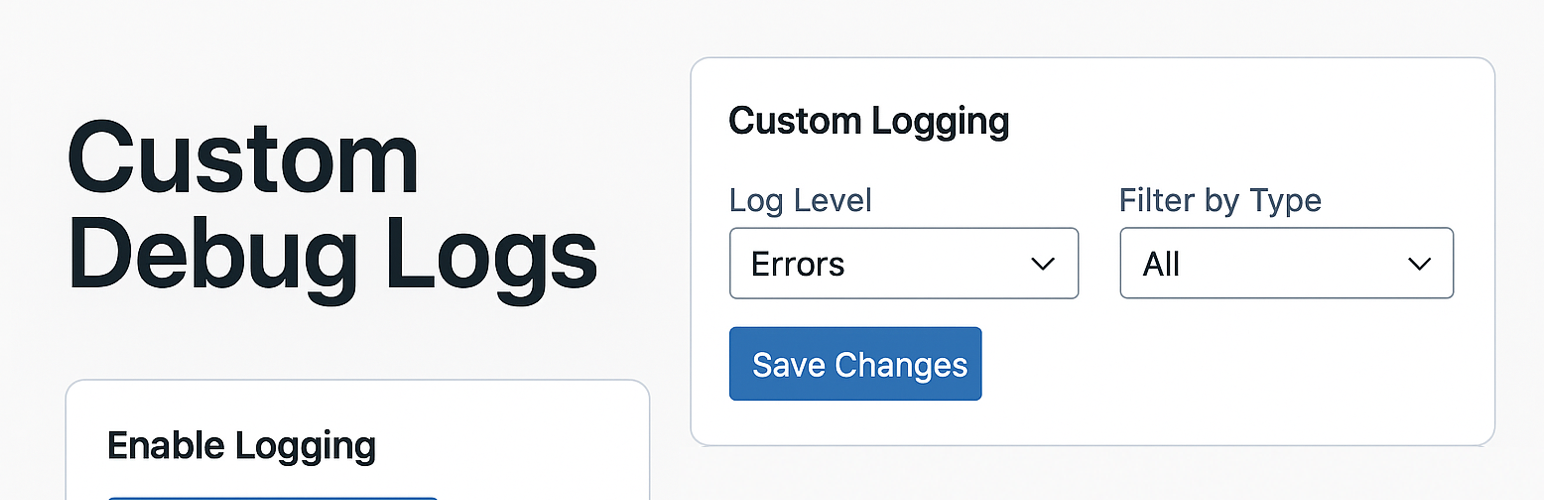
內容簡介
總結:Custom Logs 是一個強大且使用方便的外掛,旨在幫助 WordPress 開發人員和管理員有效地管理偵錯記錄。憑藉現代化界面,提供完整控制自訂和 WP_DEBUG 記錄,包括自訂目錄、記錄級別和即時 AJAX 過濾功能。
問題與答案:
1. 這個 WordPress 外掛的名稱是什麼?
答:Custom Logs。
2. 這個外掛的設計旨在幫助哪些人士有效地管理偵錯記錄?
答:設計旨在幫助 WordPress 開發人員和管理員。
3. 提及了哪些 key features(主要功能)?
答:Custom Log Management、WP_DEBUG Integration、Log Levels、AJAX-Powered Log Viewer、Backup and Clear Logs、Download Logs、Sleek UI。
4. 這個外掛的初始版本號是多少?
答:v1.0。
5. 如何開啟自訂記錄功能?
答:啟用自訂記錄並在 "Custom Logging" 下設置記錄級別。
6. 如何下載自訂或 WP_DEBUG 記錄?
答:在管理面板中使用 "Downloads" 區域來直接下載記錄。
7. 若要記錄自訂訊息,應在程式碼中使用什麼函數?
答:應使用 customdebug_log 函數。
外掛標籤
開發者團隊
📦 歷史版本下載
原文外掛簡介
Custom Logs is a powerful and user-friendly plugin designed to help WordPress developers and administrators manage debug logs efficiently. With a modern interface, it offers complete control over custom and WP_DEBUG logs, including custom directories, log levels, and real-time AJAX filtering.
Key Features
Custom Log Management: Define custom log file names and directories within the uploads folder.
WP_DEBUG Integration: Capture and redirect WP_DEBUG logs to a custom file.
Log Levels: Filter logs by severity (None, All, Errors, Warnings, Notices).
AJAX-Powered Log Viewer: Dynamically filter log entries by file and type without page reloads.
Backup and Clear Logs: Easily back up or clear logs with a single click.
Download Logs: Download custom or WP_DEBUG logs directly from the admin panel.
Sleek UI: A modern, responsive design with uniform input heights for a polished experience.
This is the initial release (v1.0), providing a robust foundation for log management with advanced features like AJAX filtering built-in from the start.
Usage
Enable Logging: Turn on custom logging and set a log level under “Custom Logging”.
Set Log Files: Specify custom log file names and directories under “General” and “WP Debug Logging”.
View Logs: Use the Log Viewer to select a log file and filter by type (e.g., Errors, Info) with real-time AJAX updates.
Manage Logs: Test, clear, back up, or delete logs from the “Management” section.
Download Logs: Use the “Downloads” section to save logs locally.
To log custom messages, use the custom_logs() function in your code:
`php
customdebug_log(“This is a test message”, “info”);