內容簡介
總結:Custom Image Login Logo 外掛讓您可以將預設的 WordPress 登入標誌替換為自己的圖片,提供許多自訂功能以確保在不同螢幕尺寸上正確顯示。
問題與答案:
1. 如何恢復至預設的 WordPress 標誌?
Q: 如何恢復至預設的 WordPress 標誌?
A: 只需停用外掛。
2. 這個外掛支援多站點嗎?
Q: 這個外掛支援多站點嗎?
A: 是的,它與 WordPress Multisite 相容。
3. 這個外掛支援翻譯嗎?
Q: 這個外掛支援翻譯嗎?
A: 是的!這個外掛完全支援翻譯。
外掛標籤
開發者團隊
原文外掛簡介
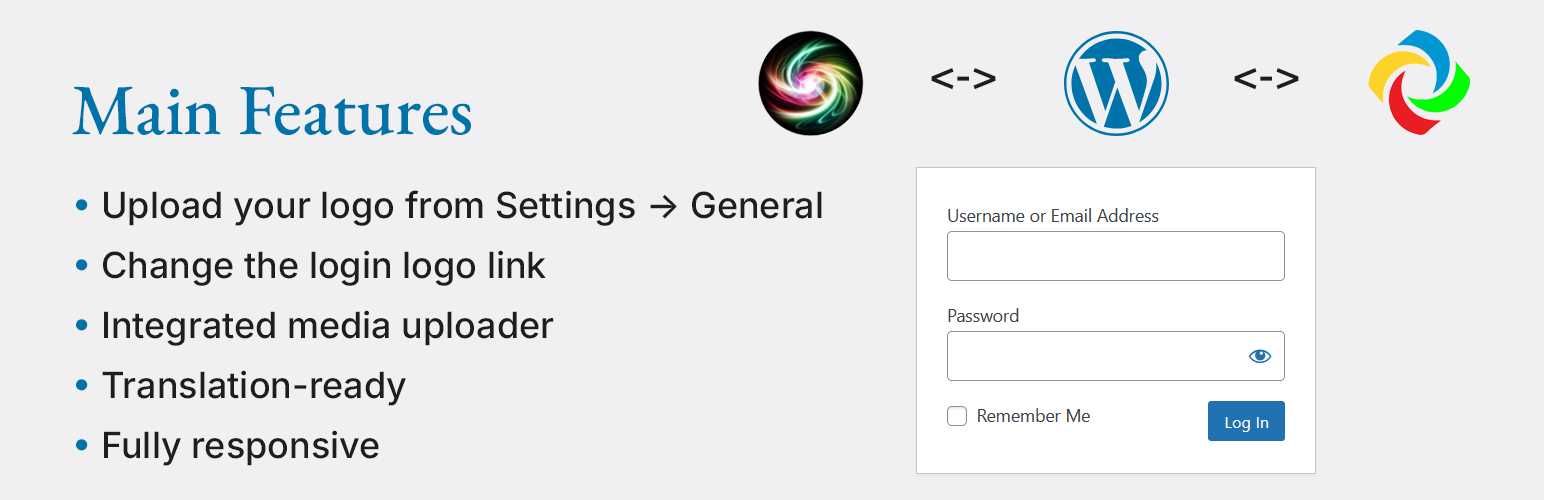
Custom Image Login Logo allows you to replace the default WordPress login logo with your own. You can upload a custom logo, change the logo’s link and remove title, and ensure it displays correctly on all screen sizes.
🎨 Main Features:
✅ Upload your logo from Settings → General
✅ Change the login logo link
✅ Fully responsive on mobile and tablet
✅ Translation-ready
✅ If no custom or theme logo is selected, the default WordPress logo is displayed
✅ Integrated media uploader – select images directly from the Media Library
✅ cill-admin.js – enhances media uploader functionality for better user experience
🆕 New in Version 1.4:
– Optimized CSS loading – styles are now loaded from a separate CSS file
– Fixed theme logo detection – now correctly applies the theme’s custom logo
– Enhanced sanitization – improved security for stored settings
– Integrated cill-admin.js – improves media library selection and image removal
– If no custom or theme logo is selected, the default WordPress logo is displayed
📌 Want to contribute a translation? Submit your translation via WordPress.org!
Usage
Upload your logo:
Navigate to Settings > General
Enter or select an image URL from the Media Library
Customize login page settings:
Set the login logo link (default: homepage)
Fallback to default WordPress logo:
If no custom or theme logo is selected, the default WordPress logo will be used
Use Media Library for logo selection:
cill-admin.js enables smooth integration with WordPress media uploader
Supports selecting, previewing, and removing images easily
How do I restore the default WordPress logo?
Q: How do I restore the default WordPress logo?
A: Just deactivate the plugin.
Is this plugin compatible with multisite?
Q: Is this plugin compatible with multisite?
A: Yes, it works with WordPress Multisite.
Does the plugin support translations?
Q: Does the plugin support translations?
A: Yes! The plugin is fully translation-ready.
Author
Volodymyr Hannibal
🌍 https://volhan.com
Ownership Verification: This plugin is officially developed and maintained by Volodymyr Hannibal (volhan) – https://volhan.com
If you find this plugin useful, please leave a ⭐⭐⭐⭐⭐ rating on WordPress.org!