內容簡介
使用此 WordPress 外掛可以建立自己的自訂變數,管理網站上的資訊,例如:
電話號碼
地址
社交媒體連結
HTML 片段
以及其他任何資訊
可以輕鬆地在 WordPress 和 PHP 中全域存取這些變數。
為什麼需要這個外掛
可以在一個地方更改像是電子郵件地址等跨多個頁面的資訊。避免在 WordPress 主題中硬編碼需要更新的資訊。
為什麼這個外掛更好
您的變數是本地儲存和檢索,不需要從資料庫呼叫。這意味著您的網頁載入速度更快!
可以從全域範圍輕鬆地在 PHP 中存取變數。
使用方法
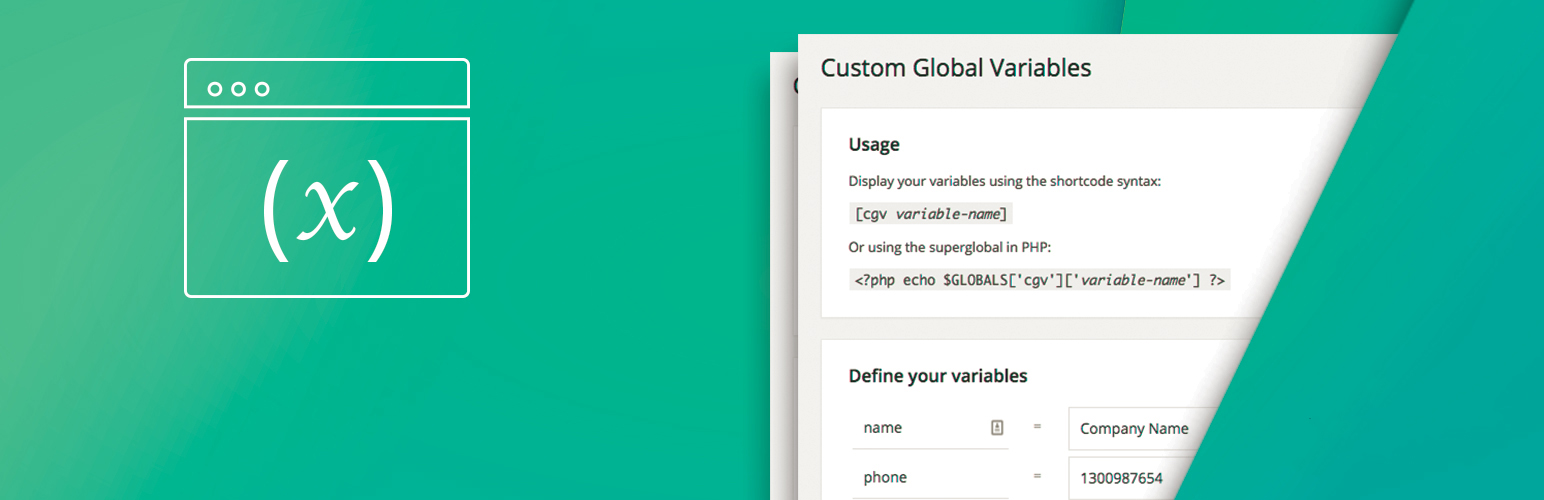
使用簡碼語法顯示您的變數:
[cgv variable-name]
或從 PHP 中使用超級全域變數:
<?php echo $GLOBALS['cgv']['variable-name'] ?>
外掛標籤
開發者團隊
原文外掛簡介
Create your own custom variables to manage information on your website such as:
Phone numbers
Addresses
Social media links
HTML snippets
And anything else
test
Easily access them globally in WordPress and PHP.
Why you need it
Rather than having to change something like an email address across multiple pages, you can do it in one place. Avoid the pitfalls of hard coding information in your WordPress theme that is likely to change.
Why it’s better
Your variables are stored and retrieved locally without any calls to the database. That means faster load times for your pages!
Variables can be accessed easily in PHP from the global scope.
Usage
Display your variables using the shortcode syntax:
[cgv variable-name]
Or using the superglobal in PHP: