內容簡介
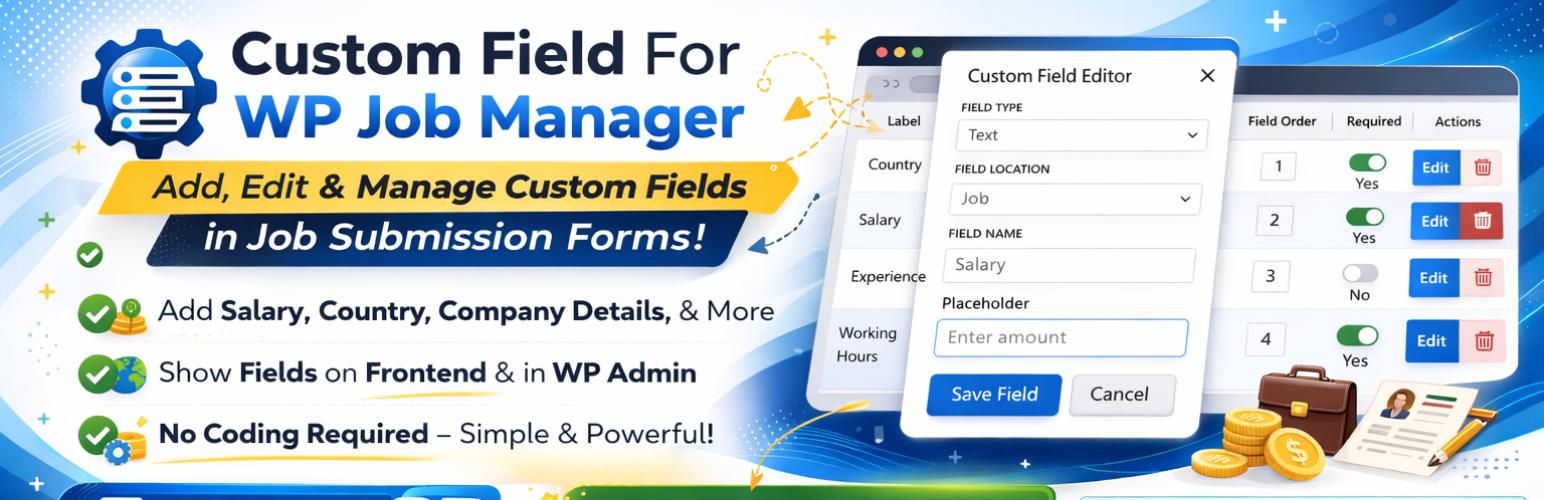
Custom Field For WP Job Manager 是一款強大、輕量且符合 SEO 的欄位編輯器,讓您能夠完全控制工作板的提交表單。無論是添加「薪資範圍」、「工作時間」或「所需經驗」,此外掛都能在幾秒鐘內輕鬆完成。
【主要功能】
• 支援 13 種以上的欄位類型
• 每個欄位都有進階設定選項
• 使用簡單的短碼在網站上顯示自訂欄位
外掛標籤
開發者團隊
② 後台搜尋「Custom Field For WP Job Manager」→ 直接安裝(推薦)
原文外掛簡介
Custom Field For WP Job Manager is a powerful, lightweight, and SEO-friendly field editor designed to give you full control over your job board’s submission forms. Whether you need to add a “Salary Range,” “Working Hours,” or “Required Experience,” this plugin makes it possible in seconds.
Why use this plugin?
Adding custom fields usually requires complex PHP coding and hooks. This plugin automates that entire process. It is built to be “developer-friendly” but “beginner-easy.” It uses standard WP Job Manager filters (submit_job_form_fields) to ensure 100% compatibility with your theme and other add-ons.
Essential Links
🌐 Live Demo
⚡ Upgrade to Pro
🛠️ Priority Support
Features
🛠️ 13+ Supported Field Types
Create a truly unique job board with a wide variety of input types:
* Text & Textarea: Perfect for titles, descriptions, or short notes.
* Number & Range: Ideal for salaries or percentage scales. (Pro)
* Email, URL, & Telephone: Capture contact info with built-in validation. (Pro)
* Select & Multiselect: Create dropdowns for categories or skill sets. (Pro)
* Radio & Checkboxes: Quick options for job types or “Agree to Terms.” (Pro)
* File Uploads: Allow candidates to upload resumes or portfolios. (Pro)
* WP Editor: Enable the full WordPress Rich Text Editor for long descriptions. (Pro)
⚙️ Per-Field Advanced Settings
Every field you create comes with a suite of customization options:
* Custom Placeholders: Guide your users on what to type.
* CSS Classes: Easily style fields to match your theme’s design.
* Input Constraints: Set Minimum, Maximum, and Step values for numeric data.
* Visibility Control: Toggle visibility for “Frontend Forms” vs “Admin Meta Boxes.”
* Custom Output: Use {label} and {value} placeholders to display data exactly how you want on the listing page. (Pro)
How It Works
Create: Go to the “Form Customizer” tab in your WP Admin.
Configure: Click “Add Field,” choose your type (e.g., Number), and set it as “Required.”
Display: The field automatically appears on your frontend job submission form.
View: Once submitted, the data is displayed on the single job listing page using your custom format.
Shortcode
You can display any saved custom field anywhere on your site using our flexible shortcode:
[cm_fieldshow key="_field_cfwjm13" job_id="123"]
key: The meta key of your custom field (e.g., _field_salary).
job_id: (Optional) Provide a specific Job ID, or leave blank to auto-detect the current post.
Developer Notes
For developers looking to extend the plugin:
* Storage: Fields are stored as a Custom Post Type (wpjmcf).
* Meta: All settings are stored as post meta using the _cfwjm suffix.
* Hooks: We use the standard submit_job_form_fields filter