內容簡介
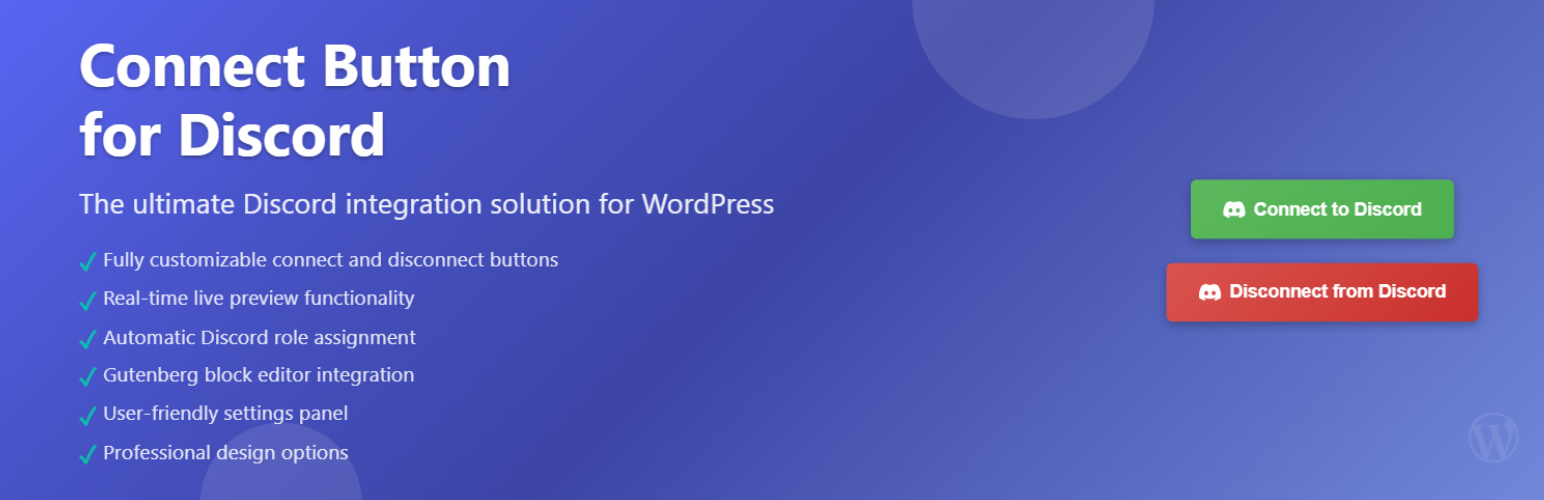
總結:Custom Connect Button Block for Discord 外掛在 WordPress 中新增了一個靈活的 Gutenberg 區塊,允許使用者從任何頁面或文章連接或斷開他們的 Discord 帳戶。該區塊可完全自訂(文字、顏色、樣式),並能顯示每個使用者的連接狀態,包括他們將被指定的 Discord 角色(透過整合附加元件)。
問題與答案:
1. Custom Connect Button Block for Discord 外掛可讓使用者在 WordPress 中的哪些地方進行 Discord 帳戶的連接或斷開操作?
- 可以在任何頁面或文章進行 Discord 帳戶的連接或斷開操作。
2. 這個外掛的設計特色有哪些?
- 可完全自訂「連接到 Discord」按鈕。
- 顯示已連接使用者的「斷開」按鈕。
- 動態顯示分配的 Discord 角色。
- 在編輯器中具有實時即時預覽和播放/停止切換。
3. 該外掛支援哪些附加元件,以實際整合 Discord(驗證和角色同步)?
- PMPro Discord Add-on
- ExpressTech MemberPress Discord Add-on
- Connect Ultimate Member to Discord
- Connect Tutor LMS to Discord
4. 這個外掛的源代碼在哪裡可以找到?
- 這個外掛的源代碼可在 GitHub 上找到。
5. 這個外掛是否會直接連接到外部 APIs?
- 不會直接連接到外部 APIs,而是透過支援的附加元件來處理與 Discord API 的所有通訊。
6. 外掛使用了哪個外部呼叫?
- 外部呼叫是使用 Discord CDN (https://cdn.discordapp.com/),用於顯示已連接使用者提供的頭像圖像。
- 發送的數據:無。
- 检索的數據:頭像圖像。
- 使用時機:僅當使用者已通過支援的附加元件連接到 Discord 時。
外掛標籤
開發者團隊
② 後台搜尋「Custom connect button block for Discord」→ 直接安裝(推薦)
原文外掛簡介
Custom Connect Button Block for Discord adds a flexible Gutenberg block that allows users to connect or disconnect their Discord accounts from any page or post.
The block is fully customizable (text, colors, text, styles) and can display each user’s connection status, including the Discord roles they will be assigned (via the integration add-on).
Unlike shortcodes, this block supports unique design variations per page and offers a real-time preview toggle directly in the editor, so you can instantly view the exact frontend output without publishing.
Features
– Add a fully customizable “Connect to Discord” button.
– Display a “Disconnect” button for already connected users.
– Show assigned Discord roles dynamically.
– Real-time live preview in the editor with Play/Stop toggle.
– No coding required – all options are visual in the block editor.
Supported Add-ons
This block requires one of the following plugins for the actual Discord integration (authentication and role sync):
– PMPro Discord Add-on
– ExpressTech MemberPress Discord Add-on
– Connect Ultimate Member to Discord
– Connect Tutor LMS to Discord
This plugin’s source code is available on GitHub.
Contributions and bug reports are welcome.
External services
This plugin does not connect to external APIs directly.
Instead, supported add-ons (listed above) handle all communication with the Discord API.
Optional external call used by this plugin:
– Discord CDN (https://cdn.discordapp.com/) — to display a connected user’s avatar image, if provided by the add-on.
– Data sent: None.
– Data retrieved: Avatar image.
– When: Only when the user is already connected to Discord through a supported add-on.
For more details:
– Discord Terms of Service
– Discord Privacy Policy