內容簡介
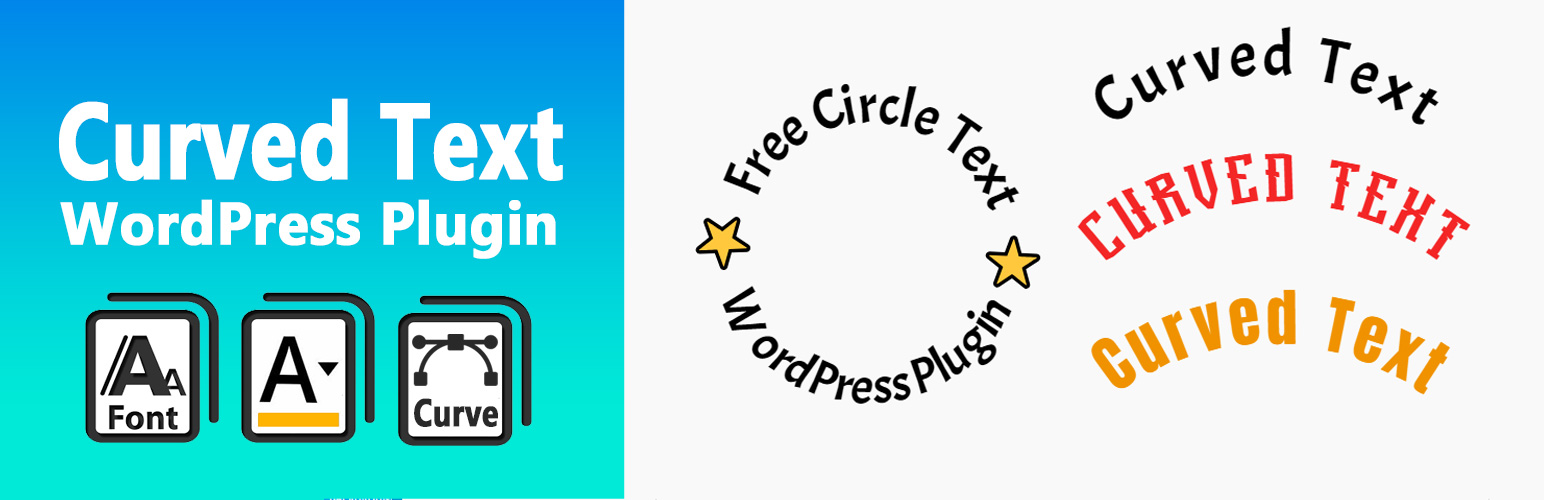
**總結:** Curved Text Block 是一個自定義 Gutenberg 區塊外掛程式,讓您可以輕鬆將曲線文字添加到內容中。非常適合標題、設計元素,或強調關鍵詞語並賦予視覺效果。
**問題與答案:**
1. Curved Text Block 是什麼?
- Curved Text Block 是一個自定義 Gutenberg 區塊外掛程式,讓您可以輕鬆將曲線文字添加到內容中。
2. 這個外掛程式有哪些使用場景?
- 它非常適合用於標題、設計元素,或強調關鍵詞語並賦予視覺效果。
3. 這個外掛程式如何自定義?
- 您可以調整半徑、方向、對齊方式等設定,使其高度可定制化。
4. 如何快速創建曲線文字並轉換為圖像或SVG?
- 您可以嘗試使用 Curved Text Generator,這是一個免費線上工具,可用於輸出曲線文字設計。
5. 如何開發 Curved Text Block 外掛程式?
- 源文件包含在 /src 目錄中,您可以使用 npm 和 webpack 將最終生產代碼構建到 /build 中。 若要從源代碼構建:
1. 執行 npm install
2. 執行 npm run build
外掛標籤
開發者團隊
原文外掛簡介
Curved Text Block is a custom Gutenberg block plugin that allows you to easily add curved text to your content. It’s perfect for headings, design elements, or emphasizing key phrases with visual flair.
Created by @codingdude, this block is simple to use and highly customizable — adjust radius, direction, alignment, and more.
If you’re looking to quickly create curved text as an image or SVG, you can also try the Curved Text Generator — a free online tool for exporting curved text designs.
Development
The original (non-minified) source files for this plugin are included in the /src directory.
You can use npm and webpack to build the final production code in /build.
To build from source:
Run npm install
Run npm run build